
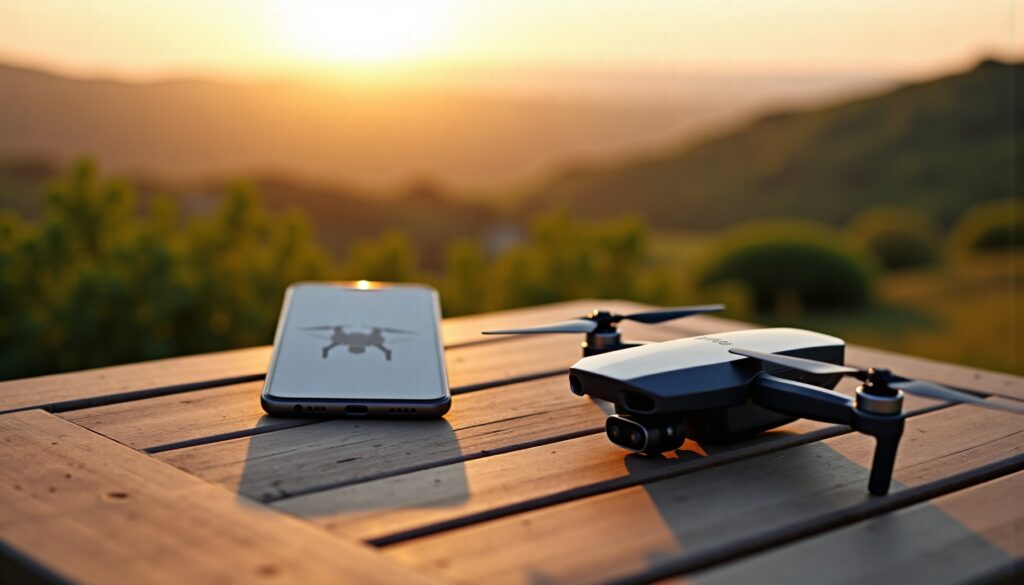
At a time when drones have become indispensable tools for both enthusiasts and professionals, mastering pairing with a smartphone is a key step to multiply their capabilities. Thanks to your phone, it is now possible to pilot, program, and track your drone’s aerial images in real time, creating an immersive and interactive experience. Yet, despite this technological advancement, the connection between these two devices sometimes remains a source of frustration, with incompatibilities, complex settings, and communication issues. This ultimate guide invites you to discover in depth all the essential steps to successfully pair your drone with your phone, relying on best practices, valuable tips, and a decoding of current technologies. From choosing applications, connection methods, and solutions to resolve technical difficulties, dive into a practical tutorial that will allow you to make the most of your drone in 2026, whether it is to capture spectacular shots or simply enjoy intuitive piloting.
The pairing process is primarily a matter of compatibility and preparation. By ensuring that your smartphone can effectively communicate with the drone, a large number of setbacks are already avoided. With the rapid evolution of models and operating systems, this step becomes even more important. Next, the appropriate selection of dedicated apps plays a major role in the quality of the connection and accessible features. WiFi, Bluetooth, or transmission via remote control by cable, each option offers advantages and limits that should be known to adapt to your use, from simple initiation to complex aerial missions. Finally, by adopting the right reflexes to untangle common problems with settings and adjustments, your flight experience becomes smoother, safer, and stress-free. This guide thus brings together all the keys to turn your phone into a true flight cockpit, an indispensable element to push the boundaries of photography and drone piloting with ease.
Check compatibility between your drone and your phone: a crucial step before pairing
Before attempting pairing, the first thing to do is to ensure that your drone is compatible with your smartphone. This step is often overlooked, yet it is fundamental. Drone manufacturers generally provide an official list of smartphones compatible with their hardware, taking into account operating systems, software versions, and hardware capabilities such as processor power or RAM. For example, some drones can only connect with devices running Android 11 or iOS 15 minimum.
Beyond the operating system, compatibility can also involve connectivity standards. In 2026, most modern drones favor connection via direct WiFi or Bluetooth Low Energy (BLE), but some professional models still require the use of wired remote controls to ensure a stable and secure link. Furthermore, the size of your phone’s screen and resolution can influence the quality of the piloting interface display, which is crucial for an optimal experience.
Another often overlooked aspect is official applications. Each manufacturer develops a dedicated app – DJI Fly for DJI, FreeFlight for Parrot, or Autel Sky for Autel Robotics – which allows easy control of the drone via your phone. So check that your device can download and run the corresponding app. In some cases, specific versions are required, especially for tablets or certain economical smartphone models.
Additionally, it is also important to verify your phone’s network performance. A stable WiFi connection without major interferences is essential to maintain smooth and responsive pairing. To do this, avoid using other devices simultaneously connected to the same network or being in an environment saturated by radio signals, such as dense urban centers. Testing beforehand with the app can also reveal the quality of your link before takeoff.
Moreover, restrictions related to security and privacy integrated into some operating systems must be taken into account. For example, iOS 16 and earlier include various permissions to validate to allow access to location, camera, or storage, necessary for the proper functioning of the drone app. On Android, versions 12 and later may require specific configuration to authorize data transfer via direct WiFi or Bluetooth. It is therefore crucial to read notifications carefully and configure your phone correctly before proceeding further.
In summary, here is an essential checklist to validate before starting the pairing process:
- Check smartphone compatibility with the drone brand and model.
- Install the latest version of the manufacturer’s official app.
- Update your phone’s software, especially the operating system.
- Verify permissions and privacy settings necessary for the app.
- Test the WiFi signal strength and limit interferences in the environment.
- Ensure sufficient storage space and a fully charged battery.
Not carefully attending to these steps can lead to connection failures, slowdowns, or chaotic drone handling during flight. Experience shows that enthusiasts who pay attention to this preparation see their successful and enjoyable flight sessions multiply, without technical inconvenience. Your phone, well prepared, will then become the essential element of your piloting setup.
Essential apps to pilot a drone via phone: selection and installation
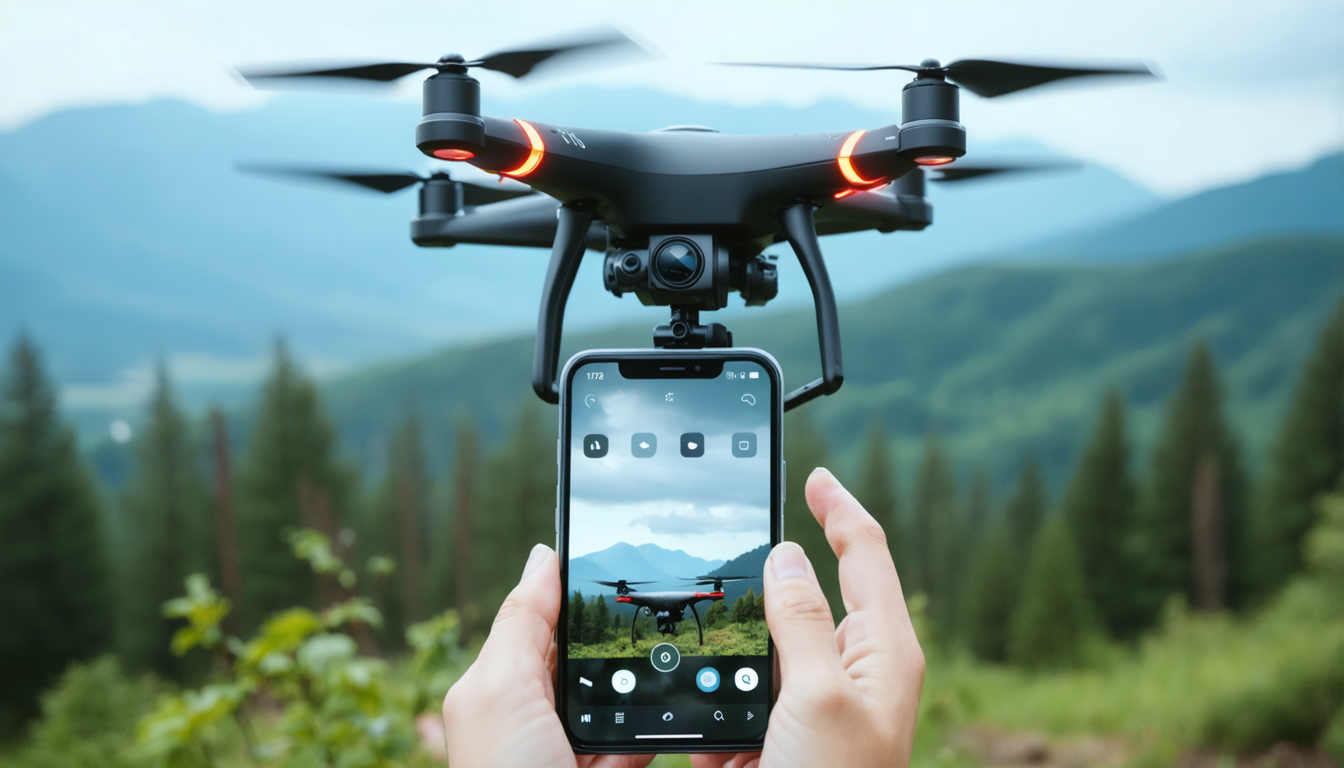
Once compatibility is confirmed, the next step in this pairing guide is to choose and install the ideal apps to efficiently pilot your drone from your phone. These apps, often free, serve as an essential bridge between your device and your drone, offering a multitude of features ranging from simple control to complex flight programming.
Most manufacturers offer a proprietary app, customized to optimize the user experience. For example, DJI Fly offers a user-friendly interface with drone management, camera controls, intelligent flight modes, and real-time feedback. Parrot FreeFlight, on its side, provides an intuitive approach with integrated tutorials and smooth control for beginners.
Beyond this official app, it is also recommended to install complementary tools to improve flight preparation and safety. UAV Forecast is a great example, providing precise weather data and alerts on conditions that may affect your drone’s stability. Thus, you avoid taking risks with strong winds or unexpected precipitation that could compromise device safety.
For those particularly interested in aerial photography, Sun Surveyor, also available on smartphones, allows anticipating the sun’s position to optimize natural light during shooting. Coupled with Google Earth, it becomes possible to precisely scan flight zones and design routes adapted to landscapes or areas of interest. These tools create a powerful technological synergy for methodical and successful piloting.
It should be noted that the effective installation and use of these apps require a certain level of expertise, especially in managing connection settings (WiFi, Bluetooth), image and video storage, but also in understanding the flight modes offered by these software. Without proper mastery, the experience can quickly become frustrating or tedious.
Here is a clear list of recommended apps and their advantages to facilitate pairing:
- Official drone app: main control, diagnostics, flight modes and camera.
- UAV Forecast: weather tracking, wind alerts, and climatic conditions.
- Sun Surveyor: photographic planning via solar observation.
- Google Earth: terrain reconnaissance and route planning.
Before starting your next flight session, regularly checking for updates of these apps is essential. This ensures bug fixes, improved connection stability, and integration of the latest features. In 2026, updates often happen automatically, but take a moment to make sure nothing blocks this process. Clean and up-to-date, your piloting interface will be more responsive and intuitive.
Different connection methods between drone and phone: comparison and practical advice
The connection between your drone and your phone mainly relies on three technologies in 2026: direct WiFi, Bluetooth, or link via a remote control connected by cable. Choosing the right method depends both on your equipment, your expectations in terms of range and reliability, as well as the ease of use you are looking for.
Direct WiFi is probably the most widespread method today. Easy to set up, it generally does not require additional hardware other than your drone and your phone. Once the drone is turned on, it creates a WiFi network to which the smartphone connects directly. This method is ideal for short flights, often within a radius of 50 to 100 meters, and offers latency low enough for responsive piloting.
On the other hand, its main limitation is sensitivity to interference, especially in urban areas heavily congested by other WiFi networks or electronic devices. Sporadic cuts can appear and disrupt your flight. Additionally, if the drone or phone battery is insufficient, the connection can be quickly compromised.
Bluetooth is another possible technology, but it is much less used in 2026 for drone piloting. Its maximum range is much more limited (only a few meters), which limits its interest to very particular uses or learning. In return, its low battery impact and easy pairing make it an occasional choice for some very lightweight models.
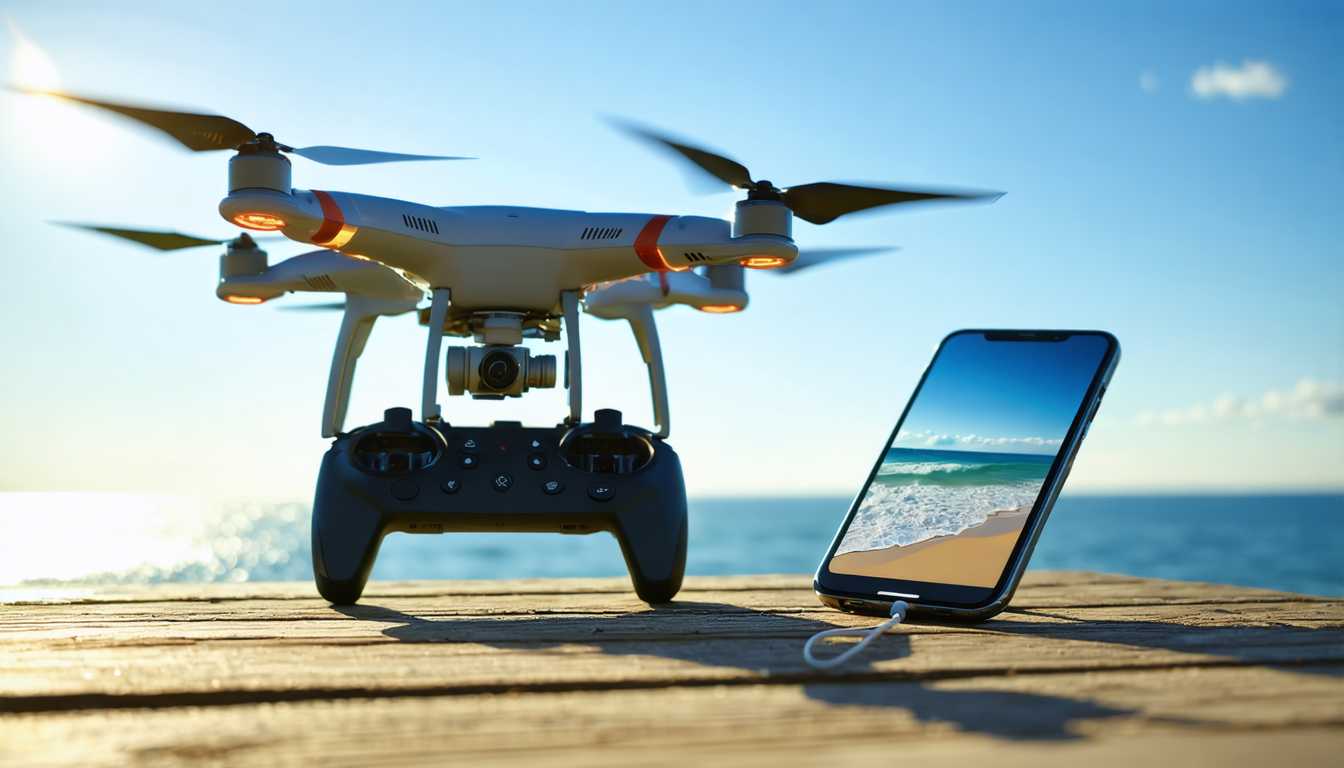
The third method, the most robust, is connection via remote control which connects to the smartphone by cable (USB-C, Lightning, or micro-USB depending on your phone). This system offers the best connection stability, with a range that can reach several hundred meters, and resistance to external interference. However, it remains more complex to implement, as it requires an additional purchase of a compatible remote and sometimes tricky initial configuration.
| Connection type | Advantages | Disadvantages |
|---|---|---|
| Direct WiFi | Simple installation, no additional hardware required | Limited range (50-100 m), sensitive to interferences |
| Remote control + cable | Extended range, stable connection resistant to disturbances | Additional hardware required, more complex to configure |
| Bluetooth | Low energy consumption, quick pairing | Very limited range, rare for drones |
Tests carried out by many professional pilots in 2026 show that the remote control + cable combination remains the benchmark for outdoor flights requiring precision and reliability. Meanwhile, for recreational or urban flights, direct WiFi continues to appeal for its simplicity and immediacy, although caution is necessary about disconnections.
Detailed procedure to connect your drone to your smartphone: step by step guide
The entire pairing process may seem intimidating at first, but by carefully following these steps, you will have a solid connection to pilot your drone via phone. Here is a clear and structured tutorial to guide you:
- Download and install the official app corresponding to your drone model from the App Store or Google Play.
- Turn on your phone and activate WiFi or Bluetooth, depending on the intended method.
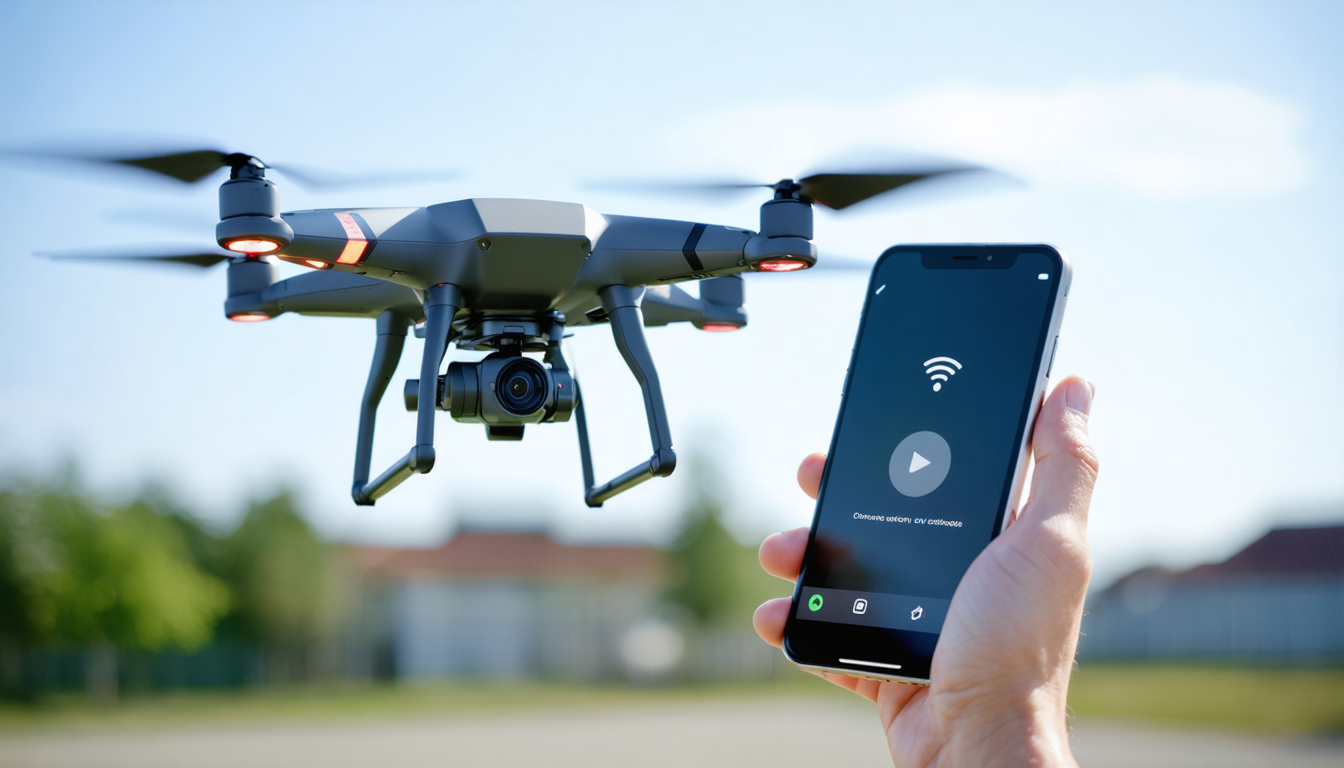
- Power on your drone; it should begin emitting a network signal.
- On your phone, open connection settings and connect to the drone’s WiFi network or pair it via Bluetooth.
- Launch the piloting app; it will automatically detect the drone and can start communication.
- Follow on-screen instructions to calibrate controls, check battery status, and prepare the drone for takeoff.
If you are using a remote control as an intermediary:
- Connect the remote control to your smartphone using the appropriate cable.
- Turn on the remote control first, then the drone.
- Open the app and log into your account, if necessary.
- Pairing is usually automatic, otherwise follow the precise instructions given in the device manual.
An often overlooked tip is to always use a cable capable of transferring data and not just charging. Many low-quality cables are exclusively electrical and will not work for pairing. This detail can save you valuable time during your trials.
By following this step-by-step guide, the connection between your drone and your phone will no longer be a mystery, and your piloting experience will be greatly improved.
Settings to configure for optimizing the WiFi connection between drone and phone
Once the connection is established, it is crucial to master the settings to ensure reliable communication between your drone and your phone. Direct WiFi, although very convenient, requires some specific adjustments to maximize range and reduce interference.
Among the first settings to adjust, the choice of WiFi channel used by the drone is decisive. Channels 1, 6, and 11 are the most commonly used because they avoid overlapping. Some drones now offer an auto-optimization function for the channel according to radio environment, which is a significant gain in dense urban areas. Don’t hesitate to check in the app options if this function is activated.
The WiFi transmission power can also be adjusted depending on models. By reducing power, interference is limited, but range decreases. Conversely, at maximum, range increases but this may attract more interference, especially in saturated areas. It is up to you to find the best balance according to your environment.
Another often neglected setting concerns automatic WiFi management on your phone. Indeed, some smartphones disable WiFi when they detect a weak signal or lack of Internet access – yet your drone’s network does not provide Internet access, which can cause automatic disconnection. To avoid this, this option (often called “automatic WiFi disabling” or “Smart Network Switch”) must be disabled in the advanced WiFi settings.
Here is a practical list of settings to check or modify to stabilize your connection:
- Activate auto-optimization of WiFi channel in the drone app.
- Adjust WiFi transmission power to limit interferences.
- Disable automatic WiFi shut-off when no Internet access.
- Set notifications to stay informed of signal variations.
- Regularly check app updates to integrate network optimizations.
A final tip: if you are outdoors and your connection is unstable, move closer to the drone and change position. Sometimes, a simple movement of a few meters can drastically reduce disturbances. Over time, these settings will make your phone a truly flawless remote control.
Troubleshooting: how to solve common connection problems between drone and phone
Despite all precautions taken, pairing problems between a drone and a phone are not uncommon. Here is an overview of the most frequently encountered difficulties, accompanied by ways to solve them quickly.
Problem: the phone does not detect the drone’s WiFi network.
This blockage may result from a low battery preventing the drone from emitting its signal, a software bug, or misconfigured WiFi settings. In this case, turn off and then turn on both devices. If it persists, disable and then reactivate WiFi on the phone and check that the drone has fully started.
Problem: connection establishes but is unstable or frequently drops.
Interferences are the most common cause in this case. Try flying in a less populated area or reduce the drone’s WiFi power. Also check that other devices are not saturating the WiFi channel. Restarting the home router or disabling the phone’s Bluetooth can sometimes improve the situation.
Problem: the app crashes or refuses to launch.
An outdated or corrupted app is often the reason. Update the app via the official store or uninstall then reinstall it. It is also wise to clear the app’s cache to remove any corrupted data.
Here is a summary list of troubleshooting steps to clarify your actions:
- Complete restart of the drone and phone.
- Verification and reset of WiFi and Bluetooth settings.
- Reinstallation or update of the drone app.
- Reduction of sources of electromagnetic interference.
- Use a certified cable for pairing via remote control.
- Consultation of the manual and user forums for specific cases.
In all cases, patience and method are your best allies. Once the connection is stabilized, you will be able to fully enjoy all the features and sensations offered by your drone and its pairing with your smartphone.
Safety tip during pairing: remove the propellers and check flight zones
An often underestimated but essential aspect at each connection session between your drone and your phone is safety. When you test or perform the first steps of pairing, it is advisable to remove the propellers. This precaution avoids any accidental motor start which could cause injury or damage equipment.
Performing this operation in a secure environment is just as essential. Prefer an open area without nearby obstacles, or better still, a soft surface. This helps avoid risks related to involuntary commands or sudden loss of control during initial trials.
As soon as the connection is stable, take a moment to precisely identify your flight zone, respecting local regulations and spaces forbidden to drones. Piloting via smartphone often allows real-time visualization of maps with integrated regulatory information, especially in official apps. Also check weather conditions, thanks to UAV Forecast or other apps, to avoid flying in strong winds or rain.
By following these safety tips, you not only benefit from an effective connection between drone and phone, but also from a responsible practice for yourself and those around you. Technology, well mastered, becomes a true asset to fully enjoy your flights in complete peace of mind.
Prediction of future advances: towards more intuitive and automated pairing in 2026
Finally, looking ahead at the future of drone-phone pairing reveals promising prospects. In 2026, advances in artificial intelligence and networking should make connections smoother, more transparent, and almost automatic. Systems will be capable of instantly identifying compatible devices and pairing them without manual intervention.
Dedicated apps will integrate more predictive features, such as automatic detection of risk zones, intelligent battery management in real time, and even optimization of routes based on instantaneous weather conditions. WiFi 7 and widely deployed 5G technologies will offer ultra-fast communication speeds with near-zero latency, ideal for critical missions.
At the same time, integration of drones into home automation and professional ecosystems will develop, making smartphone use even more practical, with customizable interfaces and expanded compatibility with various connected peripherals.
This evolution invites every user to stay informed and continually learn, transforming pairing into a simple formality, and unlocking the full power offered by modern drones in 2026 and beyond.




