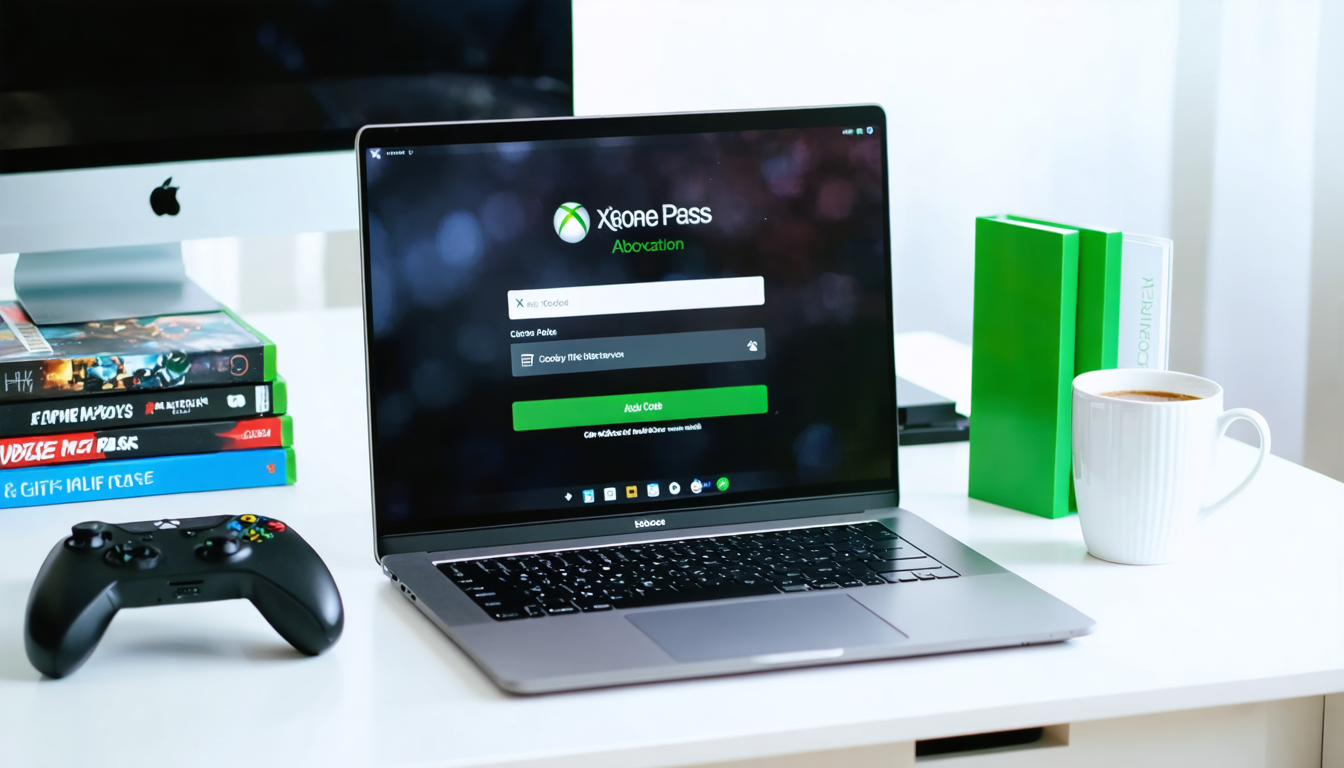
In the dynamic world of video games in 2026, Xbox Game Pass establishes itself as an essential solution for gamers wishing to access a vast library of recent and classic titles without investing in each game individually. The range of options offered by this multi-device subscription combines flexibility and accessibility, but its optimal use primarily requires a successful activation of the Xbox Game Pass gift code on PC. Whether you are an experienced player familiar with the Microsoft platform or a newcomer looking to quickly enjoy your first subscription, this practical guide supports you at every step to turn your gift code into a concrete and operational subscription.
Faced with the multitude of available methods, the ease of exchange via the native Xbox application on Windows or via the microsoft.com/redeem website is often little known, which can cause frustration and errors. Moreover, understanding the nuances related to activation – such as considering geographical restrictions, managing a correct Microsoft account, or the differences between gift cards intended for Game Pass and those for the Microsoft Store – is essential. This guide does not just offer a tutorial but also dives into the exclusive benefits related to the subscription, precautions to take before any activation, as well as the Microsoft tools available in case of issues.
Throughout the sections, you will discover practical advice, detailed steps, concrete examples to avoid common mistakes, and even a comparison of different activation methods based on your user profile. The richness of the content will help you better understand not only the redemption procedure but also the associated bonuses – notably exclusive discounts on the Microsoft Store or benefits in certain popular games. In short, this practical guide is a valuable resource to optimize your Xbox Game Pass experience on PC.
Essential steps to activate an Xbox Game Pass gift code on PC via the Xbox app
Activating an Xbox Game Pass gift code on PC usually goes through the native Xbox application on Windows, an ergonomic and fast solution. This method, aimed at the majority of Windows users, offers an intuitive interface where every action is guided, thus minimizing the risk of error.
To begin, launch the Xbox app. If it is not already installed, go to the Microsoft Store to download it quickly. Once opened, you will notice your profile clearly displayed in the upper left corner. Clicking on this profile is the first step to access the menu that will allow you to enter your code.
In this menu, an option titled “Redeem a code” takes you to a window dedicated to entering the 25-character code. Every character counts, and particular attention is required to avoid confusing similar letters or omitting the hyphens often present in the codes. This rigor is essential since the code must be entered respecting the difference between uppercase and lowercase letters, a detail that can cause frustrating errors.
After carefully entering the code, click “Next”. The app then proceeds to validate the code. If it is valid and corresponds to your Microsoft account, the subscription or credit linked to your gift card is immediately added. Depending on the type of code, this may be a subscription to Xbox Game Pass, credit to purchase games or additional content on the Microsoft Store, or even a game key.
This method via the app has a major advantage: it integrates perfectly into the Windows ecosystem, meaning your games, subscriptions, and purchased content are automatically synchronized with your account. Thus, upon activation, you can launch your games directly on your PC without any additional steps.
For example, imagine a player named Lucas who received his first Xbox gift code for his birthday. He simply opened the Xbox app, followed the described steps, and started the adventure without having to search through the maze of the Microsoft site. Later, he discovered that some bonuses linked to the Game Pass, such as exclusive discounts or benefits in popular titles, activated automatically, enriching his gaming experience.
This intuitive approach also includes a certain security by avoiding phishing or suspicious third-party sites. By activating your gift code exclusively via the official Xbox app, you reduce fraud risks, which is a priority in 2026 given the many scams in the digital domain.

How to use the official microsoft.com/redeem website for quick activation of your Xbox Game Pass gift code
Sometimes, you don’t have the Xbox app at hand or simply prefer a quicker and cleaner method. The official site microsoft.com/redeem then stands out as a choice alternative for activating your Xbox Game Pass gift code on PC.
This web platform has the advantage of working on all modern browsers, thus offering the freedom to activate a code wherever you are, provided a reliable internet connection. The prelude remains the same: you must first sign in to your Microsoft account. This is where attention is crucial – the code must not be redeemed on any account other than the one intended to receive the subscription or credit.
Once signed in, the page presents you with a clear and visible field designed for entering the 25-character code. The procedure remains the same as with the Xbox app: strict respect for uppercase letters, hyphens, and no typing errors. Then click “Next”, and the system immediately verifies the validity of the code.
When everything is correct, the subscription or credits are credited to your Microsoft account, ready to be used in the Microsoft Store to purchase games, expansions, or any other related product. For those who use several devices, this synchronization via the Microsoft account guarantees seamless content access, whether you are on PC, Xbox console, or a compatible mobile device.
This method is perfectly suited for people who, for example, receive their gift code by email or have it in printed form when they are traveling. In a context where digital dominates access to video game content, being able to quickly activate your subscription via a simple browser is a significant advantage.
Here is a summary table of the compared advantages of the various activation methods:
| Activation Method | Main Advantages | Recommended User Profile |
|---|---|---|
| Xbox Application on Windows | Native integration, fast and secure activation | Regular Windows PC users |
| Site microsoft.com/redeem | Accessible everywhere, no installation needed | Occasional or multi-device users |
| Xbox Console | Easy activation directly from the console | Players on Xbox console and PC |
| Microsoft Store at checkout | Immediate use during purchases | Instant buyers of digital games |
Multi-platform access remains a strong point of Xbox Game Pass in 2026, so taking advantage of activation methods adapted to your context maximizes your actual gaming time. The activation website remains a fast, practical, and secure tool, often underestimated by newcomers.
The many benefits linked to the Xbox Game Pass subscription after gift code activation
Beyond simple activation, it is crucial to understand what the Xbox Game Pass subscription really offers you. This subscription revolutionizes the concept of ownership in video games by offering a rich and constantly renewed library of over 50 titles available for streaming or download.
By activating your gift code, you unlock unlimited access to this catalog, including hits like Fallout 76, Gears 5, or even exclusive new Xbox Game Studios releases. This service provides unprecedented freedom in 2026, in an era where video games are shifting towards more flexibility and dematerialization.
Another important advantage is the ability to play on multiple devices with the same subscription: Windows PC, Xbox console, or compatible mobile devices. This multi-screen interaction allows you to start a game at home on PC and continue it on the go on your smartphone via cloud gaming, without losing progress.
Additional bonuses enhance the user experience:
- Exclusive discounts on the Microsoft Store, reserved for Game Pass subscribers, allowing you to buy games or expansions at a reduced price.
- In-game benefits in some very popular titles like League of Legends or Call of Duty: Warzone, with free additional content or experience boosts.
- Online multiplayer access on console to enjoy social and competitive features.
- Rewards program cumulating playtime and purchases to unlock additional Microsoft Store bonuses.
To illustrate, take the example of Sophie, a fan of action games. After activating her Xbox Game Pass code, she was able to explore a variety of genres without additional investment, discovering titles she would not have bought otherwise. Thanks to exclusive discounts, she eagerly awaited the release of a major DLC finally available at a reduced price, thus extending her gaming pleasure.

Essential precautions to know before activating your Xbox Game Pass gift code
Despite the apparent simplicity of the activation process, several points of attention must be strictly followed to avoid inconveniences.
First, verifying the Microsoft account is crucial. Your subscription will be permanently linked to this account, and there is no possibility of transferring a code or content between multiple accounts. Activation on the wrong account would therefore result in irretrievable loss. A common story is that of a player who asked a close one to activate his code on their machine but inadvertently used that close one’s profile. The code was then lost for the original beneficiary.
Next, geographical restrictions must be taken into account. Microsoft applies limits according to regions, which can block the use of certain gift cards. For example, in 2026, the Xbox Game Pass service is not available in some countries like Russia or requires strict age conditions in Japan. Be sure your region is eligible before starting activation.
Keep in mind that the gift code is unique and single-use, just like promotional codes. Multiple use is impossible, and any attempt at double activation will be systematically refused by the system.
Finally, in case of technical problems, Microsoft offers easy-to-access online support. The help section contains resources to guide you through code reset if you believe you made an error, although this option is limited to specific cases. For problems related to incorrect code purchases, the best course is to contact the original retailer.
To summarize, here is a list of precautions before activation:
- Confirm the Microsoft account on which you want to activate the code.
- Verify the geographical eligibility of Xbox Game Pass and the gift code.
- Respect the entire code with no typing errors, following uppercase, lowercase letters, and hyphens.
- Do not disclose your code to third parties to avoid fraud.
- Contact Microsoft support in case of technical problems related to activation or reset.
Common error during activation of an Xbox Game Pass code on PC and how to avoid them
Many 2026 users encounter obstacles related to the entry or validation of gift codes. These errors mainly stem from a lack of knowledge of the system’s operation or negligence in input.
The first frequent error source lies in the poor management of code characters. It is imperative to differentiate similar numbers and letters, like 0 and the letter O, or 1 and the lowercase letter l. Such confusion will result in an error message indicating the code is invalid.
Next, users often do not consider the region of code purchase. A code bought outside the geographic zone associated with the Microsoft account will be automatically rejected. Moreover, Xbox Game Pass may have specific restrictions, for example, a subscription exclusively intended for European or American residents. Thus, a Belgian player will not be able to activate a code intended for the United States.
Finally, a regrettable mistake is trying to activate a code multiple times after a first failure, risking temporarily locking the account or the code. In case of doubt or an error message, it is advisable to consult online help or directly contact Microsoft support to avoid worsening the situation.
To avoid these problems, here is a simple guide:
- Carefully re-read your code.
- Check the purchase and usage region correspondence.
- Use only official Xbox or Microsoft platforms for entry.
- Do not try to reuse a code already redeemed.
- Refer to technical support if uncertain.
Steps to renew or extend your Xbox Game Pass subscription thanks to a new gift code
Obtaining an Xbox Game Pass subscription via a gift code is good, but extending or renewing it without wasting time is just as essential. Microsoft has simplified this process by allowing users to redeem several codes cumulatively, thus lengthening the total duration of their subscription on their unique Microsoft account.
To renew your subscription, the activation procedure is exactly the same as described previously: either via the Xbox app or with the website microsoft.com/redeem. The key is to ensure your code is valid and you are using the same Microsoft account.
An important point is the automatic management of the subscription period. For example, if you have an active subscription of 3 months and you activate a new gift code corresponding to 1 month, your total subscription will be extended to 4 months, without interruption. This functionality avoids losing access between successive subscriptions and guarantees seamless continuity.
The ability to stack multiple gift cards is convenient, especially for those who receive codes as gifts on different occasions or want to buy several months of subscription in advance.
Finally, to facilitate tracking, Microsoft recently allows access to a detailed dashboard of your Xbox Game Pass subscriptions. You can thus view start and end dates, the accumulated periods, as well as the usage of your activated codes.
Management of exclusive Xbox Game Pass content and benefits post-activation
Beyond the subscription, activating a gift code opens the doors to a whole universe of ongoing content and benefits for the PC player. These features constitute real added value, rarely highlighted clearly by sellers but decisive for fully benefiting from Xbox Game Pass.
First of all, thanks to the subscription, you have access to a constantly renewed library. Microsoft regularly works with renowned studios to enrich the catalog, allowing you to continue playing new releases while exploring older or lesser-known titles.
Subscribers also benefit from exclusive discounts on the Microsoft Store. These offers vary frequently and can concern new games, DLCs, or dedicated accessories. For example, a buyer interested in a AAA game at release can often enjoy an immediate discount reserved only for Game Pass subscribers.
Another significant advantage concerns the integration of bonus content in certain flagship games, such as exclusive costumes, in-game currencies, or experience boosts. These bonuses retain players and enrich their experience at no additional cost.
Finally, the Microsoft rewards system linked to the subscription grants points exchangeable for content or various benefits. These rewards combine both engagement and spending on the platform, thus strengthening the Microsoft ecosystem around video gaming.
However, this richness also implies some organization. Managing downloaded games, automatic updates, and monitoring current offers are all aspects to consider to maximize the value received. Several tools integrated into the Xbox app allow you to organize your library, create personalized lists, or activate offer notifications.
To conclude this section, here is a summary list of post-activation benefits:
- Unlimited access to an evolving library of more than 50 titles.
- Exclusive discounts on the Microsoft Store.
- Bonus content in compatible games.
- Rewards accumulative according to purchases and playtime.
- Multi-device synchronization for a smooth experience.