
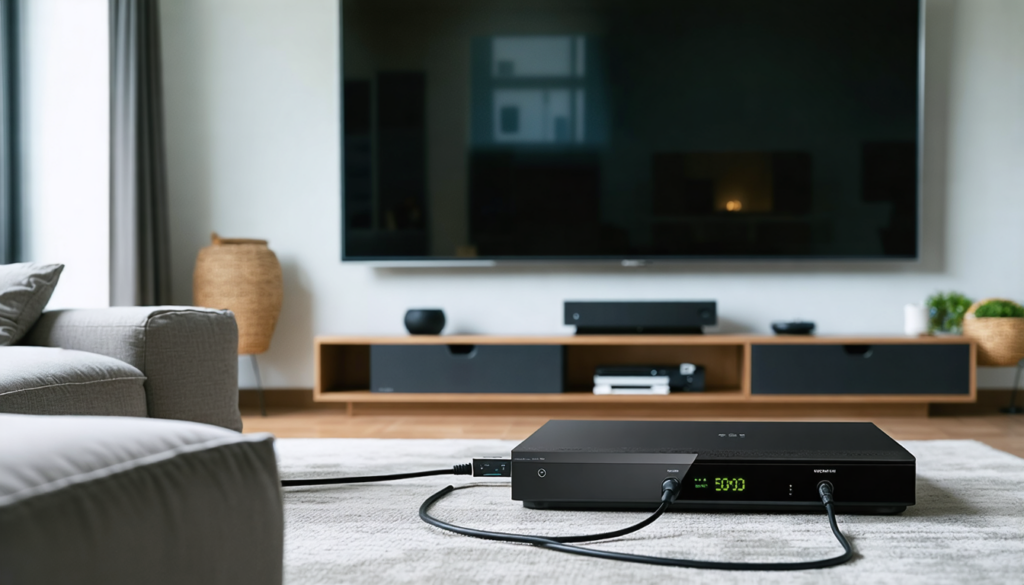
Today, home cinema is establishing itself as the beating heart of many living rooms, promising an immersive audiovisual experience worthy of the greatest cinemas. However, to fully enjoy this magic, the connection between your internet box and your home cinema system proves decisive. This comprehensive guide takes you through every step of this installation, to avoid pitfalls and transform your space into a true temple of multimedia entertainment.
The internet box plays a central role by gathering all your content sources: streaming services, TV channels, online video games, and much more. Yet, behind this apparent simplicity lies subtle technical complexity, especially when juggling different cables and standards. To optimize your setup, it is essential to master the key aspects related to HDMI cables, audio settings configuration, as well as various alternatives when technologies don’t match perfectly.
This journey is not limited to simple plugging in. It also explores the nuances related to device compatibility, network connection quality, and how to perform an effective configuration between the box, the television, and the home cinema amplifier. You will also discover how to overcome challenges posed by some older equipment or specific constraints related to HDCP protections, often a source of frustration. In short, this tutorial is addressed to all those who wish to reach the quintessence of their audiovisual installation through a clear, reliable, and detailed procedure.
Why prioritize HDMI cables for optimal connection between home cinema and internet box?
In the vast universe of audio-video connections, the HDMI cable establishes itself as the essential reference for connecting an internet box to a home cinema system. Its ability to simultaneously carry image and sound with impeccable quality makes it a preferred choice to ensure an immersive and smooth viewing experience. Indeed, with the evolution of HDMI standards, such as version 2.1 integrating support for 4K at 120Hz, HDR, and high-definition multichannel sound including Dolby Atmos or DTS:X, the HDMI cable can meet all the expectations of home cinema enthusiasts.
The ease of use is a major advantage. With a single cable connected between the HDMI output of the internet box and the HDMI input of the home cinema amplifier, then an HDMI output connected to the television, we avoid the multiplication of cables that complicate and clutter the installation. This architecture guarantees smooth data management via the CEC and ARC (Audio Return Channel) protocols. These allow, for example, controlling both your TV and amplifier with a single remote control, but also transmitting sound in both directions, thus reducing the number of necessary connections.
It is also essential to verify equipment compatibility, especially regarding the HDCP (High-bandwidth Digital Content Protection) standard, essential for content protected by movie studios. In 2026, with the proliferation of 4K UHD and HDR content, version 2.2 of HDCP has become a standard, but some older devices do not recognize it. The result? A black screen, an error message, or no sound on your setup. A point never to be overlooked when purchasing or configuring your equipment.
Finally, besides quality and ease of use, the status of the HDMI cable as a preferred medium is also explained by its ability to transmit an ethernet signal. For users equipped with compatible devices, this functionality allows sharing the internet connection directly via the HDMI cable, further simplifying device management and enhancing the overall streaming quality.
To summarize, here are the key strengths that make the HDMI cable the recommended choice to connect your internet box to your home cinema:
- Simultaneous transmission of high-quality image and sound
- Support for multichannel audio formats (Dolby Atmos, DTS:X)
- Reduction of cable quantity thanks to HDMI ARC and CEC
- Compatibility with protected content via HDCP 2.2
- Possibility to integrate an internet connection via HDMI Ethernet Channel
In 2026, the HDMI cable is therefore more than ever a safe bet for a modern, powerful, and streamlined home cinema installation.
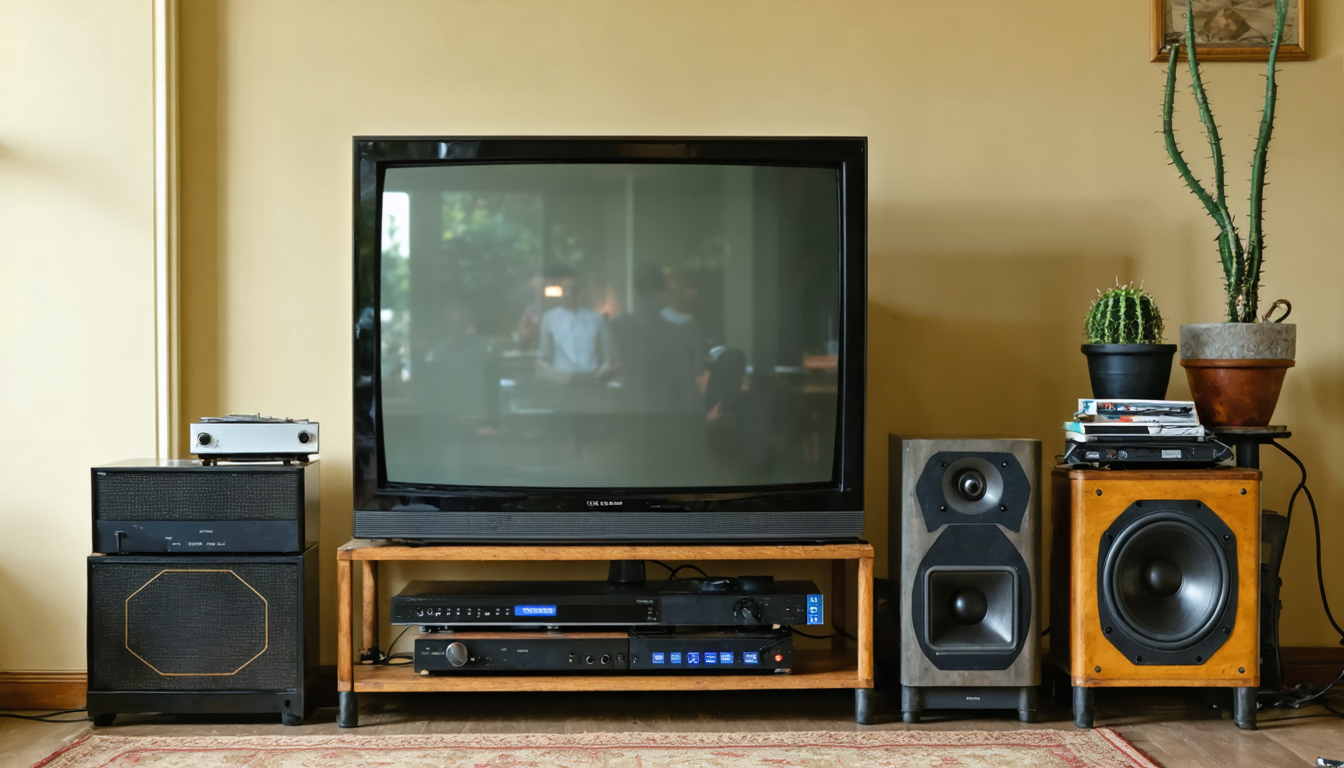
Configuring your internet box and home cinema: essential steps for perfect sound and image
Once the equipment is physically connected, the quality of your experience depends on a precise configuration adapted to your environment. Generally, the HDMI connection between the internet box, TV, and home cinema amplifier serves as the backbone. However, without proper settings, even the best equipment will not be able to deliver optimal sound or image.
The first step is to identify the audio output mode of your internet box. Some boxes allow advanced multichannel formats to be passed directly to a compatible amplifier. But others, often in stereo mode or on more basic setups, require selecting the PCM (Pulse-Code Modulation) format. This universal choice guarantees sound playback on any type of amplifier, thus avoiding common sound absence issues among beginners.
Next, ensure that the television is properly configured to transmit audio to the amplifier via the ARC function. On many recent TVs, the HDMI port labeled ARC or eARC should be used. The eARC function brings technical improvements, notably the capability to transmit uncompressed, high-resolution audio formats without loss.
It is also useful to check the box’s built-in decoder settings regarding video management. Some streams like 4K HDR must be explicitly enabled in the menus. Likewise, refresh rate optimization and color management should be validated to avoid image artifacts or washed-out rendering.
Finally, with the arrival of 4K and soon 8K in many homes, the length of the HDMI cable and its premium quality must be considered. A low-end, too long, or damaged cable can cause signal loss or drops in audio-visual quality. In that case, resorting to HDMI signal amplifiers or Premium High Speed certified cables can remedy these inconveniences.
Here are the steps to follow for optimal configuration:
- Connect the HDMI output of the box to the HDMI input of the home cinema amplifier.
- Connect the HDMI output of the amplifier to the HDMI ARC/eARC port of the television.
- Access the box menu and select the appropriate audio format (PCM for universality, Dolby/DTS if compatible).
- Activate the ARC/eARC function on the television and check its audio settings.
- Configure the video options on the box (resolution, HDR, refresh rate).
- Use a Premium High Speed certified HDMI cable to avoid losses over long distances.
When mastered, this configuration avoids common frustrations: absence of sound, image problems, audio-video delay, etc. By applying these adjustments, your setup reaches a professional level where every movie or video game proves excellent both aesthetically and sonically.
Alternatives to HDMI cables for connecting a home cinema to an aging internet box
Despite HDMI’s performance, some configurations make its use complicated or even impossible. This is especially true when the equipment is several years old, lacks an HDMI port, or limits the audio experience to basic technologies. In this context, several alternatives deserve to be considered.
The first frequently adopted solution consists of using digital audio cables, whether optical (TOSLINK) or SPDIF coaxial. These interfaces allow transmitting quality digital sound between the box or television and the home cinema system. This ensures proper compatibility with most amplifiers, particularly older ones that do not necessarily accept HDMI streams.
In a mixed usage context, it is common to apply a direct connection from the box’s optical output to the amplifier, if the box allows, or via the TV’s optical output. The latter approach has the advantage of grouping the sound from all your sources accessible through the TV, not just that of the internet box. However, be aware that the audio format offered by these connections often remains a compressed Dolby Digital or DTS, limiting the experience to more classic soundtracks without the latest high-definition formats.
Finally, for those with very old equipment, the analog connection via RCA, mini-jack, or cinch plugs still participates in the chain. It is sometimes necessary to use digital-to-analog signal converters (DAC) to ensure correct playback, especially if the box only offers digital outputs and the home cinema only analog ones. These devices have gained in quality and affordability in recent years, allowing remarkable preservation of audio details.
Here is a comparative table of the main alternatives you can consider:
| Connection Type | Advantages | Recommended Use |
|---|---|---|
| TOSLINK Optical Cable | Reliable digital audio transmission, less sensitive to electromagnetic interference | Older home cinema systems, TVs without compatible HDMI ARC |
| SPDIF Coaxial Cable | Digital audio quality close to optical, mechanically more robust | Equipment with coaxial outputs only |
| Analog RCA Connection | Universal compatibility with vintage equipment | Old stereo amplifiers or equipment without digital inputs |
| Digital-to-Analog Converter (DAC) | Allows connecting digital sources to analog amplifiers | Specific cases of incompatibility between equipment |
These well-chosen and adapted solutions allow all home cinema enthusiasts not to be limited by the obsolescence of certain devices or incomplete equipment, without sacrificing sound quality. The idea is to optimize the audio-visual chain according to the equipment’s availability and configuration.
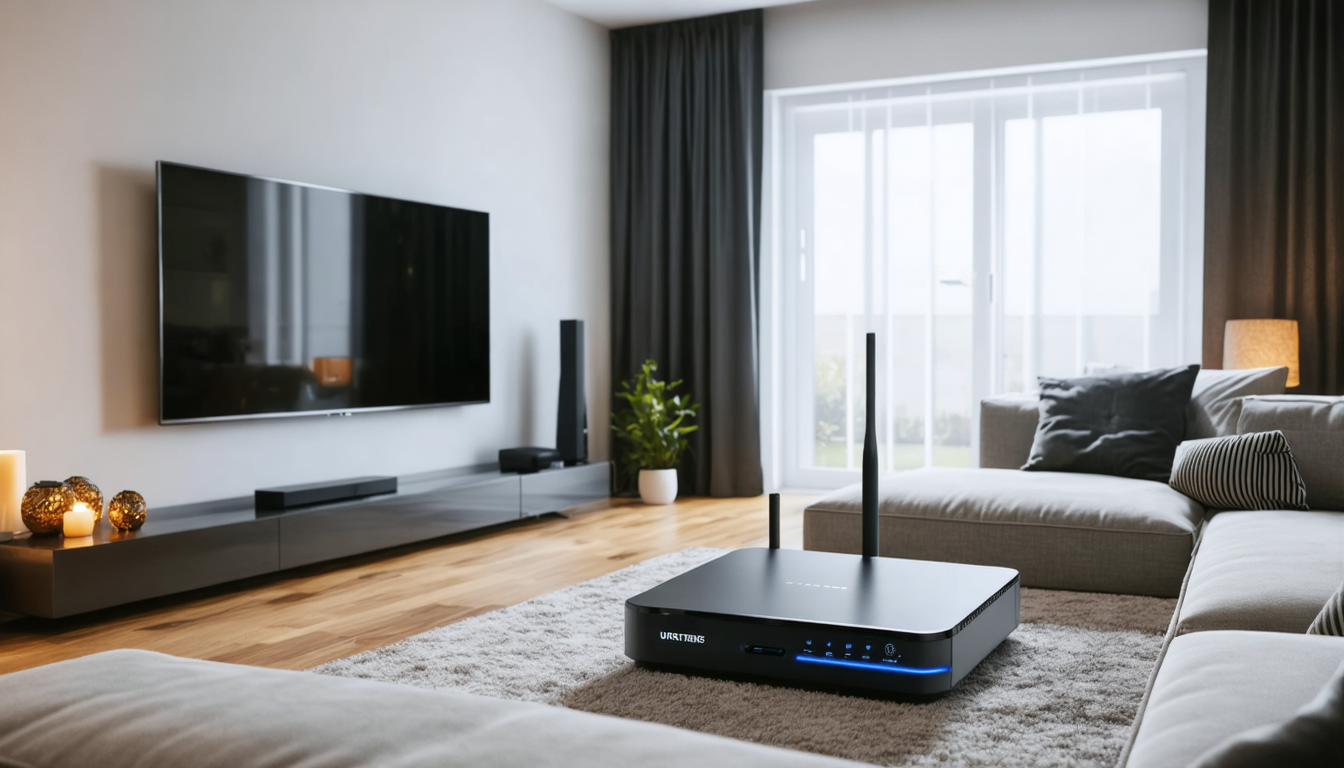
Understanding and managing HDCP compatibility to avoid display errors between home cinema and internet box
At the heart of exchanges between your internet box, television, and home cinema lies a content protection technology called HDCP (High-bandwidth Digital Content Protection). This standard, implemented to combat illegal copying of films and programs, can unfortunately become a source of annoying malfunctions if not taken into account in the configuration.
Concretely, HDCP requires that each device in the chain (box, amplifier, television) supports the same version of the protocol. Since recent evolutions, the current standard is HDCP 2.2, necessary for playback of protected Ultra High Definition (4K UHD) content. If one link weakens the chain (older device managing only HDCP 1.4, for example), the equipment blocks all display to preserve rights protection.
For users in 2026, this means it is imperative to check technical specifications of devices before considering a purchase, to avoid a black screen or absent sound when playing protected media. Most recent internet boxes and 4K TVs are now compatible with HDCP 2.2, but this remains more uncertain on some aging home cinema amplifiers.
A common tip is to connect the box directly to the television, ensuring that the video stream passes through the newest interface. Sound is then redirected via the ARC function to the amplifier; this topology bypasses some incompatibility issues, even though it requires precise configuration in the menus.
Here are some tips for managing HDCP compatibility well:
- Check the HDCP version supported by each device (box, amplifier, TV).
- Prioritize a direct connection from the box to the TV for the video signal.
- Use the HDMI ARC/eARC function for audio transmission to the amplifier.
- Regularly update device firmware to benefit from compatibility improvements.
- If issues arise, try replacing HDMI cables with Premium High Speed certified models.
These practices prevent many frustrations, especially when wanting to enjoy 4K streaming services such as Netflix, Disney+, or Prime Video, where HDCP protections are systematically required.
Getting the most out of network connection: Ethernet vs WiFi for a home cinema connected to an internet box
4K streaming, online gaming, and high-definition audio content streaming require a reliable and stable internet connection. This essential point is often overlooked, yet network quality directly influences the fluidity and perceived quality of your connected home cinema.
In 2026, the choice between Ethernet and WiFi remains decisive. Wired Ethernet connection remains the most robust and high-performing method to connect an internet box to the home cinema system or television. Thanks to stable bandwidth and reduced latency, it ensures an uninterrupted experience, even for the most demanding streams.
WiFi, especially in its recent forms like WiFi 6 and WiFi 6E, offers astonishing performance and great flexibility. However, it remains sensitive to various environmental factors: thick walls, interference with other devices, and varying distances between the box and your home cinema. These conditions can sometimes degrade streaming fluidity or introduce lag in online games.
The use of powerline communication technologies (PLC), which use the home electrical wiring to transmit data, provides an interesting alternative. It avoids physical constraints related to laying Ethernet cables and improves stability compared to classic WiFi. Nevertheless, performances vary depending on the quality of the electrical installation.
To choose the best solution, here are some criteria:
- Intensive use and 4K HDR streaming: prioritize Ethernet for optimal stability.
- Online gaming: Ethernet reduces latency, essential for real-time sensations.
- Usage in a remote room: PLC can be a good alternative.
- Occasional connection or multiple secondary devices: WiFi 6 offers great flexibility.
- Optimize the box position for better WiFi coverage.
This personalized approach maximizes the quality of your multimedia experience, while respecting the ergonomics and configuration of your home.
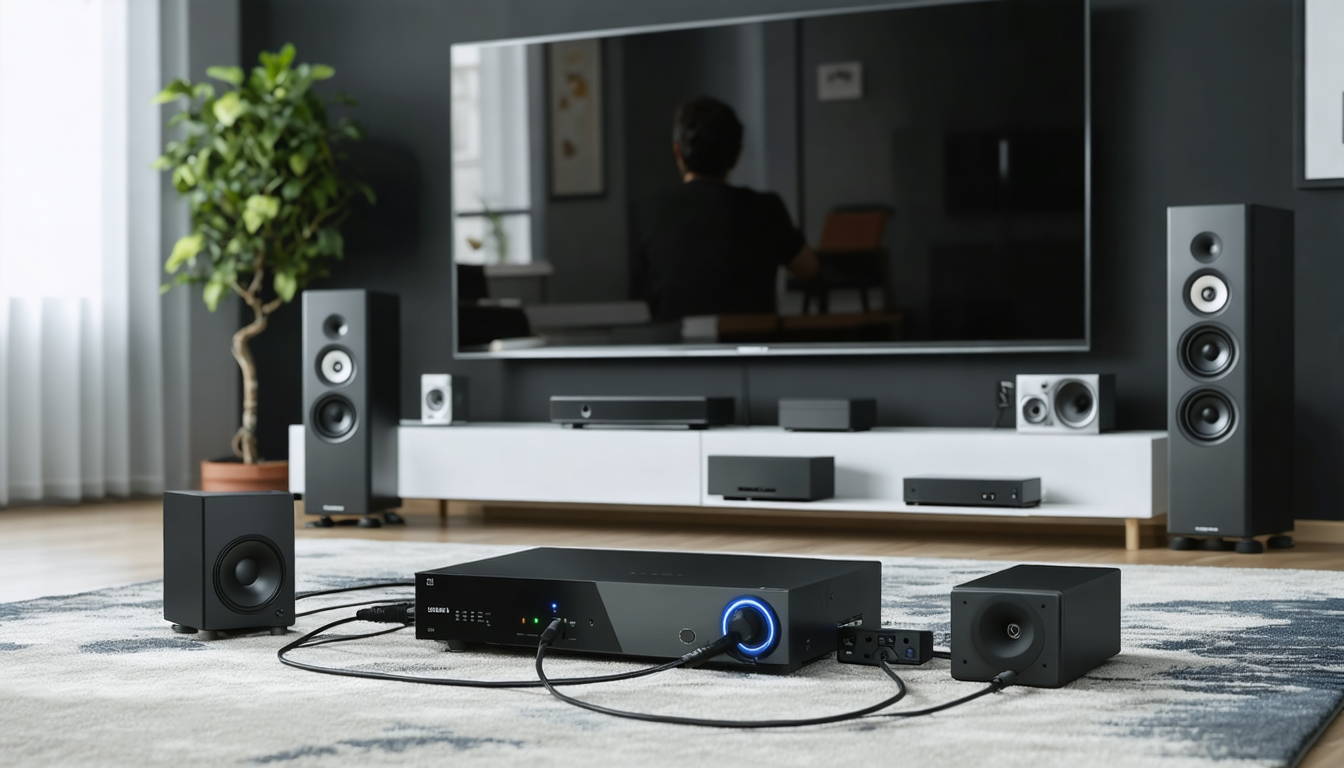
Tips to avoid classic mistakes when connecting your home cinema to an internet box
Many novice or even experienced users encounter disturbing difficulties when connecting their home cinema to the internet box. Fortunately, several typical errors can be avoided thanks to some practical advice and good organization.
Firstly, never underestimate the quality of cables. It often happens that a poor connection or a low-quality cable is the source of choppy images, lack of sound, or audio-video delay. Investing in Premium High Speed certified HDMI cables is a small expense that will save you many disappointments.
Secondly, check the correct selection of HDMI inputs on your amplifier and TV. With multiple devices connected, it is easy to choose the wrong source. Benefit from CEC systems for more intuitive equipment management, but remain vigilant about manual settings.
Another common issue concerns audio settings. As mentioned, the audio format often needs to be adjusted on the internet box to match the capacities of your home cinema. Switching to PCM mode or adapting the bit rate can solve many problems.
Finally, remember that updates are essential. Whether it’s the box, amplifier, or television, outdated firmware can cause incompatibilities and interruptions. Plan these updates regularly, check the fixes provided, and do not hesitate to revisit menus to check your configurations after each update.
Here is a list of mistakes to avoid during your installation:
- Using non-certified or damaged HDMI cables
- Failing to activate the HDMI ARC/eARC function on concerned devices
- Configuring an incompatible audio format without prior verification
- Connecting cables to wrong HDMI inputs or outputs
- Omitting software updates for devices
- Ignoring HDCP specifications when purchasing or adding equipment
Attention to these details guarantees a stable installation and a glitch-free home cinema experience, allowing you to intensely enjoy all your favorite content.
The impact of HDMI cable quality and settings on the audiovisual performance of your home cinema
Often relegated to the background, HDMI cable quality nevertheless plays a crucial role in the fidelity of audio and video transmission between your internet box and your home cinema. With current broadcast standards, notably 4K HDR at 60 or even 120 frames per second, the slightest malfunction or loss in the cable can cause significant degradation.
A high-end HDMI cable guarantees sufficient bandwidth to ensure the transmission of heavy data streams such as Dolby Vision or HDR10+ streams. It is also designed with reinforced materials and shielding to minimize electromagnetic interference or deterioration due to prolonged wear.
Furthermore, cable thickness, connector quality, and even official performance certification (Premium High Speed or Ultra High Speed) are all elements to consider. Several user anecdotes report noticeable gains after replacing a generic cable with a high-end model, notably in image fluidity, color sharpness, and sound precision.
Beyond the equipment, settings in your internet box and amplifier menus are decisive. For example, enabling or disabling audio passthrough mode directly affects how the signal is processed and reproduced, just like video format settings (HDR, SDR, color depth). Audio/video synchronization is another critical point: a slight delay can alter perceived quality and spoil the experience.
In summary, here are practical tips to optimize performance:
- Choose an Ultra High Speed certified HDMI cable for 4K/8K installations
- Prefer reasonable lengths (under 5 meters) or use repeaters/amplifiers for long distances
- Update the firmware of all connected devices
- Perform audio and video tests to adjust settings (volume, delay, resolution)
- Avoid complex mixed configurations that can generate conflicts
These precautions, anecdotal at first glance, reveal their full importance in the quest for perfect immersion, subtly paced by every technical detail.
Improving connectivity and compatibility of your home cinema with your internet box thanks to essential updates and accessories
To keep a home cinema system and internet box at the peak of their performance in 2026, it is essential never to neglect software updates and to carefully choose the accessories that complement your installation. These elements directly influence the connection stability, sound and image quality, but also the overall user-friendliness.
Many manufacturers regularly offer firmware updates that improve compatibility with new audio-video formats, integrate advanced features such as enhanced Dolby Atmos, optimized HDMI CEC management, or extended HDCP support. Installing these updates is often a guarantee for your installation’s longevity.
Moreover, purchasing specific accessories can prove decisive depending on your environment’s constraints. For example, HDMI amplifiers extend cable range while maintaining an intact signal over several tens of meters. HDMI splitters or switches facilitate managing multiple simultaneous sources, giving more flexibility to the user.
Audio adapters integrating digital-to-analog conversion (DAC), for their part, are essential in situations requiring linking originally incompatible devices. They ensure excellent sound quality while avoiding the costly purchase of a new amplifier.
Additionally, be sure to choose your cables with priority given to official certifications (Premium High Speed or Ultra High Speed). Gold-plated connectors, robust coatings, and protections against electromagnetic interference contribute to maintaining signal quality over time.
Here is a list of accessories to consider to perfect your installation:
- HDMI amplifiers for long distances
- HDMI switch for multiplexing multiple sources
- DAC converters for analog audio compatibility
- Premium or Ultra High Speed certified HDMI cables
- PLC adapters for electrical network extension
These modules, sometimes discreet, radically transform your experience, making your installation more flexible, more reliable, and easier to manage on a daily basis.




