
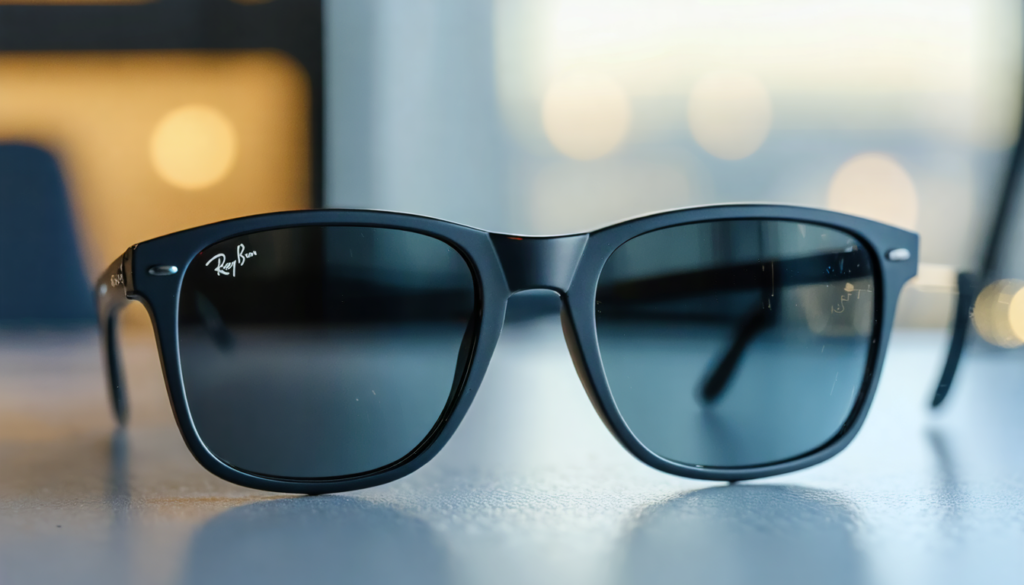
In 2025, smart glasses are no longer just a futuristic gadget; they become an everyday companion, seamlessly blending style and wearable technology with impressive fluidity. The Ray-Ban Connect embody this optical revolution, combining timeless elegance with a range of innovative features capable of transforming the way we interact with the world. Whether it’s to listen to music wirelessly, capture a moment without taking out your phone, or interact with a voice AI assistant, these smart glasses quickly establish themselves as the natural extension of our connected devices. This guide invites you to deeply understand mastering Ray-Ban gadgets and discover how to make the most of this optical innovation accessible to all.
In a universe where augmented reality redefines digital uses, Ray-Ban Connect paves the way for an unprecedented user experience. Their ability to integrate high-tech functions while respecting the carefully crafted design unique to the Ray-Ban brand attracts both technology enthusiasts and fashion lovers. Through this user guide, explore each key step, from initial settings to meticulous maintenance, without forgetting tips to optimize daily use. Dive into the fascinating world of next-generation smart glasses and discover how they establish themselves as the indispensable high-tech accessory of 2025.
Essential preparation before starting with your Ray-Ban Connect glasses
The takeoff into the world of Ray-Ban Connect begins with rigorous preparation, simple but necessary, to ensure a smooth experience. First of all, a crucial precaution: upon receiving your smart glasses, the first thing to do is to remove the plastic tab placed between the case and the frame. This small element preserves the battery during transport but prevents power-on before removal. This step, which may seem trivial, is essential to unlock the full potential of your connected glasses.
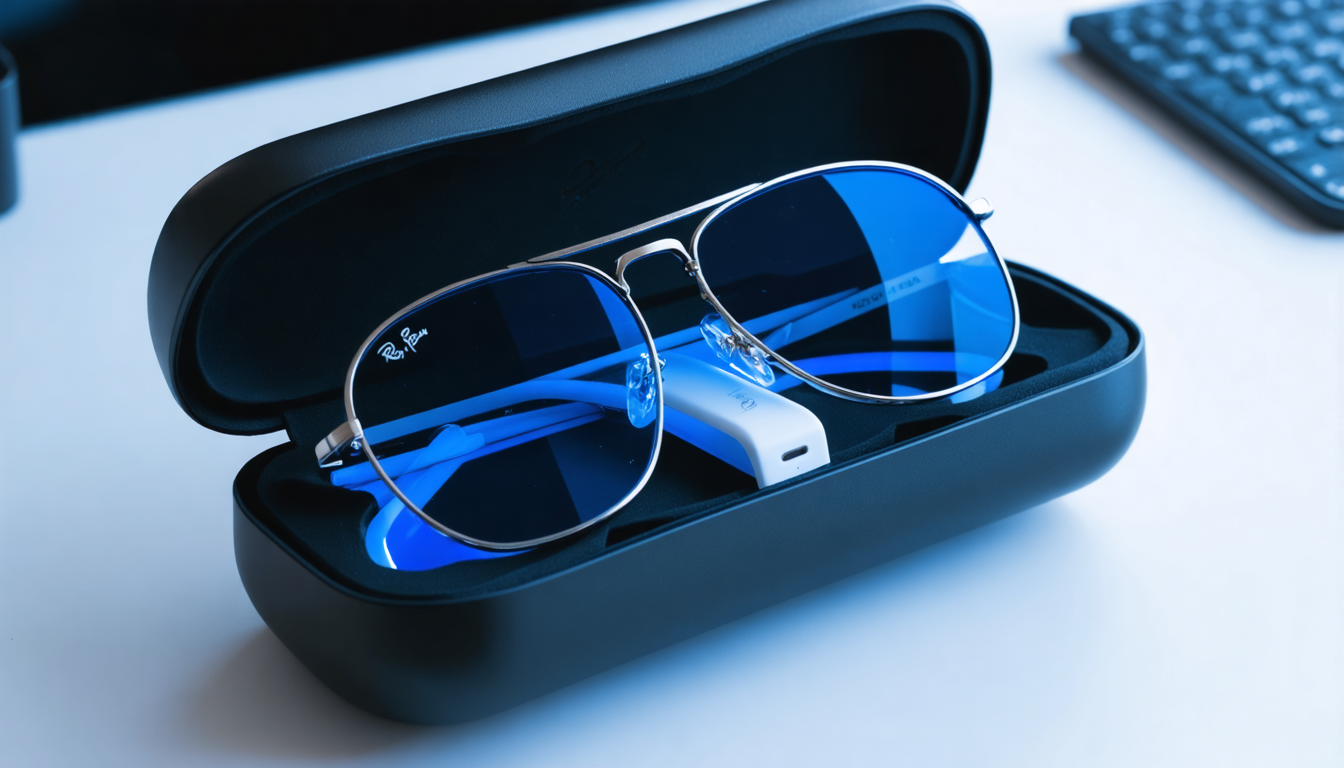
Initial charging next: your Ray-Ban glasses must be placed in their official charging case and left to fully charge for safety and durability reasons. This process optimizes battery performance over the long term – a little-known detail often highlighted in the world of high-tech accessories. A blinking blue light on the case indicates that automatic pairing is ready, signaling that your glasses are in pairing mode.
Then, activate the switch located on the left temple of the frame. This simple gesture powers on the device, opening the door to pairing with your smartphone. All these actions, though brief, mark your entry into next-generation wearable technology. This initial preparation, synonymous with successful connection, is no different from setting up Bluetooth headphones or a fitness tracker, but with the elegance and discretion of a classic pair of glasses.
Optimizing pairing: connecting your Ray-Ban Connect smart glasses to the Meta AI app
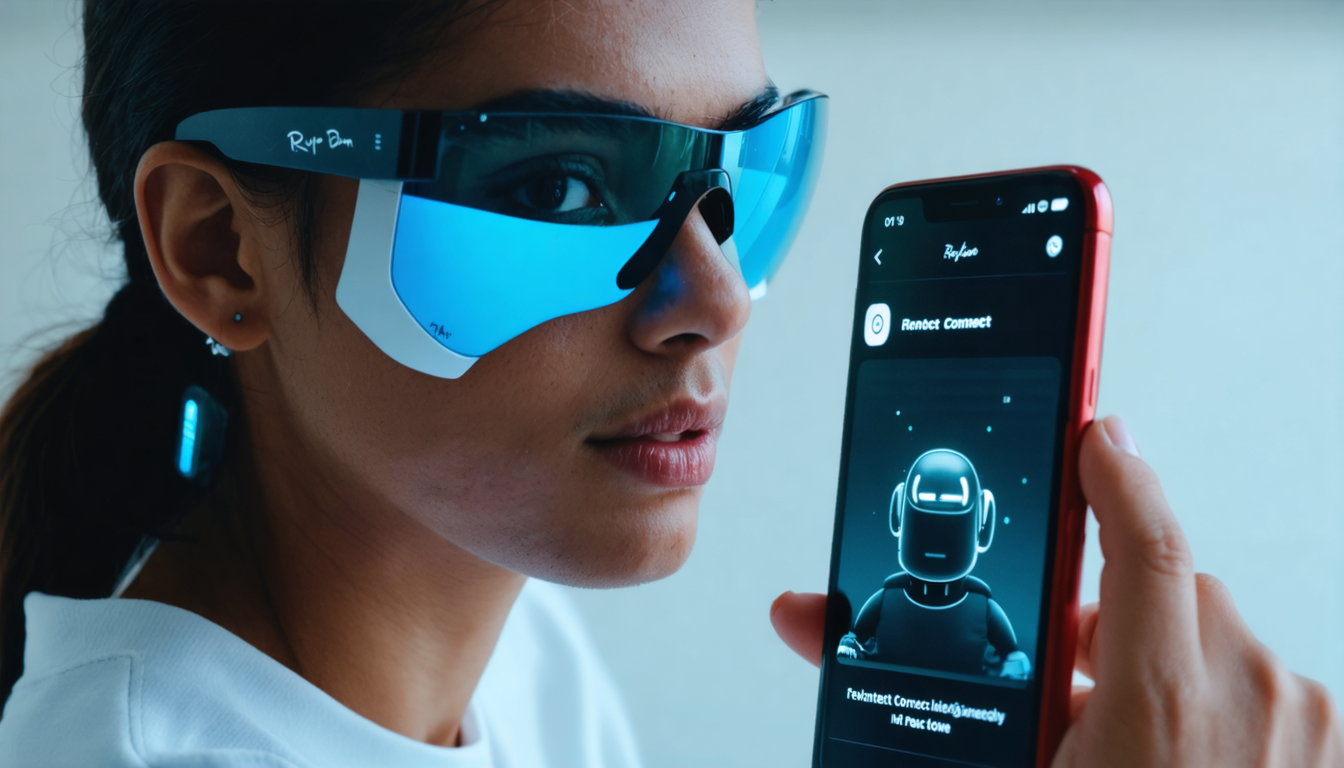
The Meta AI app is the control center for your Ray-Ban Connect, smoothly orchestrating the connection and various smart glasses features. Without it, these would be just a beautiful accessory without real interactivity. Download the app from the App Store or Google Play, then log in with your Meta account or create one specifically for the occasion. This step is the key to benefiting from the Meta ecosystem, designed to seamlessly integrate your connected devices.
Your smartphone’s Bluetooth must be enabled. The app will automatically detect your glasses in pairing mode – if not, press the button on the back of the case for five seconds to force this mode. On-screen instructions will guide you through each step, making the process accessible even to the less tech-savvy. Note that your glasses can only be paired to one Meta account at a time, a mechanism ensuring protection of your personal data. Lending your glasses therefore requires a factory reset beforehand to erase user history, a process similar to selling a smartphone or console.
Some practical tips facilitate this pairing:
- Make sure your smartphone is close to the glasses for an optimal connection.
- Do not neglect regular updates of the Meta AI app to enjoy the latest improvements.
- Keep your glasses charged to avoid any interruption during pairing or intensive use.
Using Ray-Ban Connect features daily: a new dimension of portable experience
Every day, Ray-Ban Connect offers a wide range of innovative uses that reinvent the very notion of portable connected devices. Music lies at the heart of this experience. Thanks to ultra-delicate integrated speakers, sound diffusion is clear and immersive, while maintaining auditory perception of the external environment – an essential improvement to ensure safety when moving around urban areas.
Phone calls become more natural and practical: a simple touch on the glass or frame allows answering or hanging up, while noise reduction technology ensures your voice is perfectly transmitted even in noisy environments. This ergonomics caters to both professionals always on the move and daily users seeking simplicity and fluidity.
An undeniable highlight: instant photo and video capture. A discreet button allows quick recording without taking out your phone, making it possible to save precious moments while keeping your hands free. The notification LED provides a guarantee of ethics, informing those around you that a capture is in progress, an indispensable element for respecting privacy. This feature transforms your Ray-Ban Connect into a true visual adventure companion.
Finally, the Meta virtual assistant, activated by the voice command “Hey Meta”, embodies embedded artificial intelligence. It answers your questions in real time, offering detailed information about what you immediately see around you, from object recognition to personalized recommendations. Hands-free interaction becomes completely natural, bringing the dream of augmented reality closer in a stylish pair of glasses.
Maintaining and prolonging the life of your Ray-Ban Connect smart glasses with care
The longevity of your connected glasses largely depends on attentive care. Verifying the authenticity of your Ray-Ban Connect is essential to guarantee a valid warranty and effective technical support. Look for the distinctive Ray-Ban | Meta logos engraved on the right hinge and the name inscribed on the inner temple, as well as the serial number inside the charging case. These marks prove you own a genuine product recognized by the manufacturer.
For daily maintenance, regularly clean the lenses with a microfiber cloth, avoid prolonged exposure to extreme temperatures, and always store your glasses in their protective case after use. Respecting these actions preserves the integrated electronic components and optical quality. Also note that in case of resale or lending, performing a factory reset is essential to secure your personal data.
The table below summarizes essential good practices for prolonged and worry-free use:
| Maintenance and care | Recommended action | Frequency |
|---|---|---|
| Authenticity verification | Check logos and serial number | Before first use |
| Lens cleaning | Use an appropriate microfiber cloth | After each use |
| Battery charging | Perform a full charge | Before first use and regularly |
| Reset before lending or resale | Erase personal data via settings | Before each transfer of ownership |
| Protection against extreme conditions | Avoid intense heat, excessive humidity | At all times |
Innovations placing Ray-Ban Connect at the top of portable high-tech accessories
Ray-Ban Connect is not just an elegant frame; it illustrates a major technological leap in the smart glasses sector. The marriage between aesthetics and functionality makes them an essential reference in the world of wearable technology and augmented reality. With optimized integration of artificial intelligence and an intuitive user interface, this optical innovation offers a glimpse of the future of connected gadgets.
The miniaturization of components, combined with improved battery life, ensures everyday use without major constraints. The ability to interact via voice commands reinforces the practical and hands-free nature, while compatibility with the Meta ecosystem opens the way for continuous expansion of features, pushing the user experience ever further.
In essence, Ray-Ban Connect presents itself as an evolving platform, where software updates constantly enhance hardware capabilities, combining elegance and power, captivating both technophiles and lovers of refined design. The innovation doesn’t stop there:
- Integrated smart recognition technology.
- Smooth tactile interaction on the frame.
- Instant capture and sharing through social networks.
- Silent environmental mode for sound absorption.
- Timeless design adapted to all styles.
Gadget mastery: advanced customization and tips for an enhanced experience
Beyond basic use, Ray-Ban Connect offers a range of customizable settings to maximize their potential according to your specific needs. The Meta AI app allows adjusting volume, notifications, and voice commands, as well as enabling or disabling certain features to suit different contexts.
For optimization enthusiasts, it is recommended to take advantage of regular updates that integrate new customization options. For example, you can program touch sensitivity, modify the light signal during a capture, or configure the assistant to preferentially respond to certain commands.
Regarding security and discretion, the user can activate a “privacy” mode that temporarily disables capture functions or communications, ideal for meetings or sensitive protocols. This usage flexibility demonstrates how wearable technology intelligently adapts to the demands of daily professional and social life.
Finally, here is a list of the most useful voice commands with Ray-Ban Connect:
- Hey Meta, play my favorite playlist – for quick access to your music.
- Hey Meta, capture this scene – to trigger a photo or video remotely.
- Hey Meta, what is this monument? – identify a place or object instantly.
- Hey Meta, call [contact name] – to make a hands-free call.
- Hey Meta, activate silent mode – to mute all sound notifications.
Ray-Ban Connect and augmented reality: synergy on the horizon of daily uses
The promise of smart glasses is considerably enriched thanks to augmented reality, expertly integrated into Ray-Ban Connect. The idea is to offer a layer of contextual information displayed in your field of view or transmitted by audio, without harming natural perception of the environment.
This technology defines what a high-tech accessory can be, capable of superimposing data and alerts without breaking attention. For example, imagine discreetly receiving local weather, your appointments, or important notifications directly on your lenses while keeping your hands free. The potential also extends to more specialized uses like optimized pedestrian navigation with visual directions or instant translation assistance during travel abroad.
Meta developers are continuously working to enrich this universe, promising updates that will incorporate more immersive and useful experiences. For now, Ray-Ban Connect represents the accessible entry point for the general public in this rapidly expanding market.
Tips for making the most of your connected glasses daily
Mastering Ray-Ban Connect is not just about following the manual: it is also about embracing the philosophy of a technology designed to simplify life. Here are some recommendations to ease your adoption and maximize your satisfaction:
- Plan your device’s charging: to avoid running out of battery during a busy day, get used to recharging regularly throughout the day.
- Explore all features: do not limit usage to calls and music; try the integrated camera, voice assistant, and various controls.
- Protect your data: always perform a reset before lending or selling your glasses to safeguard your personal information.
- Incorporate them into your routine: pair them with your daily activities, whether urban walking, sports, or remote working.
- Monitor updates: the Meta AI app constantly evolves, bringing both fixes and new features to discover.
- Enjoy complementary accessories offered by Ray-Ban to protect and personalize your pair.




