
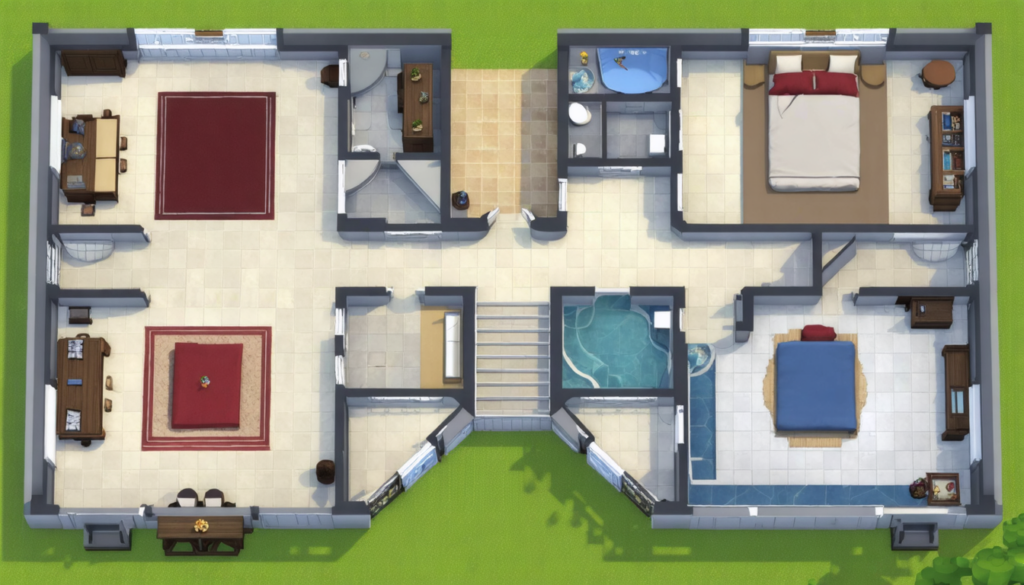
In the captivating world of Sims 4, every detail matters when it comes to unleashing your imagination in build mode. The possibilities seem endless, but until recently, one obstacle hindered builders’ creativity: the standard grid limited to full tiles. Imagine then the multiplied potential brought by half-tiles! This revolutionary feature offers precise control of space, allowing you to sculpt houses, gardens, and interiors with unprecedented accuracy.
Through the stories of fans and amateur architects, we discover how half-tiles become the new essential tool to design complex and personalized settings. It is no longer just about filling boxes but shaping a custom environment where every placement, every pattern, and every element finds the perfect spot. This novelty, much more than a simple technical detail, redefines architectural planning within video games in 2025.
By examining the best activation tips, manipulation secrets, and pitfalls to avoid, this comprehensive exploration demonstrates that half-tiles are much more than a simple addition: they embody a major evolution in the way of building, beautifying, and living virtually. For all those who think space is a limit, Sims 4 proves otherwise with these half-tiles that unleash your creativity without boundaries.
How to activate and master the half-tile feature in Sims 4
For those who want to dive into the heart of virtual architecture, the essential first step is to understand how to unlock and fully exploit the potential of half-tiles. It is not a function automatically visible or intuitively activated but manifests through a specific key combination that modifies the traditional placement mode.
The key combo, CTRL + F, acts like a magically effective switch to activate the possibility of laying your flooring in half-tile increments. Once this combination is pressed, the build mode adapts and offers you a finer grid, almost down to the pixel. This translates into the ability to precisely adjust the size and position of tiles, parquet, and rugs.
But this activation is just the tip of the iceberg. To become a true digital architect capable of meticulous work, you must integrate other shortcuts and techniques:
- F5: This key expands the grid by doubling the density of placement points. Using this grid allows you to accurately identify positions between half-tiles and serves as an essential guide to structuring complex plans.
- ALT: Symbol of freedom, the Alt key triggers the “free placement” mode. Here, the grid disappears, allowing furniture and objects to be aligned in fully customized positions without any constraint.
- bb.moveobjects on: This famous cheat code removes the limitation imposed by safety zones around objects. Thus, you can stack, juxtapose, or position your decorations without any hindrance. A real boon for audacious creators.
- For console players, the L2 button proves very useful. It allows switching between placement modes following the full grid, half-tile, or free placement, simplifying adaptation to this complex system without a keyboard.
Mastering these functions grants access to a nearly unlimited palette of possibilities and revolutionizes not only the construction method but also how to conceive layout and decoration in Sims 4.
A revolution in layout: half-tiles as a tool for creating unique spaces
Imagine that every space in your building can be sculpted with as much precision as a work of art. Half-tiles allow this by offering the possibility to stretch or move floorings and objects with a granularity previously unexplored. This causes a true architectural revolution in the game.
All rooms cease to resemble a strict, square grid. Now, walls, furniture, and floorings can adjust fluidly, giving rise to organic shapes, sharp angles, and even sophisticated geometric patterns. Build mode becomes a digital sketchbook where the push of imagination no longer crashes against the limit of whole tiles.
This capability transforms decoration in several ways:
- Complex patterns: for example, in a living room, you can create floor tapestries with dynamic shapes, combining different materials and patterns into a unique visual effect.
- Furniture placement: sofas, tables, and other objects can be stuck against a slanted wall, following a narrow hallway built with half-tiles, thereby optimizing usable space.
- Exterior and gardens: half-tiles ease the design of perfectly centered winding paths or exactly sized flower beds for realistic and precise landscaping.
- Wall decoration: some custom content even exploits this granularity to position ornaments on walls at mid-height, a definite advantage for collections of decorative objects.
In summary, half-tiles in Sims 4 are not just a technical detail; they constitute a technical know-how that elevates the player from amateur builder to virtual construction artist.
Refined architectural planning thanks to half-tiles
When discussing construction in Sims 4, talking about architecture also highlights the richness of spatial planning. The game universe tends to approach realistic architectural modeling, and half-tiles fully participate in this evolution.
Thanks to this feature, creators can design buildings with more sophisticated shapes, with proportions mastered to perfection. The precision offered by the half-tile system facilitates creating plans down to the millimeter, avoiding lost or unused spaces, often a source of frustration in traditional building.
The video game, for the first time, becomes almost a simplified yet effective architecture software:
| Advantage | Effect in build mode | Concrete example |
|---|---|---|
| Space optimization | Allows perfectly fitting room and corridor sizes | A narrow hallway in a city house precisely adjusted |
| Customized shapes | Creating non-rectangular and asymmetrical plans | A multi-story house with curved walls featuring half-tile sections |
| Minute details | Precise alignment of windows, doors, and stairs | A window perfectly centered on a half-tile between two walls |
These technical advances open the door to better immersion for the player, who is no longer limited to predefined boxes but can imagine a building almost like in reality. The perspectives offered are exciting for both amateur creators and seasoned virtual architects.
Half-tiles and decoration: a perfect marriage for interior harmony
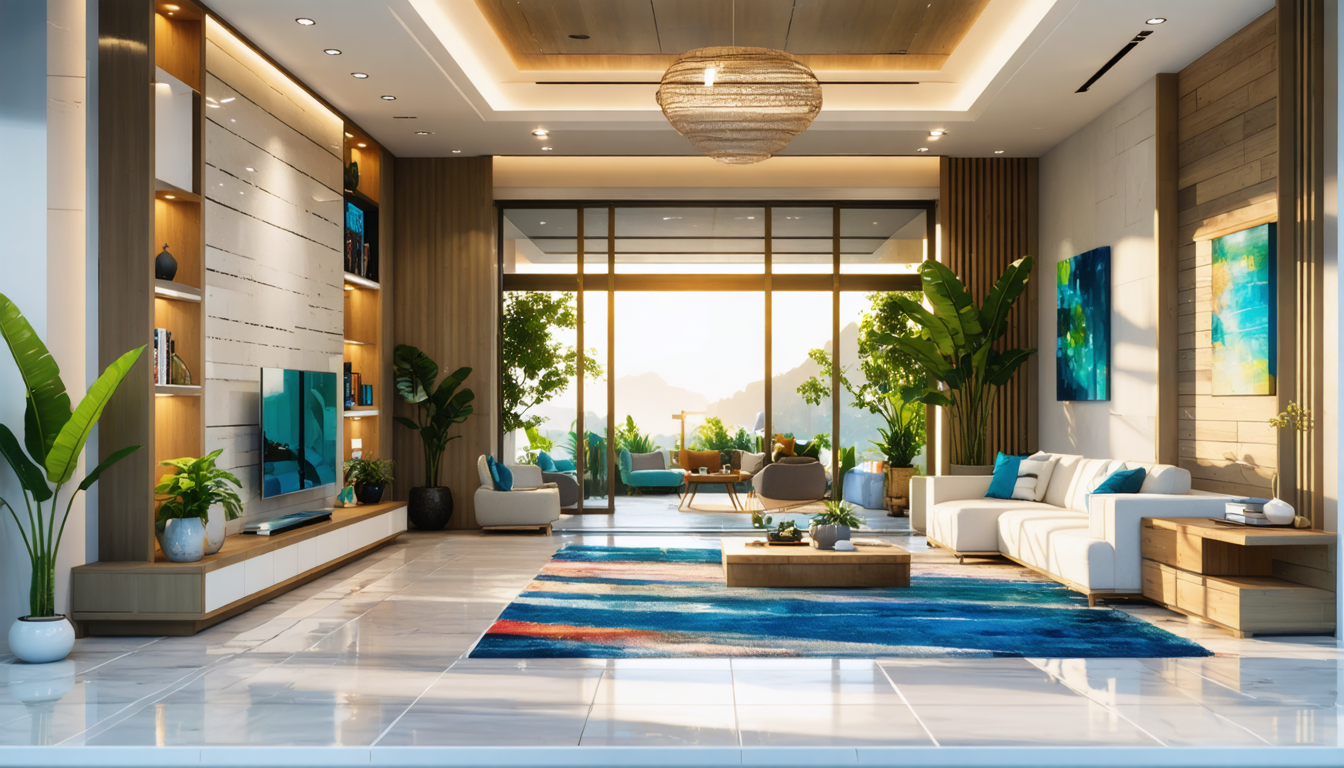
In Sims 4, building walls and laying floors is just one step. The essential often lies in how spaces are decorated and arranged. With the possibility offered by half-tiles, it is now possible to refine interior decoration with a whole new level of detail.
Half-tiles bring unprecedented precision that transforms interior design:
- Exact rug placement, avoiding them awkwardly overlapping sofas or fragile objects.
- Perfect alignment of paintings and objects on walls, respecting the center and visual balance down to the pixel.
- Furniture, adjusted to irregular shapes: for example, a desk placed in a half-tile corner or a bookshelf following the curvature of a partition.
- Material and texture combinations: thanks to partially laid tiles, transitions between rooms or styles can happen without harsh visual breaks.
To illustrate this precision, here is a table of different decorative uses enabled by half-tiles:
| Decorative element | Advantage of granularity | Impact on aesthetics |
|---|---|---|
| Floors | Creation of complex patterns and smooth transitions | Elegant and harmonious visual effect between rooms |
| Furniture | Precise placement and space optimization | More airy and functional room |
| Wall decorations | Perfect alignment and original compositions | Harmony and visual balance in spaces |
| Outdoor spaces | Custom paths and structured gardens | Credible and detailed virtual urbanism |
Thanks to this finesse, decoration in Sims 4 takes on a new dimension that brings the player closer to a near-professional design experience. The devil, as they say, is in the details, and half-tiles offer here an unmatched precision tool.
Advanced tips for optimal use of half-tiles in construction
Although the half-tile function is powerful, simply activating it is not enough to get the best out of it. Like any expert tool, it requires some mastery and advanced techniques to optimize its use, avoid errors, and save time.
Here is a list of tips that push construction finesse to its maximum:
- Combine CTRL + F with F5 to view the double-resolution grid and place elements even more precisely.
- Use ALT to fine-tune positioning when you are near a critical point (corner or junction).
- Activate “bb.moveobjects on” to dare object combinations normally forbidden, such as stacking furniture in a tight corner.
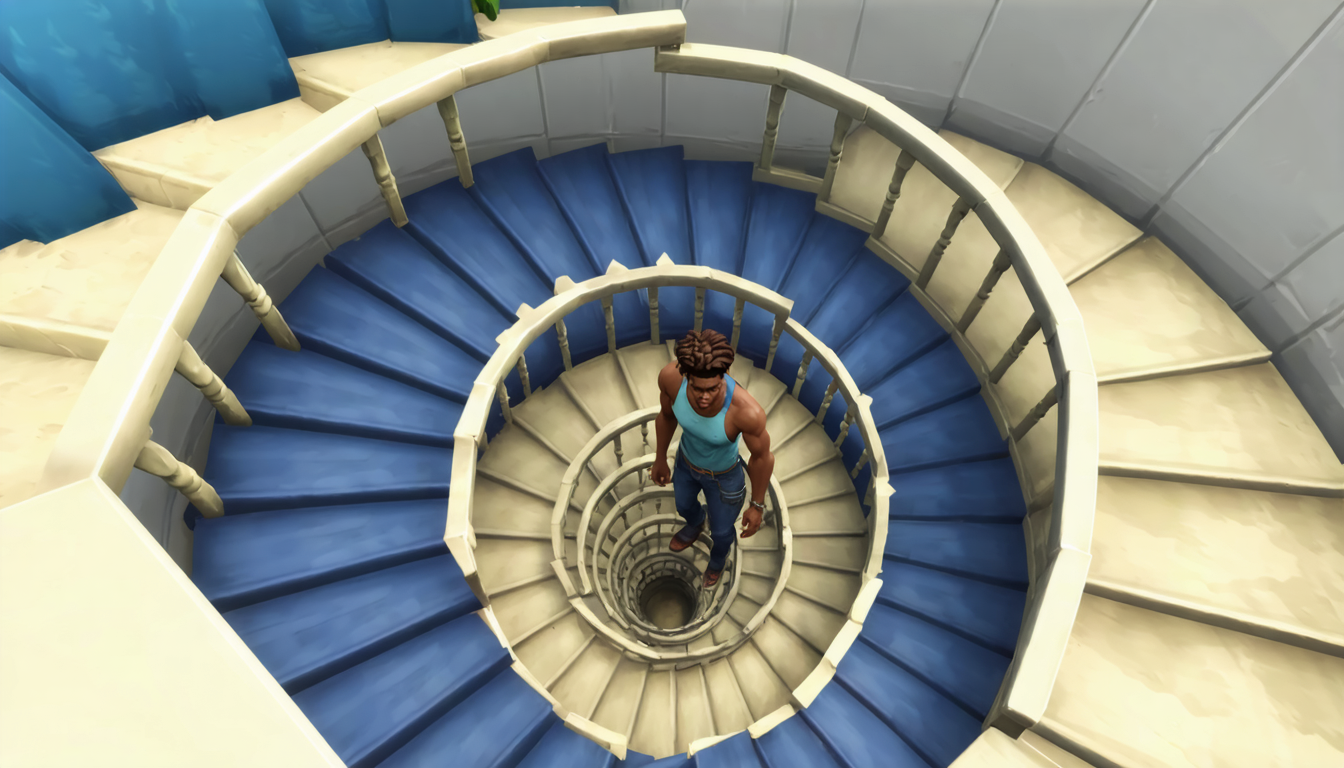
- Beware of the direction of spiral stairs, which can pose problems if integrated too close to half-tile walls — always check circulation access.
- Moderate the use of half-tiles to avoid a design that is too cluttered or complex that could harm aesthetic flow or gameplay in Sims 4.
Mastering these advanced techniques makes all the difference between an acceptable building and a digital work of art. Tonya, a fan known for her eccentric houses, explains that since she uses these tips, her creations have gained notoriety on Sims content sharing platforms.
Common pitfalls to avoid when using half-tiles in Sims 4
Even though this feature seems magical, it also presents shadows and some pitfalls that can confuse uninitiated users. Precise knowledge of these limits helps avoid frustrating moments and technical pitfalls.
A recurring problem concerns spiral stairs. Their complex design poorly meshes with half-tile walls, potentially causing Sims to get stuck or visibility inconsistencies. It is imperative to test these areas after construction.
Overzealous use of half-tiles can make the environment confusing. Too many fine divisions can overload textures, cause performance issues, and even affect certain Sims’ interactions. The key word remains balance and simplicity to preserve gameplay comfort and aesthetics.
Moreover, keep in mind that some features present in Sims 3 are no longer accessible. Notably, the half-floor option via the “constrainFloorElevation false” code was removed in this version, frustrating builders accustomed to this system.
Failing to integrate these restrictions in design can lead to imperfect or even unusable projects. It is therefore crucial to combine creativity and caution to make the most of half-tiles without falling into their potential traps.
Half-tiles in Sims 4, an unparalleled creativity lever in video games
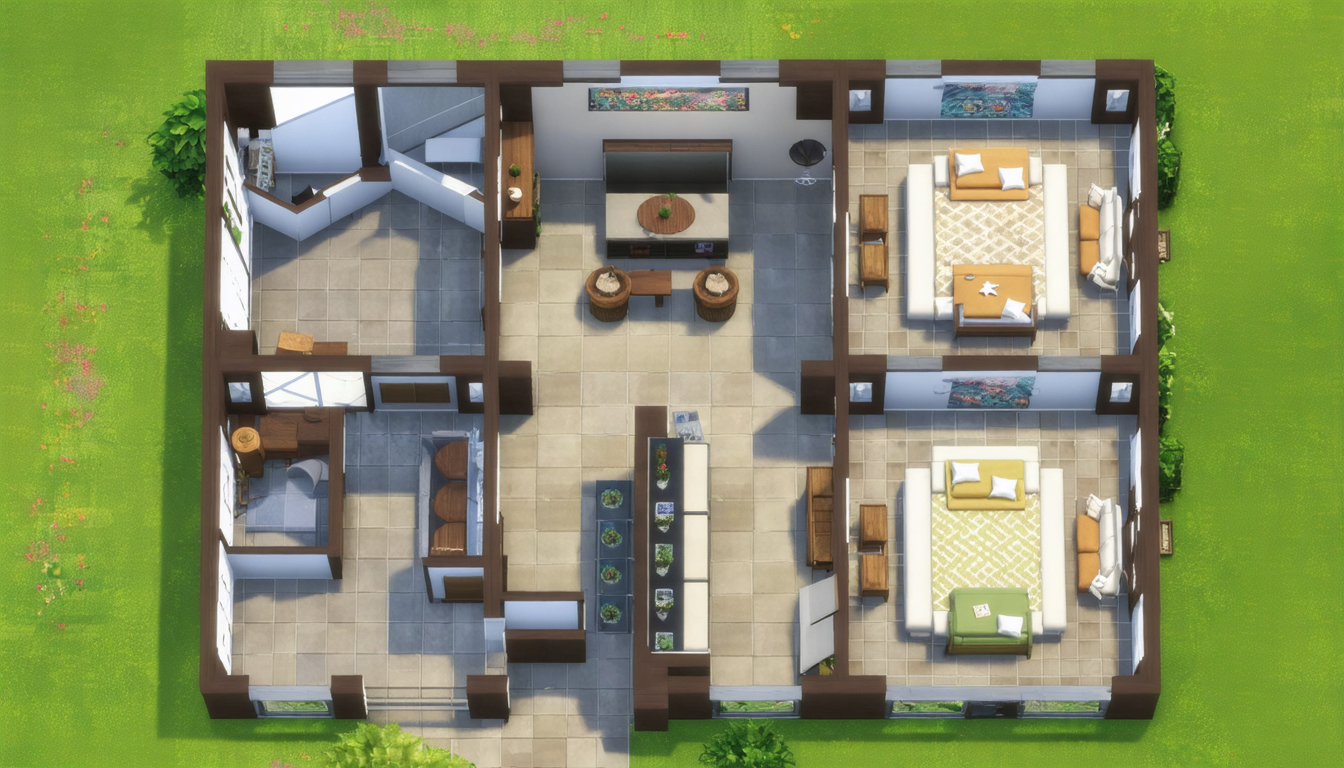
Ultimately, the true added value of half-tiles lies in the flourishing creativity this feature offers players. It goes far beyond a simple question of space or technical precision: it is a tool for personal expression and architectural innovation.
Each builder can now dream and realize structures that previously seemed out of reach. The granularity offered breaks the monotony of buildings with standard shapes and invites creating interiors, gardens, and facades that have personality and character.
Historically, this technical advance also reflects the evolution of video games as a platform facilitating artistic creation and virtual urban planning. In 2025, Sims 4 position themselves as leaders in this trend, advocating unlimited space for imagination.
Beyond housing, it is also virtual cities that benefit from these half-tiles, with finer and realistic public spaces, plazas, parks, and paths that seem to have been designed by a professional architect, while remaining accessible to all.
Do not underestimate the power of this tool: half-tiles encourage a more intimate relationship with the building, a renewed attention to detail, and a deep emotional attachment from players for their creations. It is probably one of the major innovations in build mode in recent years.
The future of construction in Sims 4 with half-tiles
Let’s observe how this feature promises to sustainably transform the building experience in Sims 4. As updates and custom content multiply, we can expect to see tools and furniture specially adapted to these half-tiles, opening even more innovative paths.
Online communities, privileged exchange places for creation, continue to evolve around these novelties. The most talented builders compete in ingenuity to push the limits of Sims architecture and share their tips, plans, and creations, becoming references in the field.
This dynamic creates a virtuous circle where creativity is constantly stimulated by feedback and increasingly advanced tutorials. Developers themselves seem to encourage this movement, gradually integrating these concepts into future game packs.
This function also opens the door to better accessibility for novice players wishing to start building without frustration. The possibility to easily manipulate half-tiles helps beginners express themselves quickly and progress at their own pace.
Finally, one can dream of what the future holds with potential integrations of artificial intelligence to assist in planning, or collaborative tools to build ambitious works together online, always with the same precision offered by half-tiles.




