
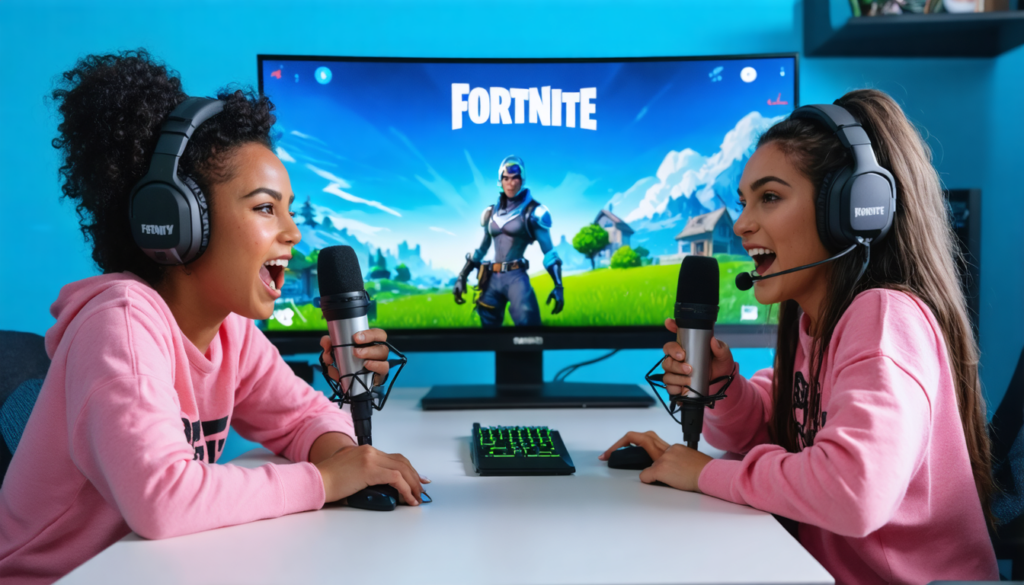
Fortnite remains an essential reference in the world of video games, attracting millions of players seeking both competition and camaraderie. In 2025, the multiplayer dynamic has been enriched thanks to the rise of split-screen mode, offering a new local cooperative experience. More than just a pastime, playing duo on Fortnite becomes a true tactical adventure where voice communication stands as a key element. The integration of Gamerz Voice, a platform dedicated to player communication, amplifies this synergy, turning each match into an exhilarating collective challenge. This practical guide will immerse you step by step in this experience, revealing how to make the most of split-screen mode and optimize your duo strategy to dominate the digital arena side by side with your partner. Take the controls, prepare your cooperation, and discover together what Royal Victory truly means.
Understanding split-screen mode in Fortnite: a revolution in local multiplayer
Split-screen mode in Fortnite revolutionizes the way of playing duo locally. Rather than being restricted to separate online matches, it allows two players to share the same screen and the same console – with the PS5 or Xbox being the only platforms supporting this feature in 2025. This setup divides the screen into two distinct sections, thus offering an individual perspective while maintaining collective immersion. The main advantage is to bring a strengthened social dimension, placing two gamers side by side, fostering instant communication and collaborative strategy.
This approach creates an environment where decision-making is accelerated and complicity is tested in intense field situations. However, this feature is not accessible on all platforms: Nintendo Switch or PC users must wait, as the functionality is not yet deployed there, thus limiting their access to this immersive experience.
A technical aspect not to be overlooked is the game’s adaptability in terms of visual quality. Despite the screen split, Fortnite maintains smooth 4K and 60 frames per second display, ensuring an optimal visual experience even in split-screen. This compromise between performance and local cooperation marks a significant advancement for modern consoles.
For fans of innovative tactile sensations, the DualSense feature on PS5 adds increased realism thanks to its adaptive triggers and haptic feedback, finely simulating each shot and action. This fusion of technological comfort and gameplay intensifies the joy of playing together physically, enhancing the value of split-screen mode.
In short, Fortnite’s split-screen mode in 2025 represents a major evolution, not only for local multiplayer but also in how voice communication takes center stage in duo cooperation. The rest of this guide will explain how to activate this mode and fully take advantage of this innovation.
Taking action: how to activate and configure split-screen mode on Fortnite with Gamerz Voice
Entering the world of split-screen gaming requires some simple but precise steps. It all starts with creating two separate user sessions on your console. Each player must log in via their personal account to benefit from optimal tracking of stats and progression. This prerequisite is essential for a personalized and smooth experience.
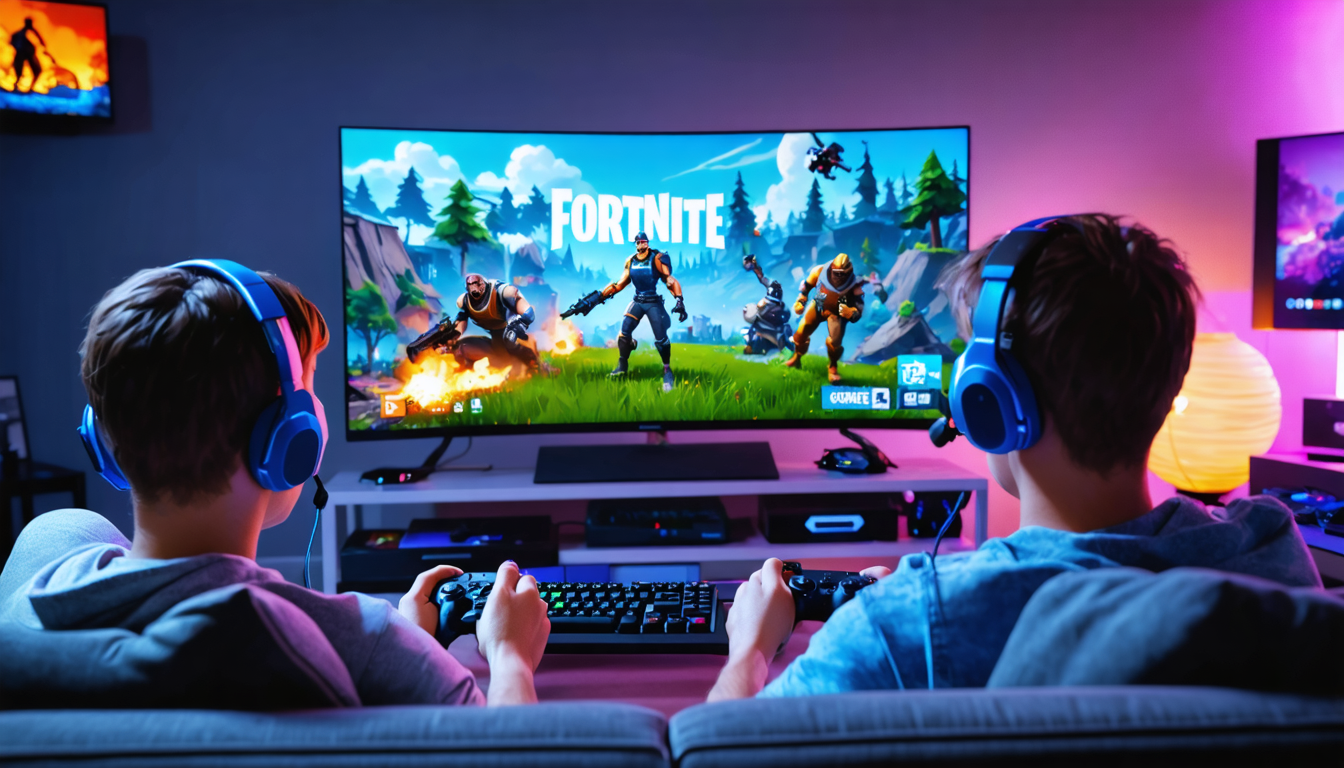
Once the accounts are set, launch Fortnite on the main session with player 1, then select Duo or Squad mode. From there, the second player turns on their controller, selects their session on the console, and presses the button indicated on the screen to join the game. This quick synchronization allows starting in a few simple steps, avoiding long waits.
The key setting for effective communication between players relies on the use of Gamerz Voice, an application or integrated feature that facilitates clear dialogue without interference. Physical proximity combined with this tool improves coordination to develop more sophisticated and reactive duo strategies.
Correctly configuring voice chat is essential. Gamerz Voice optimizes sound transmissions to eliminate external disturbances, allowing players to exchange in real time vital information such as enemy position, resource status, or the need to retreat. This voice communication becomes the foundation of shared success, strengthening cohesion.
Effective activation tips for split-screen mode and voice communication:
- Ensure each player has an active, logged-in user account
- At launch, imperatively choose Duo or Squad modes that support sharing
- Activate Gamerz Voice for smooth communication, especially if the room’s sound setup varies
- Test the microphone and controller volume before the match to avoid cutouts
- Adjust the screen and control sensitivity according to individual preferences to improve comfort and accuracy
Thanks to these simple steps, your local Fortnite gaming experience gains in smoothness and tactical power, making each gaming session memorable, whether to challenge your opponents or simply share a fun moment.
Duo strategy: maximizing efficiency in Fortnite through cooperation and communication
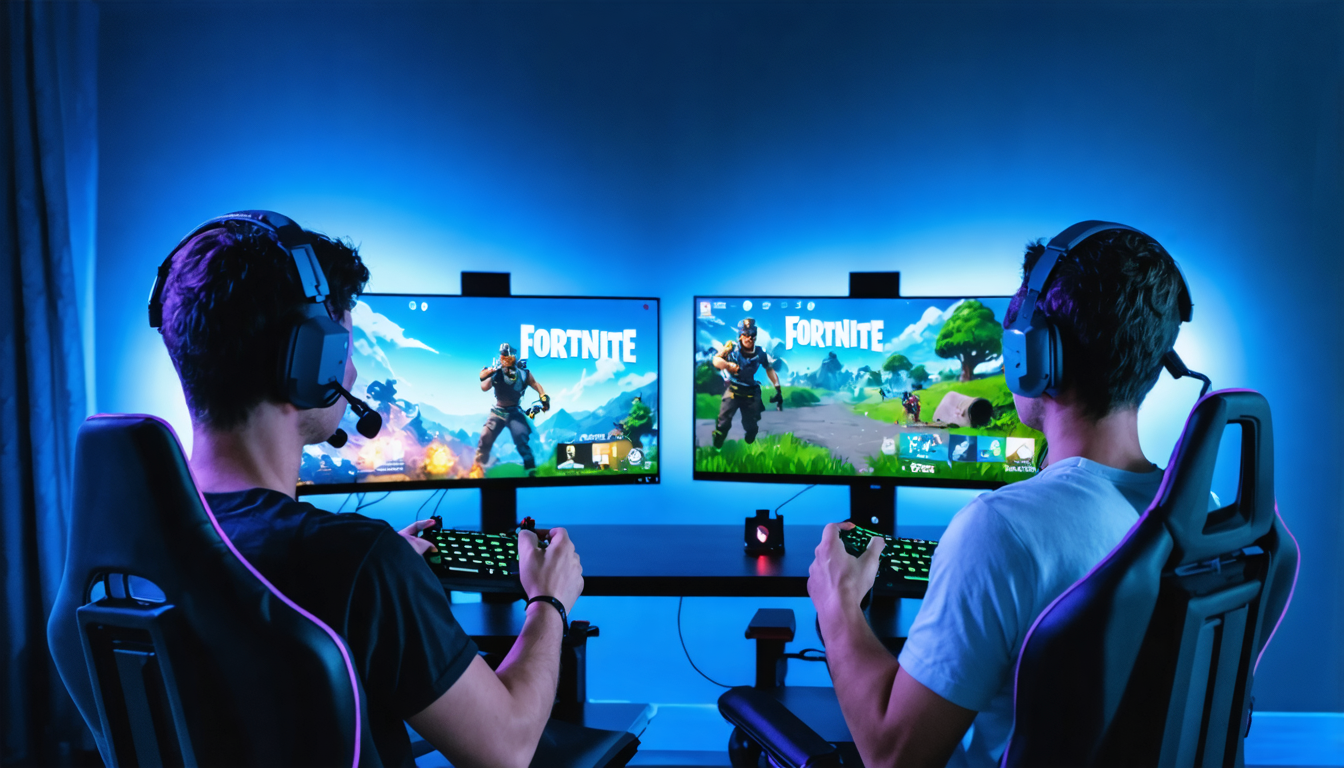
Playing duo in split-screen mode is not just about sharing a space. It’s primarily a matter of coordination, information sharing, and constant reevaluation of your techniques. Duo strategy becomes an art where every movement of your teammate influences your decisions and survival on the island.
Voice communication via Gamerz Voice then takes on its full meaning. With instant and precise exchanges, players can establish attack or defense tactics adapted to dynamic situations. For example, if a player spots an approaching enemy, they can immediately warn their partner who will take position for optimal cover.
Role distribution is a powerful strategic lever. Often, one player specializes in fast building fortifications, while the other focuses on shooting accuracy or resource management. This complementarity promotes better risk management and smoother progress.
Another crucial aspect is managing resources and items. By actively communicating, you can decide who carries heavy weapons, who keeps the medkits, or who ensures rapid material collection. This tactical organization reduces losses and optimizes your chances of survival.
By exploring different collaboration scenarios, many duos have shown that a well-honed strategy often results in a significant increase in Royal Victory rate. For instance, in a recent campaign, two players using Gamerz Voice improved their coordination to achieve a score 35% higher than their sessions without voice communication.
List of key elements to master for an effective duo strategy:
- Constant and clear communication on position and intentions
- Role distribution based on each player’s skills
- Coordinated management of resources and equipment
- Rapid adaptation to changing situations on the field
- Maximum exploitation of physical proximity to plan actions
Ultimately, success in Fortnite split-screen mode relies on the symbiosis between voice communication and real-time decision-making. The use of Gamerz Voice enhances this link, making each match an enriching and competitive experience where collaborative strategy will often outperform solo play.
Optimizing visual and technical settings for a smooth split-screen experience
Although Fortnite maintains high performance at 4K/60 fps in split-screen mode, certain technical adjustments improve gaming comfort when two players evolve simultaneously on a single console. These optimizations concern both visual rendering and control configuration.
The first point of attention is the size and readability of on-screen elements. Indeed, each player has half a display, which can make interfaces, text, or markers less visible. To compensate, it is recommended to modify font sizes and adjust contrasts in Fortnite’s options, thus fostering better perception of crucial information.
Next, control sensitivity deserves personalization. Fine adjustments allow tuning camera rotation speed, analog stick responsiveness, and shooting precision. When each player sets up their profile according to preferences, action fluidity is maximized.
Regarding hardware, using individually adapted headsets improves concentration and sound distinction in game. Even coexisting on the same couch, this sound separation contributes to better immersion and coordination via Gamerz Voice, as it reduces sound overlap and background noise.
Finally, ensuring a stable internet connection is paramount to avoid disconnections or lags that can abruptly interrupt the split-screen match. Keep in mind the mode only works if both players benefit from a constant and fast connection.
Summary table of key technical optimizations to prioritize:
| Aspect | Recommendation | Expected Impact |
|---|---|---|
| Resolution | Maintain 4K/60 fps | Smooth and detailed display |
| Text size | Adjust size and contrast in settings | Better readability of information |
| Control sensitivity | Personalize per player | Improved responsiveness and comfort |
| Audio | Use headsets to separate sounds | Immersion and clarity of communication |
| Internet connection | Stable and fast connection required | Interruption-free experience |
By applying these tips, each duo can fully enjoy the advantages of split-screen mode without sacrificing visual quality or reaction time, thus maximizing their chances of success in Fortnite.
Exploring game modes compatible with split-screen mode in Fortnite
It is crucial to understand that split-screen mode in Fortnite is not universally applicable to all types of matches. In 2025, PlayStation and Xbox consoles only allow this feature for Duo and Squad modes, excluding solo matches as well as certain specific modes like Creative, Save the World, and competitive Arenas.
This choice stems from a desire to optimize performance and gameplay fluidity, notably by maintaining game stability and graphic quality during shared sessions. Recall that splitting the screen imposes an extra load on consoles that must be managed skillfully.
Moreover, some event or temporary modes are not accessible via split-screen to preserve competitive fairness and avoid advantages or disadvantages linked to local configuration. This targeted selection encourages players to focus on intensive collaboration rather than on solo rounds where each player would be isolated.
Understanding these limits guides gaming sessions towards the most suitable formats, where duo coordination and strategy are vital, enhancing shared enjoyment thanks to Gamerz Voice and local multiplayer dynamics.
This aspect also constitutes a starting point for envisioning possible future evolutions, such as extending split-screen mode to other consoles and game modes—a strong demand from the community in 2025.
Advanced techniques to strengthen your duo strategy and communication on Fortnite
Beyond the basics, mastering duo play on Fortnite in split-screen mode requires adopting advanced techniques that fully exploit the advantages of close cooperation and communication via Gamerz Voice. We are far from a simple screen-sharing: every detail counts to win.
For example, learning to synchronize movements based on your teammate’s view allows anticipating ambushes and securing strategic areas of the field. Thanks to voice communication, one player can quickly activate an “enemy alert” while the other organizes a counterattack. This collective reactivity reduces errors and optimizes decision-making.
Judicious use of resources is also an integral part of this approach. Constantly discussing ammunition, constructions, or healing avoids equipment shortages at crucial moments. Some teams even create codes or short signals via Gamerz Voice to speed up exchanges without distracting from the action.
Regular duo practice will also refine the sense of collective strategy: taking calculated risks, analyzing opponent behaviors, and adapting to unforeseen events become natural reflexes. This is strongly encouraged in the Fortnite ecosystem, where the game’s dynamics are constantly evolving.
To illustrate, experienced players often recommend following these rules in split-screen sessions:
- Maintain concise yet comprehensive communication
- Define specific tasks before and during the match
- Practice rapid decision-making under stress
- Use mutual feedback to continually improve
- Leverage console technological advantages to refine strategies
These precepts turned into habits make each duo a high-performance combat cell, able to compete with the best online teams, proving that split-screen can equal, or even surpass, the classic multiplayer experience.
Overcoming split-screen mode limitations: solutions and best practices
Split-screen mode, though innovative, imposes certain constraints that players must learn to manage to avoid compromising their experience. In 2025, internet connection stability remains a key factor. A disconnected player means the immediate end of the split-screen session, which can quickly become frustrating.
Another major limitation is the unavailability of some game modes, restricting the diversity of shared sessions. However, this constraint can turn into an opportunity: by focusing efforts on Duo and Squad modes, players develop sharp expertise and more intense communication than in other formats.
Moreover, split-screen play can create a feeling of reduced space, as each player must settle for half the visibility. To overcome this difficulty, it is recommended to adjust graphic settings as mentioned before, but also to work on a strategy where map vision is shared through constant verbal cues via Gamerz Voice.
To avoid conflicts linked to language or configuration preferences, both players must imperatively ensure synchronization of language and interface settings before each game, thus ensuring optimal command and objective understanding.
Integrating best practices helps soften these constraints:
- Test the internet connection before starting a match
- Choose only compatible modes to avoid surprises
- Personalize and standardize game settings (language, sensitivity)
- Use reliable communication tools like Gamerz Voice
- Adopt a patient and constructive attitude toward technical limitations
With these adaptations, playing duo on Fortnite in split-screen becomes a rewarding and smooth experience, promoting fun and skill development.
Social benefits and cultural impact of split-screen gaming on Fortnite
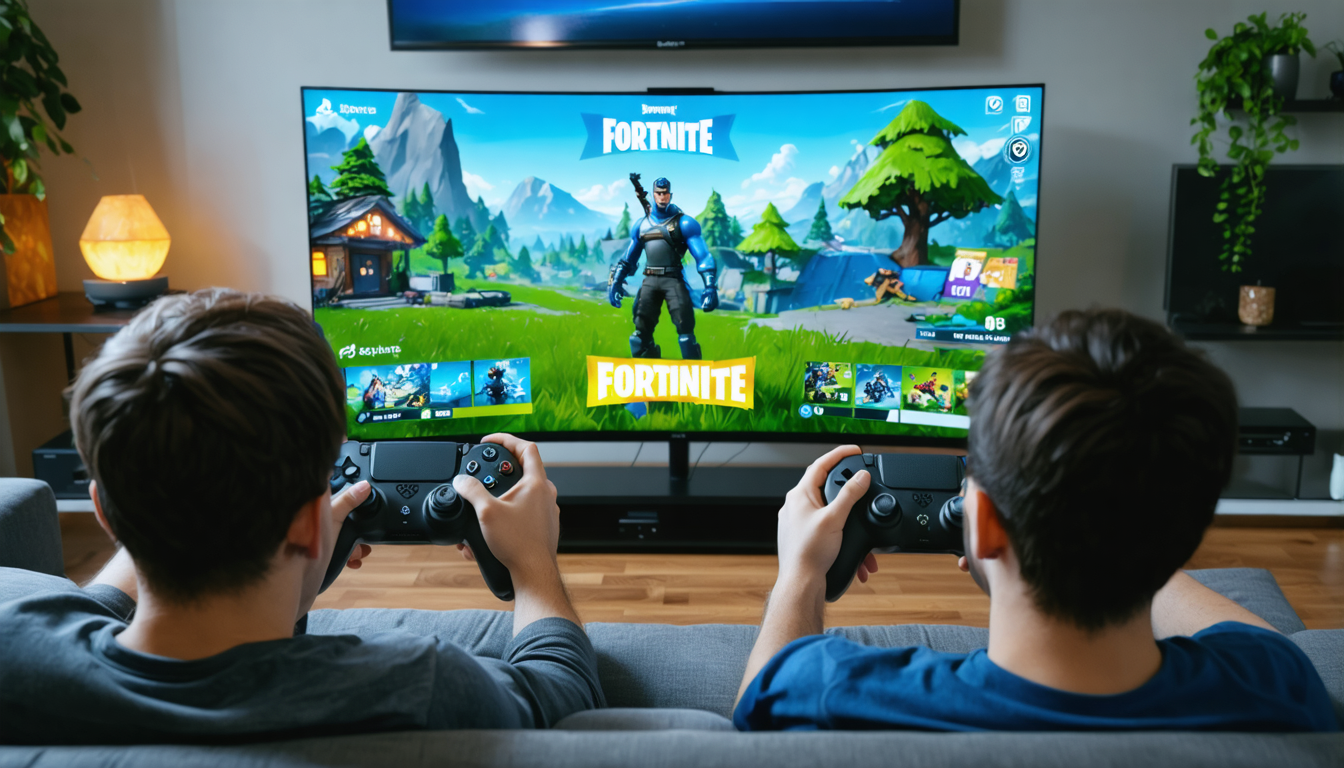
Beyond the simple recreational dimension, playing duo in split-screen on Fortnite embodies a new way to strengthen social bonds through video games. This practice, amplified by tools like Gamerz Voice, encourages exchange, collaboration, and sharing in a friendly setting.
In 2025, local multiplayer is becoming a strong trend again in a universe often fragmented by long-distance online play. Being physically close to a gaming partner facilitates mutual understanding, allows reading expressions, and increases complicity. This helps enrich the gaming experience in a way that online matches can hardly reproduce.
It also impacts gaming culture in general, favoring a return to roots where fifteen years earlier, the couch and a single TV were the bastions of interactive entertainment.
Moreover, split-screen mode democratizes gaming among families, bringing together parents and children around a common activity. This social aspect is strengthened by local events and competitions where cooperation becomes more than a mere challenge — a gaming philosophy.
Streamers and content creators also exploit this mode to offer original content, where proximity and authentic exchanges are at the heart of videos broadcast on major platforms.
Ultimately, split-screen gaming on Fortnite opens the way to a more human and interactive experience, where voice communication via Gamerz Voice amplifies these benefits by facilitating direct and spontaneous exchange.




