

In 2026, with the constant evolution of video games and the growing size of files to download on the PS5, download speed becomes a crucial issue for gamers. Whether it is to explore a new online universe or enjoy a highly anticipated DLC, waiting for hours in front of a stuck progress bar can quickly spoil the fun. However, there is a simple and effective method to boost your downloads and double the speed on your console. This tip, accessible to everyone, consists of optimizing the network configuration and the internal settings of the PS5. Thanks to well-thought-out adjustments, combined with suitable equipment, it is now possible to speed up the process without changing your internet plan or investing in expensive hardware.
Improving download speed does not solely depend on the quality of the internet connection. Indeed, the PS5 has hidden settings often unknown that allow maximizing network performance and obtaining a fast and lasting connection. Moreover, considering the environment and interferences can also significantly influence the effective speed. In this article, we will detail all the essential PS5 tips to optimize the internet as best as possible, efficiently manage storage, and master every factor that slows down the console. Thus, you will have all the keys in hand to fully enjoy without wasting time.
Network optimization: the basis for doubling PS5 download speed
Your PS5’s download speed greatly depends on the quality and stability of the network it is connected to. In 2026, despite the widespread use of fiber optics, fluctuations are not uncommon. This is often explained by bad configuration or interferences. To boost downloads on PS5, the first step is to prioritize a wired connection via an Ethernet cable, which offers stability and speed far superior to Wi-Fi.
If a wired connection is not feasible, it is important to choose the 5 GHz Wi-Fi band, generally less congested than the 2.4 GHz band. This simple change can already lead to a noticeable improvement in download speed. Additionally, it is recommended to place the PS5 as close as possible to the router and avoid physical obstacles that create interferences, such as thick walls or household appliances.
Beyond these physical aspects, network configuration on the console can make a big difference. Enabling the “Prioritize Ethernet Connection” setting in the network options if you are using Wi-Fi, or manually selecting a faster DNS server, such as those provided by Google (8.8.8.8) or Cloudflare (1.1.1.1), often increases network performance. By changing these settings, some players have noticed their speed doubled, simply thanks to better IP address resolution and optimized traffic management.
Furthermore, it is useful to check that your router supports modern technologies such as Wi-Fi 6, which, in 2026, is established as the standard to offer high throughput and low latency, especially when multiple devices are connected simultaneously. Pairing a Wi-Fi 6 router with a properly configured PS5 creates an ideal environment for fast and stable downloads.
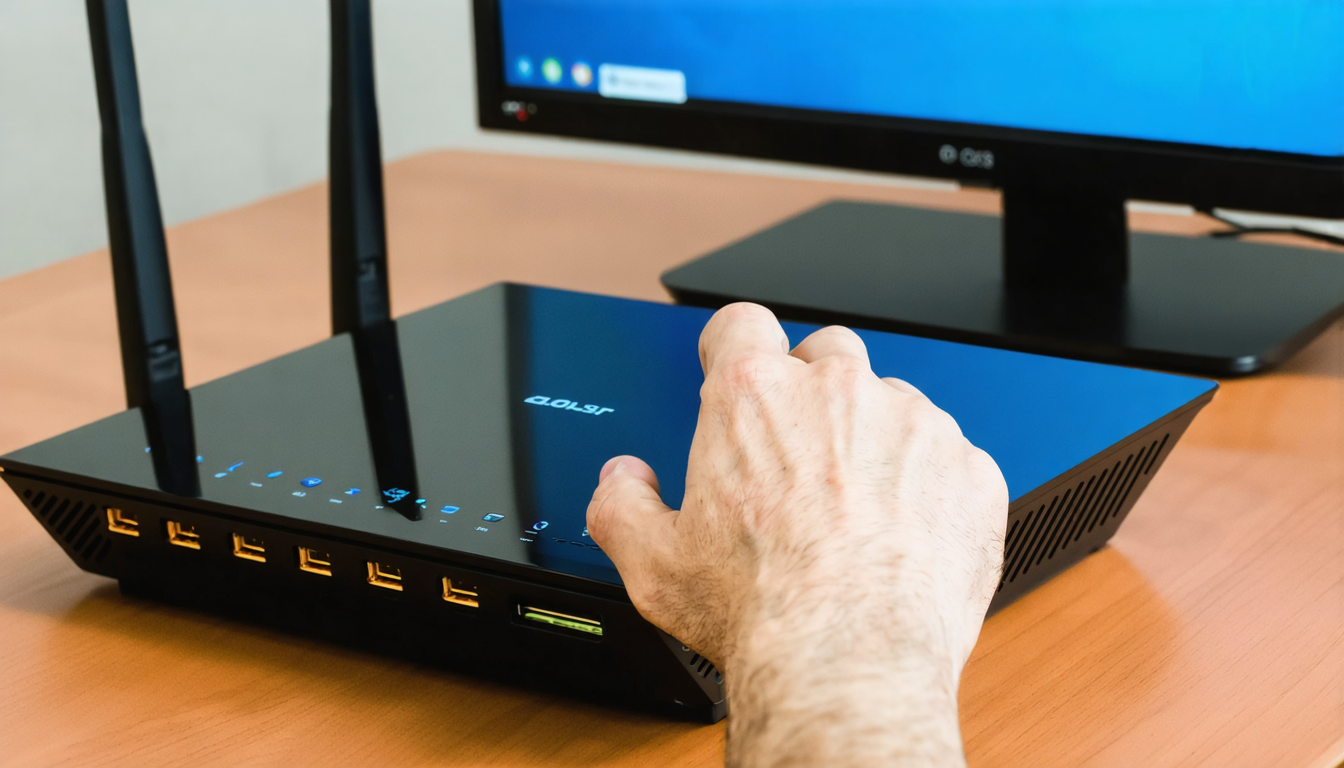
PS5 settings to modify for doubled download speed
The PS5 includes several customizable functions in its network settings that directly affect the speed and quality of downloads. Among them, one setting is particularly effective to boost downloads: disabling the bandwidth restriction dedicated to downloads in rest mode.
By default, when the PS5 is in rest mode, it reserves part of its bandwidth to stay up to date with PlayStation servers. This configuration often limits the speed. By disabling this limitation via the “Settings” menu, under “System,” then “Rest Mode,” and “Stay Connected to the Internet,” the console frees up all available bandwidth to perform downloads faster even when it is in standby.
Another important point: dynamic management of downloads. When multiple games or updates are being downloaded simultaneously, the PS5 automatically distributes bandwidth, which inevitably slows down each file. By ensuring that only one item is downloaded at a time, you maximize the speed on that particular file, which can drastically reduce waiting time.
Furthermore, the “Prioritize Downloads” option in the network settings allows switching to higher speed for transfers linked to the PlayStation Store by optimizing the protocol used by the console. This little-known feature promotes speed by efficiently filtering data requests to Sony servers.
For users connected via Wi-Fi, it is advised to disable “Automatic Wi-Fi” in the network menu and manually configure the connection with the optimal settings your equipment offers. By setting the IP address, gateway, and DNS, you gain stability and sometimes speed.
Essential tips to speed up downloads on PS5 in complex environments
In certain contexts, the internet connection may be affected by external factors difficult to control, such as a crowded home network or a zone with high device density. For these cases, specific PS5 tips allow real internet optimization to prevent your console from suffering slowdowns related to network traffic.
One of the most effective methods is to create a “QoS prioritization” (Quality of Service) on your router. This function gives high priority to data packets sent to the PS5, thus placing the console at the top of network priorities. This ensures that download data will not be slowed by other devices, such as smartphones, tablets, or computers.
To apply this, go to your router’s management interface and identify your PS5’s MAC address or local IP address. Then, enable the QoS function and assign maximum priority to this address. This simple operation often allows multiplying the effective speed by two or more without other modifications.
Another tip is to limit the bandwidth used by other devices, especially when they are streaming or downloading in parallel. In 2026, households commonly have several UHD videos streaming and massive simultaneous downloads, which can saturate the connection. Setting defined time slots for these activities or using parental control functions to limit their throughput positively impacts the fast connection for the PS5.
Finally, avoid downloads during peak times when the network is most saturated, often in the evening around 8pm-10pm. During these periods, internet service providers see their traffic explode, which reduces speeds. Scheduling your downloads late at night or early in the morning is a good habit to benefit from maximum performance.

Efficient storage management to improve PS5 download speed
A common user mistake is to neglect the impact of storage on download speed. Indeed, even if the internet connection is optimal, a saturated or fragmented hard drive can noticeably slow down download and installation processes. The PS5, although equipped with a very performant SSD, can experience slowdowns if available space becomes too low or if the console has to manage heavy installations simultaneously.
To overcome this problem, it is advised to regularly check free space on the console and free up space by deleting unused files or games. Using an external NVMe hard drive compatible with PS5 to store certain games is also good practice, as it unloads the internal SSD and optimizes overall smoothness.
Another tip is to schedule automatic downloading of updates only for titles you frequently use, to avoid the PS5 wasting time downloading and installing patches for non-priority games. Proactive storage management thus helps accelerate not only downloads but also the launch of the games themselves.
Console updates must also be installed regularly, as Sony continually improves download management and system performance. Not updating the PS5 may block the use of some network settings essential for internet optimization.
Using alternative DNS to maximize fast connection on PS5
DNS (Domain Name System) is an essential intermediary that transforms server domain names into IP addresses to allow the PS5 to access online content. By default, the console uses the DNS assigned by the internet service provider, which is not always the fastest or most reliable. Activating a recognized alternative DNS can significantly improve response times and download speeds.
In 2026, the public DNS of Google (8.8.8.8 and 8.8.4.4) and Cloudflare (1.1.1.1) are widely adopted by players seeking to improve their network performance. These services offer faster IP address resolution and better failure resistance. Changing these settings on the PS5 is easy via “Network Settings,” then “Set Up Internet Connection,” where you just need to manually enter preferred and secondary DNS addresses.
The gains are not always spectacular in all cases, but for asymmetric or unstable connections, this method often enables doubled download speeds, especially on PlayStation Store servers, sometimes known for latency.
It is important to note that using an alternative DNS is not a miracle solution to improve raw throughput, but it is a complementary tip that positively influences connection quality and data transfer fluidity.
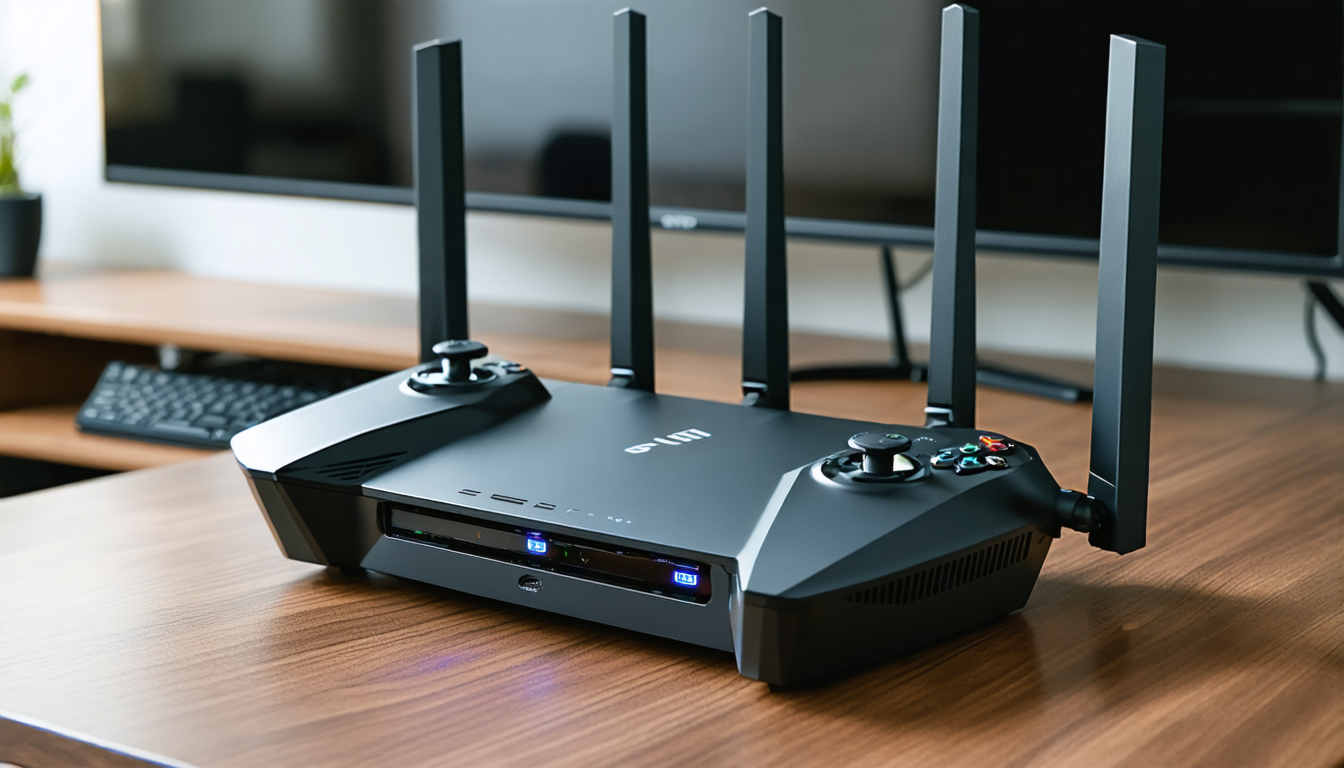
Essential accessories to boost your PS5’s network performance
For a complete and lasting internet optimization, certain equipment allows tangible acceleration of download and network stability on PS5. Here is a list of the most performant hardware solutions in 2026:
- Ethernet Cat 7 or Cat 8 Cable: Provides speeds above 10 Gbps and very low latency, ideal for maximizing wired connection.
- Wi-Fi 6E or Wi-Fi 7 Router: These ultra-performant standards offer speed gains and better management of interferences and devices connected simultaneously.
- USB-C Ethernet Adapter for PS5: Allows connecting the console via Ethernet even when a dedicated port is missing on some models or accessories.
- Fast External NVMe Hard Drive: Facilitates storage management and prevents slowdowns caused by a saturated internal SSD.
- Wi-Fi Signal Booster: Useful to extend wireless coverage and limit throughput loss when the console is far from the router.
Investing in these devices does not necessarily mean spending a fortune but rather targeting accessories compatible and suitable for the PS5’s capabilities and the home network environment. For example, a good Ethernet cable can prove more cost-effective than a more expensive internet subscription to speed up downloads.
Comparison of main solutions to quickly double PS5 download speed
| Solution | Advantages | Disadvantages | Impact on download speed | Estimated cost |
|---|---|---|---|---|
| Ethernet Connection | Optimal stability, low latency | Requires proximity to router, cable | Often doubles the speed | €15-30 for Cat 7/8 cable |
| DNS Modification | Easy to configure, improves responsiveness | Not a massive boost | Improves speed by 10 to 30% | Free |
| PS5 Rest Mode Settings | Frees all bandwidth | Modified use in standby | Can double speed in rest mode | Free |
| Router QoS | Effective prioritization of PS5 traffic | More technical configuration | Frequently doubles speed | Free with compatible router |
| Switch to 5 GHz Wi-Fi | Better wireless bandwidth | Limited range compared to 2.4 GHz | Significantly improves speed | Free |
Real impact of settings on PS5 gaming experience in 2026
Players in 2026 are increasingly demanding regarding network performance. With the multiplication of massively multiplayer online games and virtual reality experiences, every millisecond counts. Doubled download speed is not limited to faster downloading. It also conditions in-game responsiveness, update fluidity, and the ability to switch more quickly from one game to another.
For example, a passionate player like Lucas, living in Lyon, recently adopted the simple method combining Ethernet, alternative DNS, and QoS settings. Result: he downloads his games in half the time, which allows him to dedicate more sessions to gaming rather than waiting. His experience has improved so much that he now recommends all these PS5 tips to boost downloads and improve the network effortlessly to his friends.
This trend shows that mastering network configuration and download management has become as necessary as choosing the right games or accessories. Network performance is today a determining factor in the overall PS5 experience, and doubled download speed opens new possibilities for players and the video game industry.
Advanced techniques to boost PS5 downloads: myths and realities in 2026
With the continuous emergence of network optimization techniques, some misconceptions still circulate among players. Many think, for example, that simply changing their internet plan is enough to benefit from better speed, or that the PS5 systematically slows down over time. However, these claims deserve clarification:
- Changing Internet Plan: If your base connection is very slow, an upgrade can help. However, for most users, speed is limited more by internal settings and local network than by the provider.
- The PS5 becomes slower: Unlike a computer, a console like the PS5 does not “age” in terms of raw speed, as long as the system is up to date and storage is well managed.
- External Wi-Fi Boosters: useful in some cases, these devices do not always guarantee significant improvement, especially if the location remains poorly chosen.
- The importance of downloading in rest mode: prioritizing this mode ensures that your console focuses entirely on transfers without impacting ongoing gameplay.
By avoiding false ideas and following the simple yet powerful methods outlined above, every user can enjoy doubled download speed on their PS5. The key lies in thorough network optimization and smart use of console settings.




