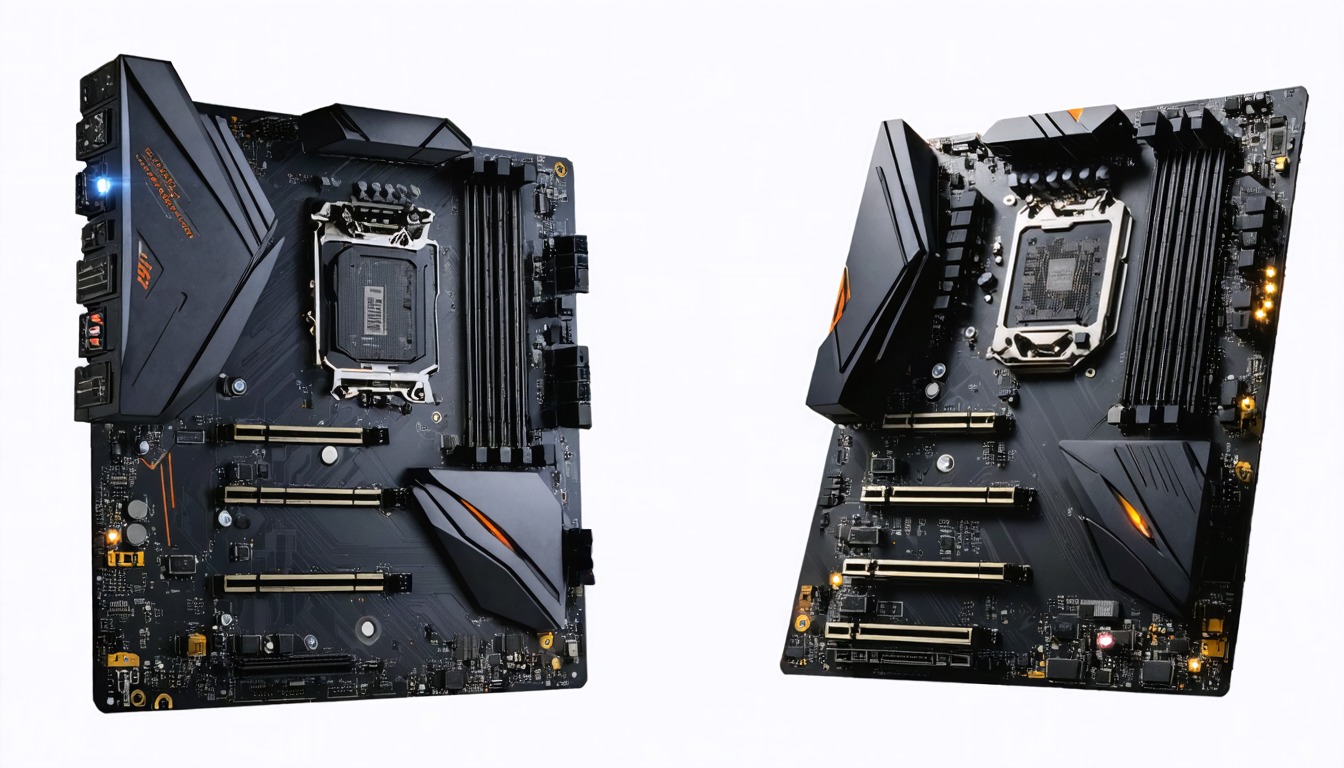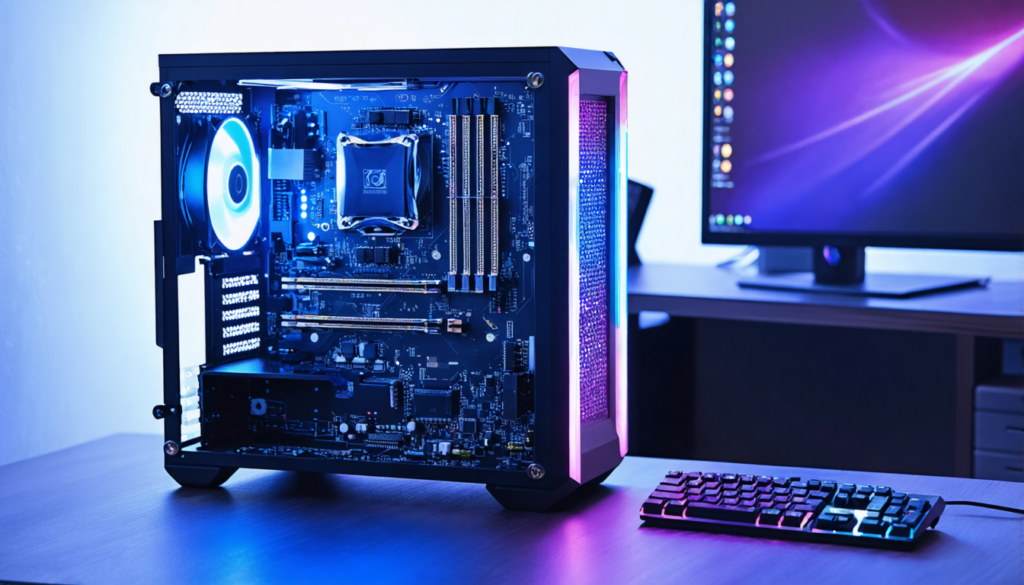
The gaming motherboard market in 2026 has become more complex with the rapid evolution of technologies and the increasing demands of gamers. Choosing a suitable motherboard primarily means understanding the processor ecosystem, overclocking capabilities, connectivity, and scalability. Between AMD, Intel, and manufacturers like MSI, the decision may seem challenging. However, each option meets specific needs depending on your gaming style, budget, and performance ambitions. Today, motherboards are no longer just simple processor supports: they have become the heart of a system capable of absorbing innovations like PCIe 5.0, DDR5, Wi-Fi 6E connectivity, and much more.
For demanding gamers, choosing the right motherboard is a strategic investment. It is about ensuring perfect compatibility with the processor while providing an environment conducive to future hardware upgrades. Moreover, manufacturing quality, built-in features, and thermal management play a decisive role in the longevity of your setup. MSI, with its dedicated gaming lines, competes with Intel and AMD benchmarks, offering integrated solutions with guaranteed performance. Modifying your configuration effortlessly thanks to efficient BIOS management or modern connectivity is also among the critical criteria, especially in a context where gamers want to adjust their hardware without going through complex troubleshooting phases.
This comprehensive guide is addressed to all those who want to master the specifics of each platform to make an informed choice. Whether you are considering a machine capable of handling the latest AAA titles in ultra-high resolution or building a PC dedicated to streaming and online tournaments, this analysis will help you understand the differences between AMD, Intel, and MSI motherboards and find the one that offers the best balance between performance and price.
Essential criteria for choosing a gaming motherboard compatible with AMD, Intel, or MSI
When looking for a gaming motherboard, it is essential to start with the basics: compatibility between the motherboard and the processor. Each manufacturer offers specific sockets and chipsets that dictate which generations of processors will be compatible. For AMD, AM4 sockets long dominated the market, but in 2026, the AM5 socket has become the standard, supporting Ryzen 7000 and future generations. On Intel’s side, the LGA1700 and LGA1800 sockets respectively host the 12th, 13th, and 14th generations of processors. MSI, as a third-party manufacturer, offers motherboards for both standards, often with additional features adapted for gamers.
The choice of chipset is equally critical. For example, on AMD, the X670E and B650 chipsets offer different options regarding overclocking, connectivity, and the number of M.2 ports. On Intel, the Z690 and Z790 series target ambitious gamers who want to fully exploit their CPUs’ capabilities, especially with overclocking. It is important to check if the chipset supports this essential function, especially if you are a fan of high performance.
Another key point is RAM. The transition to DDR5 is now widely adopted, offering higher bandwidth than DDR4 as well as reduced latency. Some hybrid motherboards support both DDR4 and DDR5, giving consumers more freedom depending on their budget and needs. For optimal gaming, favoring a motherboard supporting high-frequency DDR5 (6000 MHz and above) guarantees a noticeable performance gain, especially in demanding games.
Storage and connectivity should not be overlooked, especially for gamers craving speed. An efficient gaming motherboard must offer multiple M.2 PCIe slots, at least supporting PCIe 4.0, or even PCIe 5.0 on the latest models such as certain MSI MPG series or ASUS ROG models. These slots are crucial for installing ultra-fast NVMe SSDs, significantly reducing game loading times.
Finally, the presence of USB 3.2 Gen 2×2 and USB-C ports is now essential for easily connecting gaming peripherals (keyboards, mice, headsets, etc.). Not to mention connectors for fans and RGB lighting, which are fundamental for a personalized and high-performance setup. In short, opting for a motherboard based on these criteria ensures you maximize your capabilities without unnecessary spending.
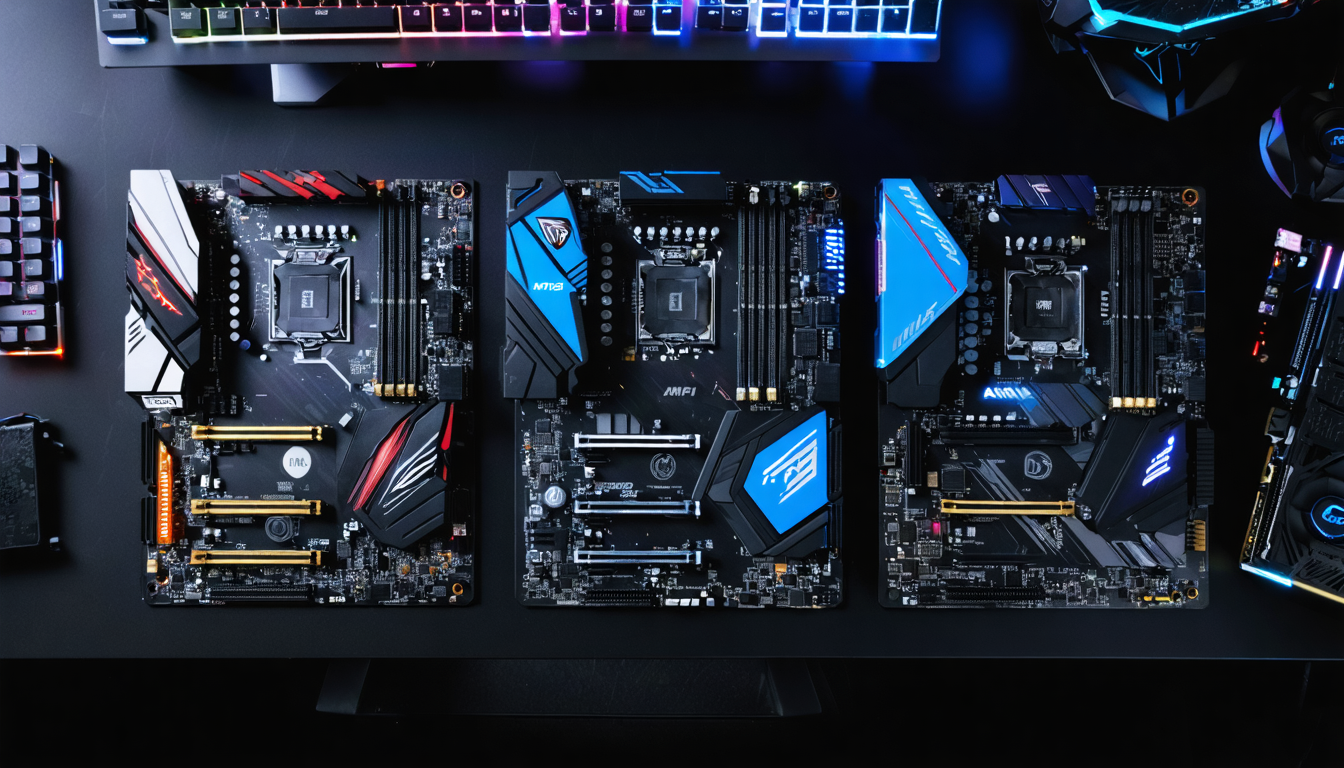
Storage and connectivity: key arguments of MSI gaming motherboards and their Intel & AMD competitors
The choice of a gaming motherboard largely depends on the management of storage and connectivity. With the explosion in size of recent video games and the desire for optimal loading performance, the number and type of SSD slots are decisive.
Modern motherboards, whether MSI, AMD, or Intel, offer at least two M.2 slots. However, the PCIe standard used varies, with high-end models progressively adopting PCIe 5.0, capable of speeds exceeding 10,000 MB/s in read. For example, some MSI MPG Z790 and ASUS ROG Maximus Z790 boards integrate PCIe 5.0 slots for future-proof performance. On AMD, X670E boards also follow this trend with a focus on enhanced cooling of M.2 slots.
Meanwhile, USB connectivity evolves toward fast and versatile variants, notably USB 3.2 Gen 2×2 and USB-C. These connectors facilitate the management of gaming peripherals, whether fast external hard drives or high-fidelity audio accessories. PCIe ports, essential for accommodating the latest generation graphics cards, adhere to PCIe 4.0 or 5.0 standards depending on the model, ensuring sufficient bandwidth to fully exploit the newest GPUs.
Here is a comparative table of storage and connectivity capabilities among the main 2026 gaming lines:
| Model | M.2 Slots | M.2 PCIe Standard | USB 3.2 Gen 2×2 | USB-C | PCIe Slots |
|---|---|---|---|---|---|
| MSI MPG Z790 Carbon | 3 | 2 x PCIe 5.0, 1 x PCIe 4.0 | Yes | Yes | PCIe 5.0 x16 |
| ASUS ROG X670E Extreme | 4 | 3 x PCIe 5.0, 1 x PCIe 4.0 | Yes | Yes | PCIe 5.0 x16 |
| Gigabyte Z690 AORUS Pro | 3 | 2 x PCIe 4.0, 1 x PCIe 3.0 | Yes | Yes | PCIe 4.0 x16 |
For gamers aiming to upgrade to even faster hardware, favoring a motherboard with PCIe 5.0 slots is wise, even if not all SSDs using this standard are yet widespread in 2026. It is an investment in longevity.
ATX, micro-ATX or mini-ITX form factor: which motherboard to choose for your gaming setup?
The motherboard form factor is often an overlooked but fundamental element when building your gaming PC. It influences not only the space inside your case but also the number of expansions you can install.
The ATX form factor remains the standard and the most appreciated by gamers wanting a wide range of expansion options. It generally offers the greatest number of PCIe slots, RAM slots, and ports, as well as a better thermal dissipation system. This form factor remains ideal for a demanding gaming setup equipped with a powerful graphics card, multiple SSDs, and an advanced cooling system.
The micro-ATX offers an interesting compromise for those who want to limit the size of their case without sacrificing all performance. This form factor offers slightly fewer slots but retains enough features for a versatile gaming machine. It is often preferred for gaming PCs in smaller spaces, such as a student bedroom or a small office.
Finally, the mini-ITX form factor targets compact and portable configurations. It is perfect for gamers seeking a discreet or portable PC that can fit into tight environments like a living room. Despite its reduced size, mini-ITX can accommodate powerful components, although expansion capacity is more limited, and thermal management requires rigor.
A comparative summary:
| Form Factor | Size (mm) | Advantages | Disadvantages |
|---|---|---|---|
| ATX | 305 x 244 | Excellent scalability, effective cooling, many ports | Larger case, increased weight and cost |
| micro-ATX | 244 x 244 | Good balance between size and features, affordable price | Fewer expansion slots, thermal management to monitor |
| mini-ITX | 170 x 170 | Compact, portable, aesthetic | Limited options, more challenging cooling |
In summary, the choice of form factor must take into account available space, your expansion desires, and your gaming style. MSI, for example, offers all these variants, with consistent quality across each form factor.
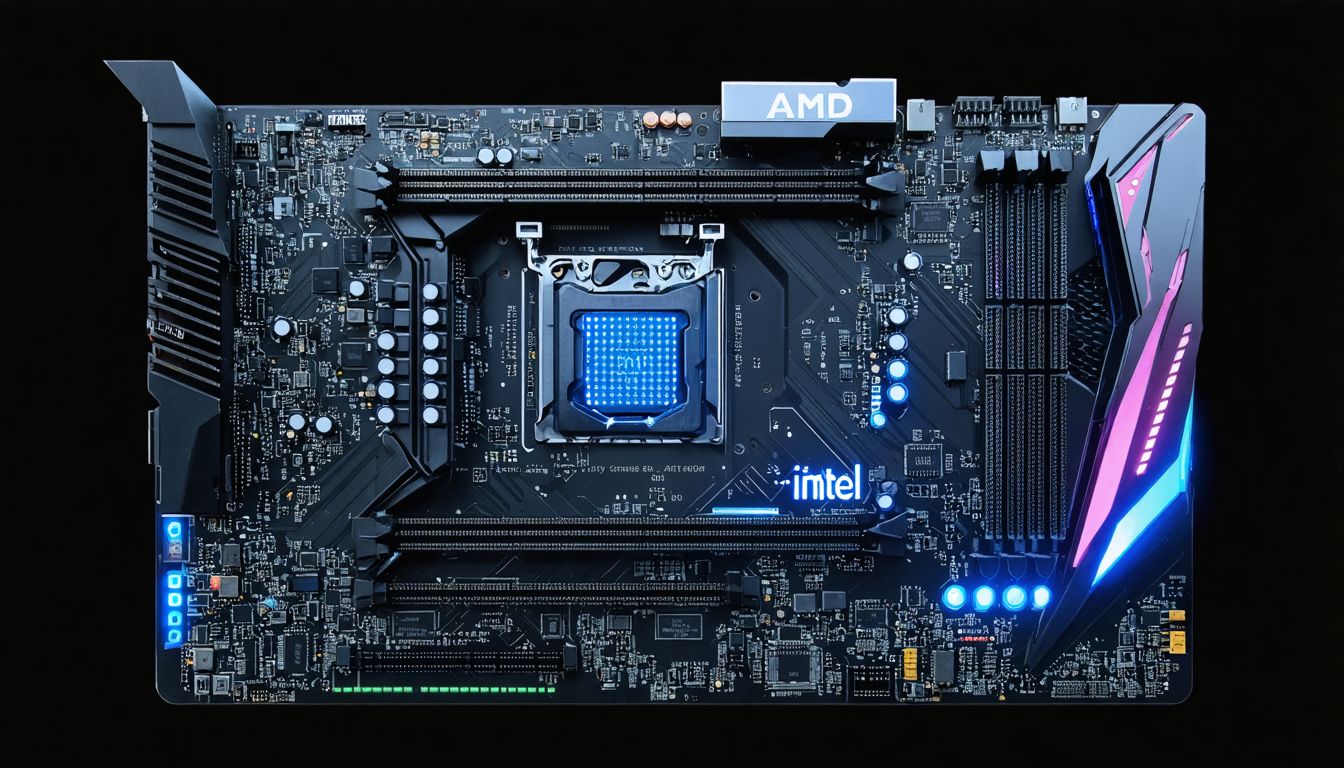
How VRM power phase management impacts performance and overclocking on a gaming motherboard
VRM (Voltage Regulator Module) phase management is an often underrated but absolutely crucial aspect for processor stability and performance in gaming, especially when overclocking. These phases control the voltage delivered to the CPU and ensure that power remains constant even under heavy loads.
Gaming motherboards, whether AMD or Intel, particularly MSI GAMING or ASUS ROG models, pride themselves on integrating robust VRMs often cooled by high-quality heatsinks. The higher the number of phases, the better the load distribution, which reduces heat generation and increases stability under heavy stress.
For example, an MSI MPG Z790 motherboard often includes a 12+1 phase VRM configuration for the CPU, ensuring smooth and efficient power delivery, especially appreciated during intensive overclocking. In comparison, cheaper models may feature 6-8 phase configurations, suitable for casual gaming but not recommended for players wanting to extract maximum performance from their processor.
Attention should also be paid to CPU power connectors. High-end motherboards often offer a double 8 + 4 pin connector, ensuring stable and secure power supply even for the most power-hungry processors.
In summary, for a passionate gamer, choosing a motherboard with a solid VRM system is an essential criterion, especially if you want to engage in overclocking and maximize your performance without fearing instability or overheating.
Add-on features that distinguish the best MSI, AMD, and Intel gaming motherboards in 2026
Beyond technical aspects related to compatibility and raw performance, modern gaming motherboards integrate features that significantly enhance the user experience.
Among the most sought-after, integrated Wi-Fi 6E and Bluetooth 5.2 modules in the motherboard are gaining popularity. These options facilitate high-speed wireless connections, essential for streaming, online gaming, and using wireless peripherals like headsets. MSI frequently includes these modules in its MPG and MEG lines.
Audio quality is another often underestimated criterion. Motherboards like AMD X670E or Intel Z790 now include premium audio solutions with dedicated DACs, delivering clear, immersive, and precise sound, which is crucial for hearing the slightest in-game details like enemy footsteps or environmental effects.
Power and reset buttons on the motherboard also greatly facilitate operations, especially during overclocking or bench testing outside of the case. Meanwhile, POST code display systems allow quick diagnosis of hardware issues, a real time-saver for gamers who frequently tinker with their setups.
Finally, support for synchronizable RGB lighting is an aesthetic element that should not be overlooked in a gaming setup. Many MSI motherboards equip their models with performant proprietary software to manage lighting, creating an immersive atmosphere consistent with the rest of the configuration.
- Integrated Wi-Fi 6E and Bluetooth 5.2 for fast wireless connection
- Advanced audio systems with dedicated DACs
- Power/Reset buttons and integrated diagnostics
- Customizable RGB management for a unique gaming ambiance
These features make a difference in daily experience and contribute to the longevity of your gaming PC.
How modern UEFI BIOS simplifies configuration and optimizes gaming performance
In 2026, the UEFI BIOS interface has become an essential tool to easily configure your PC, even for less experienced users. Manufacturers like MSI, ASUS, and Gigabyte have developed very intuitive BIOS with clear options for overclocking, activating XMP profiles for RAM, or fine fan control.
A well-designed BIOS avoids endless restarts and minimizes the risk of fatal errors that could damage your configuration. For example, MSI motherboards often feature a “Flash BIOS Button” that allows updating the firmware without a CPU installed. This feature is valuable when purchasing a recent processor not natively supported.
Additionally, beginner and expert modes offer a dual interface. Novice gamers can quickly configure essential settings while advanced users access detailed adjustments, maximizing their system’s performance.
These advances make maintenance and optimization of your gaming PC much more accessible, even if you are not a hardware expert.
Budget: adapting your AMD, Intel, or MSI gaming motherboard choice according to your means
The price of a motherboard varies significantly with features, manufacturing quality, and chipset generation. Finding the right balance between price and performance remains a major challenge depending on your gamer profile.
If you play occasionally and without extreme ambitions, an entry-level motherboard around €100 to €150 may suffice. It will offer adequate compatibility with the latest generation processors, but you will have to make concessions on overclocking, the number of ports, and sometimes audio or network quality.
The mid-range, between €150 and €300, often represents the “sweet spot” for passionate gamers. These motherboards feature better VRM capabilities, support PCIe 4.0 or even 5.0, and offer comprehensive connectivity, including Wi-Fi and modern USB ports. Furthermore, brands like MSI provide excellent value for money within this range with models adapted to gaming needs.
For hardcore gamers or overclocking professionals, the high-end exceeds €300. These motherboards integrate premium components, refined design, comprehensive connectivity, and guaranteed future compatibility. Of course, this motherboard level is for those who prioritize performance above all and seek to maximize their gaming experience without compromise.
Some tips for managing your budget well:
- Clearly define your priorities between performance, scalability, and features.
- Ensure compatibility with your processor to avoid unnecessary expenses.
- Think about scalability and favor recent standards even if the price is slightly higher.
A good choice of motherboard is an investment that positively impacts the lifespan and fluidity of your gaming experience.