
Overclocking, this practice favored by PC enthusiasts, consists of pushing your processor beyond the limits set by the manufacturer to gain power and smoothness. In 2026, with the advent of ever more powerful processors and innovative cooling systems, mastering this technique has become a real lever to optimize your PC without additional costs. Whether you are a gamer looking to run the latest titles in ultra settings without latency or a professional wishing to speed up their renders, boosting performance through overclocking is an art that combines patience, rigor, and precision.
However, the gains come with real risks: overheating, instability, or even loss of warranty. That is why this ultimate guide accompanies you step by step, from optimal settings to practical tips, to fully exploit your processor’s potential while ensuring system stability and adequate cooling. Ready to discover the secrets of the overclocked CPU and transform your PC into a true beast of speed? Let’s dive together into the fascinating world of overclocking!
Understanding CPU Overclocking: Principles and Stakes of PC Performance Boosting
Overclocking is the act of increasing the CPU frequency beyond the manufacturer’s official specifications. For example, by pushing a processor clocked at 3.8 GHz to 4.2 GHz, you increase its ability to process data faster, thus overall improving your PC’s performance. This technique, once reserved for experts, is now more accessible thanks to intuitive software tools. But why overclock?
The gain can be significant across various uses: demanding video games, video editing, 3D modeling, or scientific calculations. Some users observe a 5 to 20% improvement in performance, which can radically change the user experience. For example, a player in an AAA game can see their frames per second soar, reducing slowdowns and latency.
However, overclocking is not without risks. Increasing the frequency, the processor produces more heat and consumes more energy. Without an adequate cooling solution, the CPU’s vital components can be compromised, leading to overheating and system instability. Moreover, manufacturers often consider this practice as a product-altering manipulation: it thus causes warranty cancellation.
It is essential to emphasize that overclocking remains an expert procedure in which each processor has its own limits: one model may tolerate a higher frequency increase than another. By thoroughly understanding these mechanisms, you ensure a successful performance boost while preserving your hardware’s longevity.
Choosing the Right Processor: Compatibility and Criteria for Effective Overclocking in 2026
Not all processors are created equal when it comes to overclocking. In 2026, the most suitable models are generally Intel processors with a “K” suffix and AMD Ryzen. These series are specially designed with unlocked multipliers, making their adjustment easier in the BIOS or via dedicated software.
For example, an Intel Core i9-13900K offers significant flexibility thanks to its performance-oriented design. On the AMD side, Ryzen 7000 and 8000 powered by their Zen 5 architecture also allow stable and precise overclocking. In contrast, locked processors generally cannot be overclocked without major risks, except by modifying complex and often not recommended parameters.
Besides compatibility, you must also consider the motherboard quality. A model with a high-end chipset will offer better voltage (Vcore) and frequency management, as well as optimized thermal dissipation. Motherboards designed for overclocking often feature BIOS rich in fine-tuning options, essential for adjusting everything without compromising system stability.
Finally, do not forget to take into account the cooling system used. Even the most compatible processors cannot be overclocked effectively without optimal temperature management. High-end air coolers and watercooling solutions remain the essentials in 2026 to benefit from safe overclocking.
- Select an unlocked processor (Intel “K”, AMD Ryzen)
- Choose a motherboard with overclocking-compatible chipset (e.g., Z790 for Intel, X670 for AMD)
- Invest in a high-performance cooling system (premium air cooler or watercooling)
- Check the quality of the power supply (capable of providing stable current)
Getting Started with Overclocking: Optimal CPU Frequency Settings in the BIOS
To start overclocking, the BIOS is your best ally. It is in this interface that you can modify the multiplier and the base frequency (Front Side Bus or FSB for some processors) to increase your CPU’s clock speed. The approach is simple but requires a methodical mindset.
After disabling Turbo or Boost modes, start by increasing the multiplier in small increments. For example, if your processor is locked at 3 GHz x 35, move to 3.1 GHz x 35. Each step must be validated through stability tests to avoid crashes or system errors.
The voltage regulator (Vcore) can also be adjusted to stabilize the processor at a higher frequency. But be careful, you should not exceed a 10-15% increase to avoid damaging your hardware. It is prudent to raise it gradually, with constant monitoring of the CPU temperature.
Some modern motherboards include automatic overclocking features that adjust these settings via optimized profiles. Ideal for beginners, these options allow safer performance boosting, although manual customization remains the key to advanced and tailor-made overclocking.
Here is an example summary table of parameters to adjust during a first overclocking session:
| BIOS Parameter | Description | Advice for Beginners |
|---|---|---|
| Multiplier | Increases CPU frequency by multiplying the base frequency | Increase in steps of 100 to 200 MHz |
| Base Frequency (FSB) | Reference frequency on which the multiplier is based | Modify with caution; frequent stability tests |
| CPU Voltage (Vcore) | Processor power supply voltage | Increase gradually +10 to +15% max |
| Turbo/Boost Modes | Dynamic frequency increase functions | Disable at first for manual adjustment |
Essential Tools to Monitor and Secure Your Processor’s Overclocking
Once the initial settings are made, it is crucial to use specialized software to monitor performance and system stability. These tools provide real-time visibility of CPU temperature, power consumption, and applied frequencies, ensuring safe overclocking.
The most popular tools in 2026 include:
- CPU-Z: Provides detailed information on your processor, its current frequency, and technical specifications.
- HWiNFO: Monitors temperatures and voltages in real-time to avoid sudden overheating.
- AIDA64: Offers intensive stress testing to validate system stability after each adjustment.
- Intel XTU and Ryzen Master: Official software dedicated to automatic or manual overclocking, simplifying settings management for Intel and AMD respectively.
For a seasoned overclocker, these tools become indispensable. They facilitate quick detection of any problem before it causes irreversible damage. For example, detecting an excessive CPU temperature rise during a stress test allows you to adjust voltage or reduce frequency before hardware safety intervenes.
Another often neglected aspect is cooling. Even with the best settings, without a proper cooling system, the processor cannot maintain its performance for long. Investing in a high-performance air cooler or a watercooling system is therefore an essential step to guarantee system stability and prolong hardware lifespan.
Mastering Temperature and Cooling: Keys to Successful and Sustainable Overclocking
Cooling is the pillar of any successful overclocking strategy. As soon as you increase the CPU frequency, the processor heats up much more. Without proper temperature management, risks of throttling (automatic performance reduction) or irreversible damage are significant. Therefore, understanding available cooling systems is essential.
The classic air cooler, with an aluminum or copper heatsink and a fan, remains the most accessible solution. In 2026, these models have evolved greatly, offering performance far superior to those of a few years ago, with silent designs and thermally efficient materials.
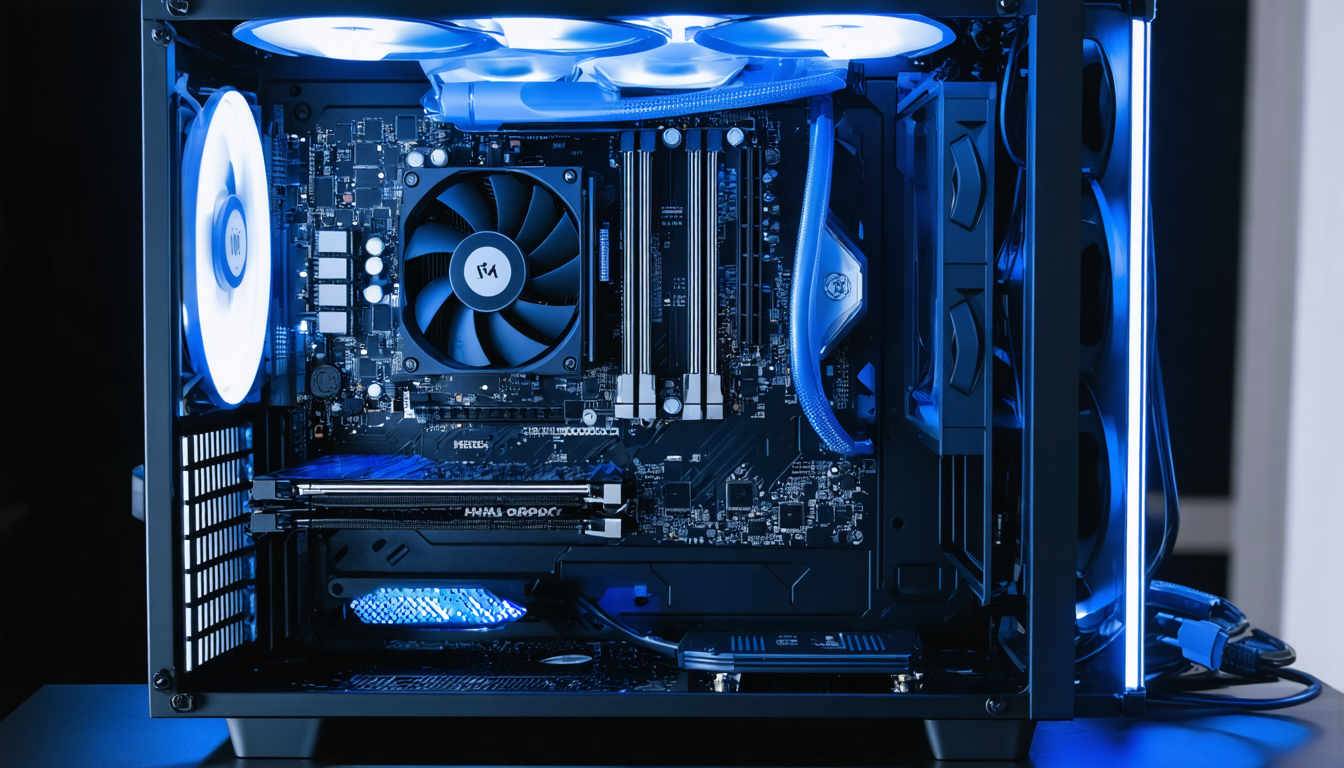
For true overclocking enthusiasts, watercooling has become a must-have. This liquid cooling system evacuates heat much more efficiently, especially during load peaks. Whether in closed loop (All In One) or custom, watercooling offers comfortable thermal margin, essential if you want to push your processor to its limits.
There are also more exotic or professional cooling solutions like liquid nitrogen, but these remain reserved for experienced overclockers and competitions. For daily use, investing in a good air cooler or adequate watercooling is more than sufficient.
Here are some practical tips:
- Prioritize optimal airflow inside the case: avoid hot air stagnation by installing intake and exhaust fans.
- Ensure regular cleaning: dust and dirt reduce the efficiency of fans and heatsinks.
- Use high-quality thermal paste to improve heat transfer between CPU and heatsink.
- Continuously monitor CPU temperature using specialized software.
When Temperature Becomes an Alert: Understanding and Reacting to Overheating
Generally, for safe overclocking, it is recommended not to exceed 65°C under full load. Beyond that, you risk instability or long-term damage. Any exceedance should alert you and prompt you to review your settings.
For example, during a stress test session with AIDA64, if the temperature constantly exceeds this limit, you must either decrease the CPU frequency, increase ventilation, or change the thermal paste. Some modern motherboards also integrate automatic protections that shut down the processor in case of dangerous temperature, but prevention is better than cure.
Advanced Tips to Optimize Your Overclocking Settings and Ensure System Stability
After mastering the basics, it’s time to fine-tune settings to extract maximum performance without compromising stability. Overclocking is a fine balance between speed and safety, often called an art rather than a science.
One tip is to modify memory frequency alongside CPU frequency because fast RAM also contributes to noticeable performance boosts in certain software and games. However, you must keep in mind that pushing memory too far can also make the system unstable.
Adjusting memory timings, a more technical notion, improves latency and thus CPU-RAM exchanges. Settings like reducing CAS latency are accessible on modern motherboards via the BIOS.
Then, it is advisable to work with a close eye on power consumption. A too large increase of the Vcore can give a performance boost, but at the cost of high power consumption and increased heat production.
To ensure stability, here is a proven method:
- Increase the CPU frequency in small steps (50-100 MHz max)
- Test stability with AIDA64 or Prime95 for at least 30 minutes
- If the test fails, slightly increase the Vcore (+0.01 V)
- Monitor the CPU temperature during the test (limit to 65°C)
- Repeat the process until the best stable frequency is reached
Patience and rigor are the best allies for achieving sustainable overclocking. Never hesitate to revert to previous settings if instability occurs: each CPU reacts differently; there is no universal recipe.
Overcoming Risks and Common Mistakes: Tips to Avoid Overclocking Pitfalls
Facing the temptation to increase without limits, classic mistakes can be costly. The most common concerns neglecting cooling. An overheating PC quickly leads to system crashes, or even processor destruction. Never underestimate temperature is therefore imperative for any overclocker.
Another mistake is rushing. Suddenly jumping from 3 GHz to 4.5 GHz without intermediate tests can cause immediate crashes or damage the motherboard. It is better to work by increments and proceed with systematic validation phases.
Finally, modifying the CPU voltage without precautions can be fatal to your hardware. Too large an increase in Vcore accelerates transistor wear and reduces processor lifespan. That’s why it is necessary to stay within reasonable limits, not exceeding 10 to 15% at most.
Here is a list of tips to remember to avoid pitfalls:
- Never neglect cooling and ventilation
- Proceed in small frequency and voltage steps
- Conduct rigorous stability testing at each change
- Use high-performance continuous monitoring tools
- Be ready to roll back to preserve CPU longevity
Overclocking is exciting but demands respect and caution. By following these recommendations, you maximize your chances of obtaining a durable, efficient, and safe performance boost for your PC.




