
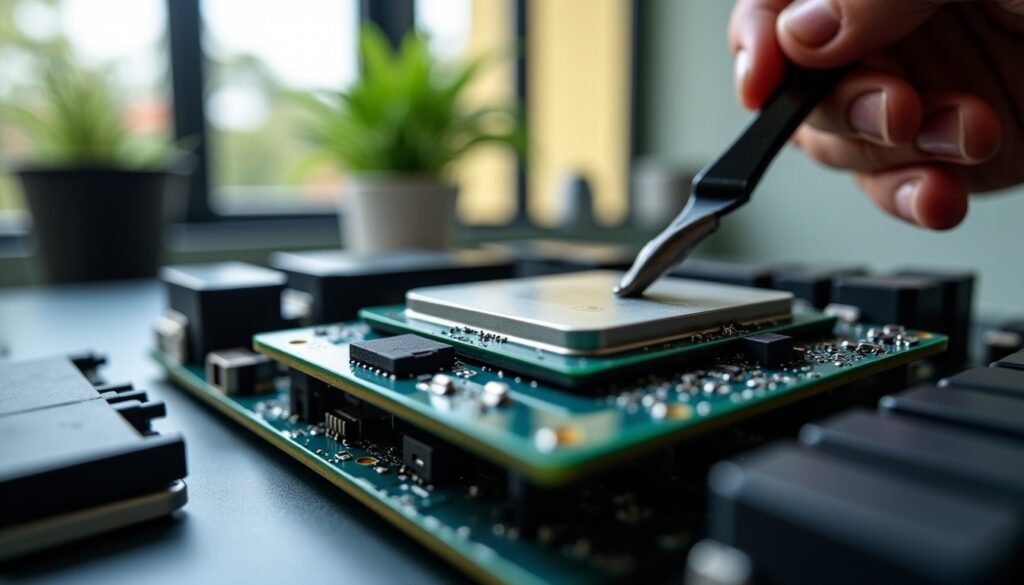
In the world of computing, every detail matters when it comes to optimizing your processor’s cooling. At the heart of this challenge lies thermal paste, a material often underestimated but essential for ensuring effective heat dissipation. Whether you are a passionate gamer, a demanding professional, or a casual user wishing to ensure the longevity of your machine, selecting the right thermal paste is a crucial step.
In 2026, the demand for high-performance processor cooling has never been stronger, especially with the constant evolution of CPU architectures and the increase in operating frequencies. Proper application of thermal paste, its compatibility with the processor, and its thermal efficiency are now criteria not to be overlooked. The crucial role of this substance is precisely to fill the microscopic gaps between the processor and its heatsink, thus preventing overheating that can cause a significant drop in performance or premature wear of components.
The fundamental role of thermal paste in processor cooling
Thermal paste is much more than just an accessory in your computer setup. It constitutes the essential thermal link between your processor and the heatsink or cooling system, enabling optimal transfer of the generated heat. Without proper application of thermal paste, the system risks insufficient dissipation, creating heat accumulation zones that can seriously affect the CPU temperature.
To understand its importance, imagine that the processor and its heatsink actually have perfectly flat surfaces, at first glance. In reality, the microscopic metal surfaces have irregularities that create air pockets, which are very poor thermal conductors. Thermal paste fills these gaps, drastically improving the cooling performance.
In the context of intense gaming or prolonged work sessions, the processor heats up quickly. Without good thermal paste, you risk not only reaching critical temperatures but also experiencing throttling phenomena: in response to overheating, the processor lowers its frequency to protect its durability, which results in noticeable performance drops. Over the long term, this poor cooling can cause unexpected crashes and shorten the lifespan of the thermal paste and other components.
The case of a gamer using a PC for games like World of Warcraft or Starcraft aptly illustrates this point. In the heat of battle, the CPU can generate significant heat. If the thermal paste is not properly applied or has deteriorated over time, this heat will not be effectively dissipated, negatively impacting your system performance. That is why this crucial step in optimizing heat dissipation should never be neglected.
The different types of thermal paste and their technical characteristics
Choosing your thermal paste is not limited to mere aesthetic preference or an attractive price. There are clearly distinct categories, each designed to meet specific thermal and practical requirements. Basically, there are mainly three major families: ceramic, metallic, and liquid metal.
Ceramic-based thermal pastes
This type of thermal paste is known for its safety in use. Generally white, it is non-conductive electrically and easier to use, especially recommended for beginners or those wary of short-circuit risks. Ceramic pastes typically have a thermal conductivity between 2 and 11 W/mK. They offer adequate cooling for standard use, with a good quality-price ratio.
Metal-based thermal pastes
More efficient than their ceramic counterparts, these pastes are mainly composed of metallic particles of silver, aluminum, or zinc. Their thermal conductivity typically ranges between 4 and 13 W/mK, offering enhanced cooling and increased durability against high temperatures. However, they are often electrically conductive, requiring more precise application to avoid contact with electrical circuits near the CPU. These pastes are widely favored by users seeking a compromise between cooling performance and reliability.
Liquid metal-based thermal pastes
Representing the high end of the market, liquid metal pastes boast exceptional thermal conductivity, ranging up to 70-80 W/mK. This performance allows for maximal heat dissipation, particularly favored by overclockers or professionals seeking extreme performance. However, these pastes have a major drawback: their electrical conductivity. An application mistake can lead to severe short circuits. Moreover, their higher price demands a conscious investment. They require expert hands for optimal application.
| Type of thermal paste | Thermal conductivity (W/mK) | Advantages | Disadvantages |
|---|---|---|---|
| Ceramic | 2 – 11 | Non-conductive, inexpensive, easy to apply | Limited thermal performance |
| Metallic | 4 – 13 | Durable, improved conductivity | Electrically conductive, delicate application |
| Liquid metal | 70 – 80 | Exceptional performance, for overclocking | Risk of short circuit, high cost, requires careful handling |
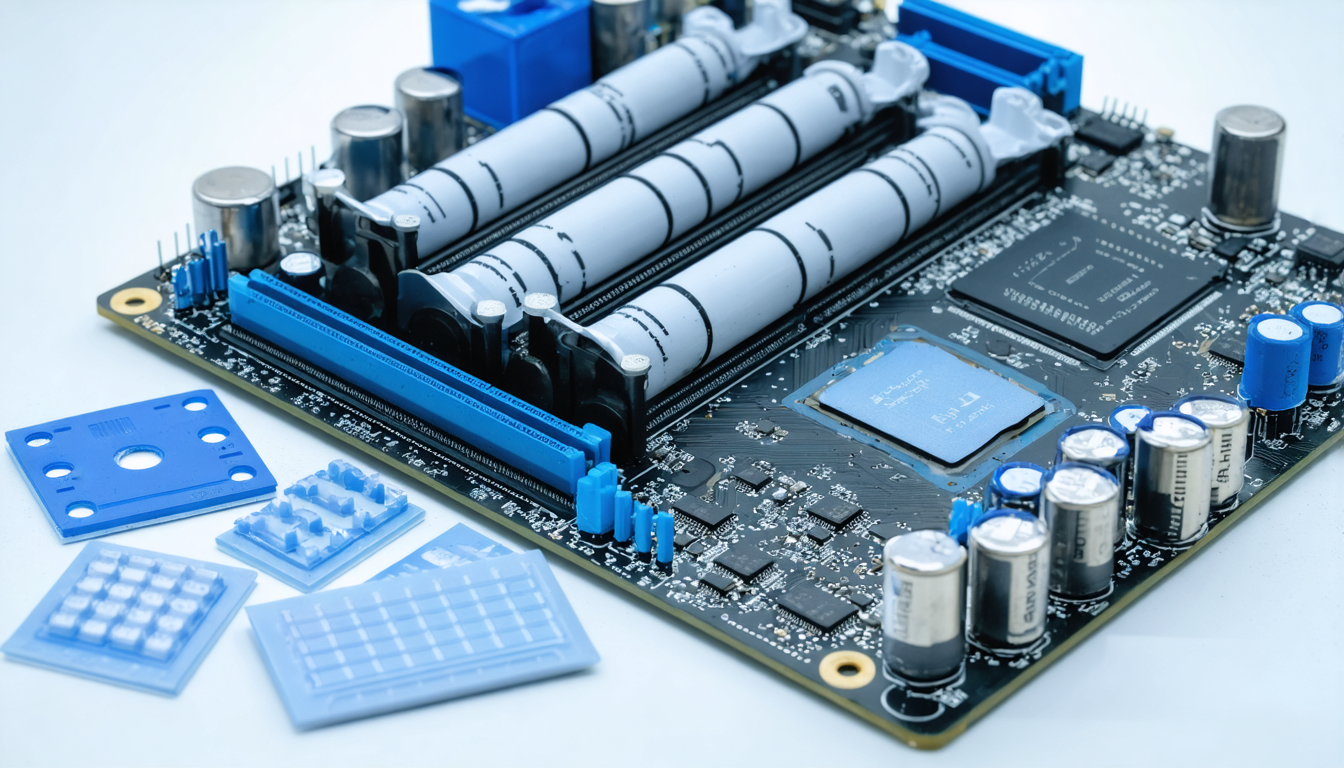
An alternative, thermal pads also called flexible heat pipes, are available for those who prefer a quick, easy, or even reusable solution. These preformed plates made of carbon fiber or silicone sometimes reach conductivities close to 62.5 W/mK. They limit maintenance but remain less popular among purists.
Essential technical criteria for choosing your ideal thermal paste
Buying thermal paste requires understanding some technical criteria directly related to its real efficiency and ease of use. Here is a list of elements to analyze before making your choice:
- Thermal conductivity: This is the key factor of any thermal paste. The higher it is (expressed in W/mK), the more efficient the heat transfer and the better the CPU temperature control.
- Viscosity and ease of application: The texture greatly influences the way the paste is deposited and spread. A paste that is too thick may offer better performance but complicate application, whereas a fluid paste is more accessible for beginners.
- Processor compatibility: Some pastes are specially recommended for certain types of processors or high-end cooling systems, especially watercooling.
- Thermal paste lifespan: Depending on quality, the paste can retain its thermal properties for several years, but it is recommended to renew it periodically to avoid performance degradation in cooling.
- Price and value for money: It is generally advised to invest in a paste between 10 and 20 euros that guarantees both good thermal conductivity and interesting durability.
- Electrical safety: Avoid any conductive paste if you are not experienced, as this significantly reduces risks related to improper application.
For example, a user doing overclocking with a latest-generation Intel processor will benefit from choosing a liquid metal paste with high conductivity, even if this requires a larger investment and careful handling. Conversely, standard office or multimedia use will be perfectly satisfied with a simple and safe ceramic paste.
Thermal paste application techniques for optimal processor cooling
Optimizing cooling performance does not only depend on the choice of thermal paste material but also on its application. Poorly applied paste can reduce even the best thermal paste’s effectiveness on the market.
Tips for successfully applying thermal paste include:
- Clean the surfaces thoroughly: Use a microfiber cloth and a bit of isopropyl alcohol to remove all traces of old thermal paste or dust.
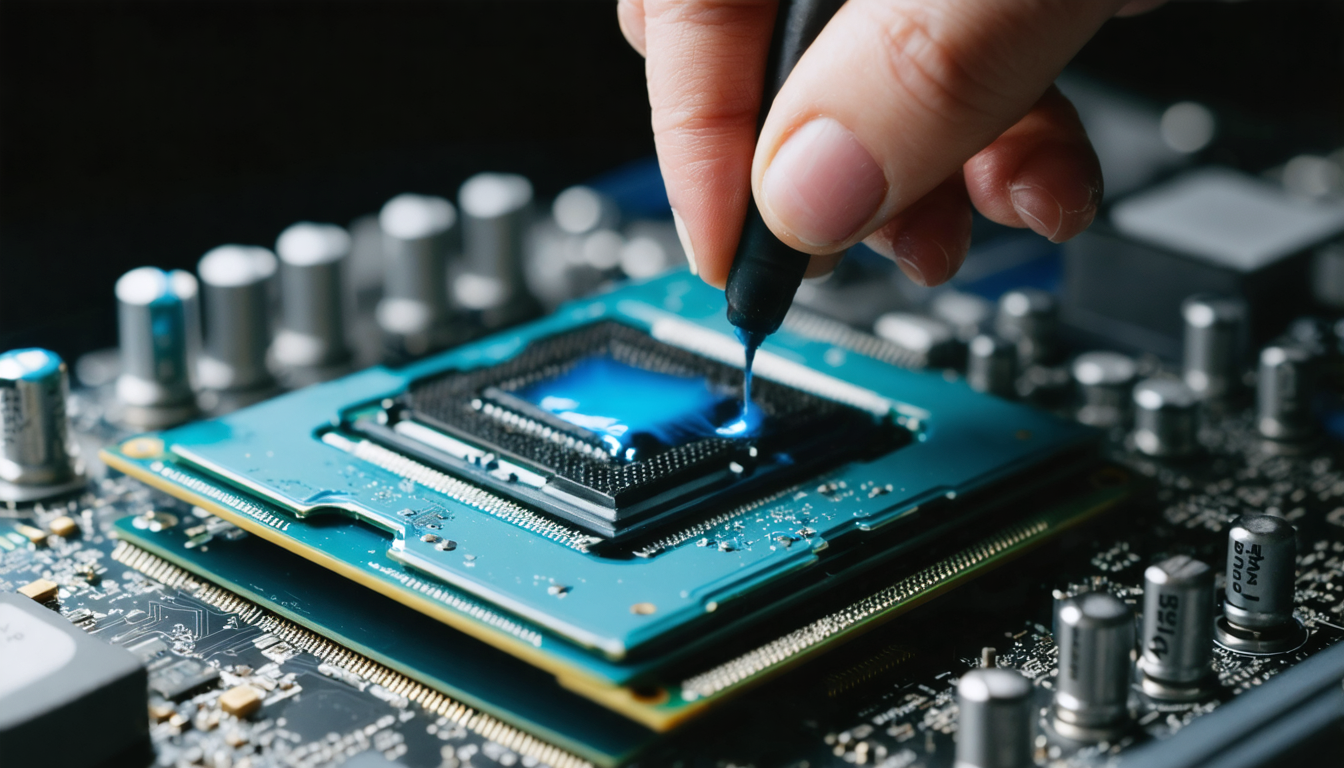
- Apply a small pea-sized amount: An amount equivalent to a grain of rice or a small pea is often sufficient. Too much paste will create a thickness that limits heat transfer.
- Spread carefully: Depending on the paste, you can gently spread it using a plastic card or let the heatsink spread it under pressure. The goal is a thin, uniform film without air bubbles.
- Slowly place the heatsink: Avoid moving the heatsink after contact to prevent air pockets.
- Monitor the CPU temperature: After assembly, watch the temperature to check cooling efficiency.
My first experience was a valuable lesson: too much thermal paste caused unexpected overheating. Since then, I carefully measure the amount to apply, a habit that has become second nature for any future work on my PCs.
Direct impact of a high-performance thermal paste on the system’s overall performance
Beyond simple user comfort, an appropriate thermal paste fits within a global optimization approach. Proper thermal management notably maximizes processor stability, avoids frequency loss linked to overheating (thermal throttling), and preserves the long-term health of components.
In demanding fields such as competitive gaming, 3D rendering, or intensive video editing, CPU temperature is a critical parameter. For example, an increase of just 10°C can significantly reduce the processor frequency, causing a noticeable lag in application performance. Investing in high-performance thermal paste, combined with rigorous application, thus translates into better frames per second rates, increased smoothness, and fewer crash risks.
Heat dissipation optimization is also a key indicator in server environments where even the slightest failure can cause major economic consequences. Using high-quality thermal paste becomes essential to guaranteeing reliable, consistent performance over time.
Durability and maintenance of thermal paste: tips to extend its effectiveness
Good thermal paste must also be durable and stable over time. Low-quality compounds tend to dry out or decompose, thus causing a gradual decline in thermal conductivity and less effective processor cooling. Regular renewal of thermal paste is therefore recommended, on average every 2 to 3 years, or more frequently for intensive use.
To preserve the thermal paste’s lifespan, it is advised to avoid prolonged exposure to extreme temperatures or excessive humidity. Also check the condition of the heatsink and clean it regularly to ensure optimal contact between the processor and its cooling system. A high-end thermal paste, properly applied, can retain its properties for up to 6 or 8 years under optimal conditions.
Users who perform overclocking should particularly monitor paste degradation. Indeed, regular temperature cycles can alter its structure, making periodic thermal paste application essential for maintaining consistent performance.
Optimizing compatibility between thermal paste and cooling for maximum efficiency
It is essential to consider processor and cooling system compatibility when choosing your thermal paste. Some materials are better suited to aluminum radiators, others to watercooling systems with copper blocks. Highly efficient liquid metal pastes are particularly recommended for VRMs (Voltage Regulator Modules) or high-end heatsinks. However, their use on sockets with sensitive surfaces must be handled with care.
Another aspect concerns compatibility with the graphics card, sometimes overlooked. Thermal paste also plays a key role in the GPU’s thermal management. Therefore, choosing a versatile thermal paste material can simplify overall maintenance of your setup.
Finally, ensure that the chosen paste meets the recommendations of your processor’s manufacturer. Failure to comply with these requirements may void the warranty or cause irreversible damage. Having compliant, reliable, and efficient thermal paste is therefore an additional guarantee of longevity.
Practical advice and common mistakes to avoid when choosing and applying your thermal paste
In 2026, with the multitude of products available, it is common to make certain mistakes that can harm cooling performance and the health of your hardware. Here are some practical recommendations and pitfalls to avoid:
- Never apply an excessive amount: Too much paste creates a thermal barrier, reducing heat dissipation efficiency and potentially interfering with assembly.
- Avoid conductive pastes without experience: Their application requires precision to avoid short circuits.
- Do not forget to clean surfaces before application: Residues of old paste or dirt compromise thermal performance.
- Choose a paste suited to your usage: An intensive gamer will prioritize performance, while a casual user will favor ease of application.
- Renew the thermal paste: Even high-end paste loses its properties over time. Regular checks and replacement optimize CPU temperature and the thermal paste’s lifespan.
- Do not apply paste directly on electrical parts: This avoids risks of short circuits or irreversible damage.
For example, a novice who applied a thick layer of liquid metal paste on their processor risks not only defective cooling but also potential destruction of their motherboard. This caution is indispensable in practice.




