The PlayStation 5 has redefined the way players experience their digital adventures, offering stunning graphics and remarkable performance. However, to fully harness its potential, choosing the right PS5 screen is crucial. The gaming experience depends directly on the quality of the visual rendering, the smoothness of the display, and the technical features of the screen. In this context, opting for a gaming monitor capable of displaying 120 Hz with a 4K resolution has become a priority for enthusiasts seeking total immersion. This guide will help you discover the main purchasing criteria to select the best screen suited for the PS5, taking into account current technological innovations.
When it comes to choosing the ideal screen for the PS5, several parameters come into play, from resolution to connectivity, not to mention size and display technology. It’s not just a gadget or a simple tool: the screen becomes the main window to admire the finesse of the games, the richness of the colors, and the smoothness of the animations. Especially in 2026, with the multiplying titles fully exploiting the console’s capabilities, the demand for 120 Hz screens capable of delivering a 4K resolution has become the norm rather than the exception.
However, with the vast selection available between Full HD, QHD, and 4K, as well as IPS, VA, or OLED panels, the decision can quickly become complex. The goal is to balance price, performance, and visual comfort. This screen buying guide will help you explore these different aspects, illustrated with concrete examples, recommendations, and a comparison to better target your needs, whether you’re a casual gamer, competitive player, or a fan of cinematic immersion.
- 1 Fundamental technical criteria for choosing the best 120 Hz gaming screen compatible with PS5
- 2 Comparing display technologies to get the most out of your PS5 gaming screen
- 3 Why the 120 Hz refresh rate is essential to fully exploit your PS5
- 4 Exploiting HDR features for enhanced immersion in your video games
- 5 Response time, a crucial criterion for competitive PS5 players
- 6 Price ranges and advice for a sustainable purchase of a PS5 gaming screen
- 7 Settings and tips to get the best out of your 120 Hz PS5 gaming screen
- 8 A complete overview for an informed choice in 2026
Fundamental technical criteria for choosing the best 120 Hz gaming screen compatible with PS5
To enjoy an optimal experience with your PS5, it is essential to deeply understand the technical criteria that make a gaming monitor truly performant. The refresh rate, resolution, panel type, and connectivity are the key pillars.
Resolution: Full HD, QHD, or 4K resolution?
The screen resolution determines the sharpness of images and the fineness of the displayed details. To choose well, you need to evaluate your priorities and your budget. Here is an overview of the three main options:
- Full HD (1920 x 1080): An economical option and widely sufficient for players focused on competition, where gameplay fluidity takes precedence over visual details. With a 24 to 27-inch Full HD screen, the rendering is clear, but visual precision is limited compared to the richness of textures offered by PS5 titles. This choice also allows enjoying high refresh rates at lower costs.
- QHD (2560 x 1440): This compromise offers a noticeable quality leap, combining a sharper display surface than Full HD and increased fluidity thanks to high refresh rates. 27 to 32-inch QHD screens are an excellent compromise between visual quality and performance while remaining more affordable than 4K.
- 4K UHD (3840 x 2160): The absolute reference to fully exploit the graphical capabilities of the PS5, especially on optimized next-gen titles. You should consider a screen of at least 32 inches to enjoy all the richness in detail, where every texture, lighting, and shadow comes to life with unparalleled precision. The downside is the higher price and the need for appropriate connectivity to benefit from 120 Hz at this resolution.
It is therefore crucial to choose the resolution according to your playing style, budget, and the screen size you desire.
Screen size based on the level of immersion
The size of the screen for your PS5 directly influences your immersion and visual comfort. For example, a player at a compact desk will prefer a 24 to 27-inch Full HD screen. In this setting, the proximity limits the sense of space and avoids blurry areas. For those who prefer a more enveloping experience, especially with 4K, it is recommended to opt for at least 32 inches.
By increasing the size, you increase the visible surface area, which is especially appreciated for games with wide panoramas or local multiplayer modes. However, you must also consider the distance between your eyes and the screen: it is recommended to maintain a distance equivalent to about 1.5 times the diagonal of the screen to avoid eye strain.
A screen that is too small in 4K will not allow pixels to be perceptibly distinguished, diluting the benefit of high definition, whereas a screen too large in Full HD can make the image pixelated. Finding the right balance is therefore essential to fully enjoy every gaming session.
Comparing display technologies to get the most out of your PS5 gaming screen
The choice of display technology will largely influence the perceived quality, notably through color processing, viewing angles, contrast, and response time. The three main types of panels are IPS, VA, and OLED, each with its specific features.
IPS Panel: faithful colors and wide viewing angles
IPS screens target players seeking accurate color reproduction with good brightness and very wide viewing angles, which is useful if you often play with several people or watch videos on your screen.
However, blacks tend to be less deep, and the contrast is lower than that of VA or OLED panels. Most modern IPS screens still offer very competitive response times, making them an excellent all-around choice.
VA Panel: the king of contrast and deep blacks
VA screens excel at contrast rendering and blacks, offering better immersion in dark games. This feature is particularly appreciated for titles with nocturnal atmospheres or horror games, where the depth of blacks heightens the tension.
VA panel responsiveness has also improved, now easily supporting refresh rates of 120 Hz and more. However, viewing angles are more limited than on IPS, with a risk of color degradation when deviating from the central axis.
OLED and QD-OLED: perfect blacks and ultra-fast response times
The arrival of OLED and QD-OLED technologies has truly revolutionized the world of PS5 gaming screens. Thanks to their ability to turn off pixels individually, these screens offer absolutely perfect blacks, with no light bleed, and display infinite contrasts.
The response time is also exceptional, around 0.03 ms, almost completely eliminating motion blur. This type of panel is ideal for demanding players seeking the best possible image quality, provided they invest in a typically more expensive screen.
Comparative example of panels for PS5
| Panel Type | Advantages | Disadvantages | Recommended for |
|---|---|---|---|
| IPS | Accurate colors, wide viewing angles, good response time | Lower contrast and less deep blacks | Multiplayer games, versatile usage |
| VA | High contrast, deep blacks | Limited angles, sometimes lower responsiveness | Dark immersive games, movies |
| OLED / QD-OLED | Perfect blacks, ultra-fast, infinite contrast | High price, risk of burn-in | Demanding players, premium visual experience |
Why the 120 Hz refresh rate is essential to fully exploit your PS5
Switching to a 120 Hz refresh rate is one of the major advancements that transformed the quality of the console gaming experience. While the PS5 supports this frequency for certain titles, the screen must be able to keep up with this pace to fully exploit this smoothness.
By doubling the number of images displayed per second compared to the classic 60 Hz, 120 Hz offers a much more natural feeling, especially in fast movements and action scenes. The difference is striking in competitive games like Call of Duty, where precise detections are the key to success.
Be careful not to confuse refresh rate and frames per second: a 120 Hz screen can display up to 120 frames per second, but the console must also generate this framerate to gain maximum benefit.
HDMI 2.1 connectivity, a must for 4K resolution at 120 Hz
Connectivity plays a fundamental role in the optimal use of the PS5 with a gaming screen. To combine 4K resolution and 120 Hz frequency, you must imperatively opt for a screen equipped with an HDMI 2.1 port. This standard allows transferring a data volume large enough to ensure smoothness at high definition without compression.
A 4K screen without HDMI 2.1 will be limited either to 60 Hz in 4K or to 120 Hz in 1080p, which considerably reduces your options and visual quality. So be sure to check this criterion before your purchase to avoid an unpleasant surprise, like many experienced players have encountered.
Exploiting HDR features for enhanced immersion in your video games
HDR (High Dynamic Range) has become a standard in modern PS5 gaming screens. It allows widening the contrast range and the richness of colors, making the image more realistic and vibrant. By playing with maximum brightness and black management, HDR adds an extra dimension to scenes.
Different levels of HDR certification exist, such as HDR400, HDR600, or HDR1000, indicating the maximum luminance in nits that the screen can reach. The higher this number, the more bright scenes stand out with brilliance and depth.
In games like Ratchet & Clank: Rift Apart or Horizon Forbidden West, HDR magnifies light effects and immersion by enhancing the perception of depth.
Tips for calibrating your PS5 HDR gaming screen
- Activate the “Game” or “Gaming” mode to reduce latency
- Adjust brightness between 70-80% in dark environments, or 100% in bright rooms
- Adjust contrast around 75-80% for good balance
- Limit sharpness to a maximum of 25% to avoid artificial effects
- Calibrate HDR settings specifically according to your environment and the game
Response time, a crucial criterion for competitive PS5 players
Response time measures how quickly a pixel changes color, and it is especially important in fast action games or multiplayer modes where every millisecond counts. A high response time can cause motion blur and a feeling of lag, detrimental to performance.
To fully enjoy the smoothness offered by the PS5’s 120 Hz, it is recommended to choose a screen with a response time under 1 ms. OLED panels often lead in this aspect, followed by high-end IPS panels. Conversely, some VA screens, although highly contrasted, can sometimes display higher response times, less suitable for competitive gaming.
- Reduction of motion blur for clearer visuals during fast movements
- Better precision in aiming and reflexes
- Improved overall game responsiveness
- More immersive experience without visual artifacts
Price ranges and advice for a sustainable purchase of a PS5 gaming screen
Investing in a PS5 screen is not to be taken lightly, especially in a market where technology evolves rapidly. To guide you, here is an overview of different budget segments and what they offer, so you can adapt your choice to your wallet while guaranteeing an optimal experience.
| Price Range | Resolution and Size | Refresh Rate | Display Technology | Ideal for |
|---|---|---|---|---|
| €200 – €300 | Full HD, 24-27 inches | 120 to 165 Hz | Mainly IPS or VA | Competitive gaming, tight budget |
| €300 – €700 | QHD, 27-32 inches | 120 to 180 Hz | Improved IPS and VA | Versatility, quality/price balance |
| €700 and above | 4K UHD, 32 inches and larger | 120 Hz | OLED, QD-OLED, mini-LED | High-end visual experience |
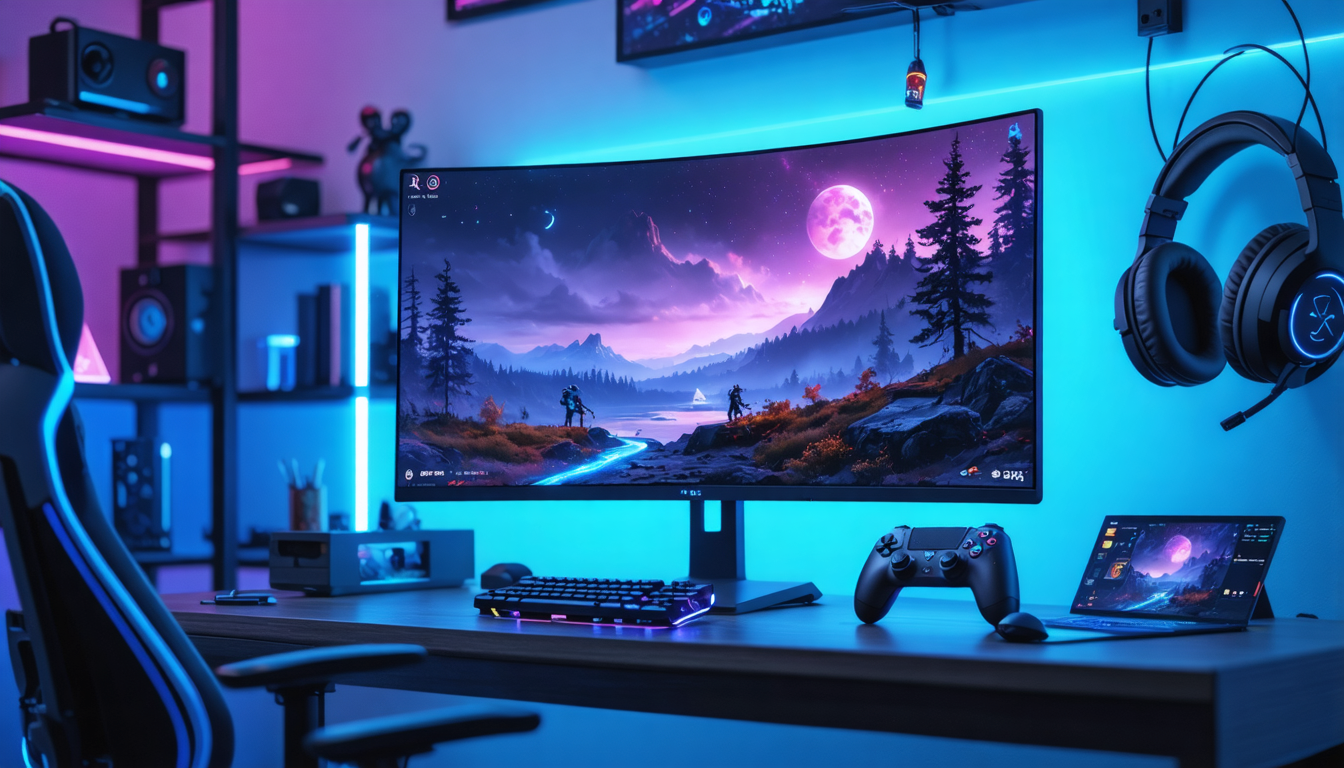
For a sustainable purchase, prioritize a screen certified with HDMI 2.1 and featuring support for advanced HDR modes. Finally, consider combining your investment with a good chair and ergonomic setup to optimize your long gaming sessions.
Settings and tips to get the best out of your 120 Hz PS5 gaming screen
Beyond choosing the hardware, it is also essential to properly configure your screen to fully enjoy the PS5’s capabilities. Several optimized settings impact image quality and smoothness.
Game mode and essential settings
Always start by activating the “Game” or “Gaming” mode on your screen. This mode reduces input latency by disabling certain image processing that can slow down visual reaction, a must for highly responsive games.
Adjusting brightness and contrast
Consider adjusting brightness according to your environment. In a dark room, setting around 70-80% avoids eye strain. In bright environments, increase up to 100% to preserve detail visibility. For contrast, a setting between 75 and 80% offers a good balance between shadow details and highlights brilliance.
Sharpness optimization and HDR calibration
Reduce sharpness to a maximum of 25% to avoid the appearance of artifacts that degrade natural image quality. For HDR content, perform fine calibration tailored to your room and game to fully benefit from effects without unpleasant exaggerations.
VRR (Variable Refresh Rate) synchronization
One last tip: activate the VRR function if your screen supports it. This technology synchronizes the refresh rate with the framerate generated by the PS5, eliminating screen tearing and ensuring perfect smoothness even when the frame rate fluctuates.
A complete overview for an informed choice in 2026
Choosing a 120 Hz gaming screen for PS5 in 2026 involves considering a multitude of technical and aesthetic criteria. This approach guarantees not only total immersion in your video games but also a sustainable investment in the face of rapidly evolving technologies. By combining the right resolution, size, display technology, HDMI 2.1 connectivity, and complementary features like HDR and VRR, you access an incomparable experience worthy of the most demanding gamers’ expectations.
Now, equipped with this knowledge, you are ready to identify the best PS5-compatible gaming screen according to your needs and budget, and to turn every gaming session into an exceptional visual event.