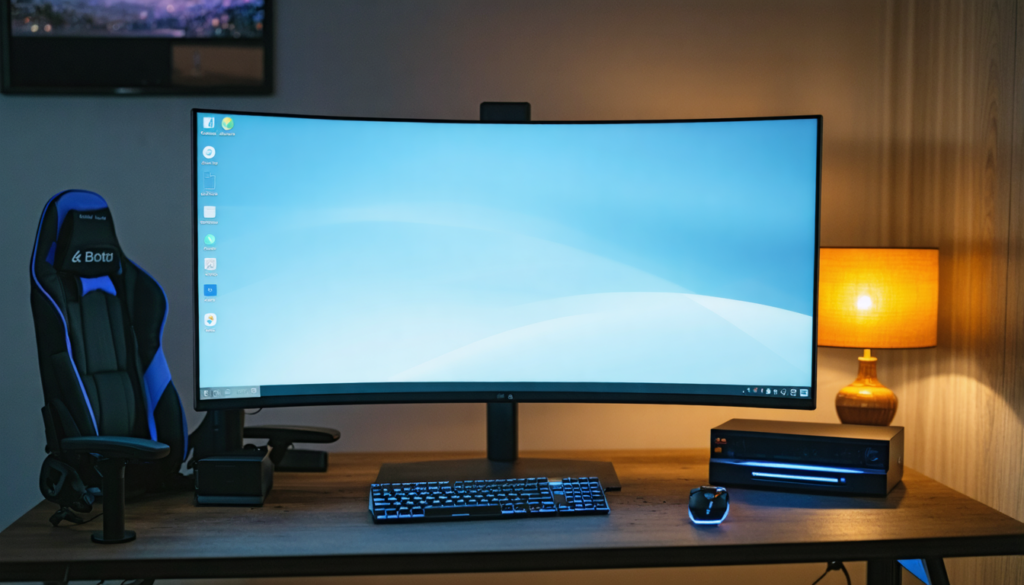
Choosing a PC monitor in 2025 has become a real headache for users looking for a balance between intense gaming and daily productivity. With the emergence of advanced technologies and the proliferation of technical terms, it’s no longer just a question of choosing a screen, but of precisely understanding your usage to avoid unnecessary compromises. Whether you are a passionate gamer seeking flawless smoothness or a professional demanding faithful and comfortable rendering, this practical guide reveals how to identify and select the ideal monitor.
The criteria vary depending on the needs: immersion with a suitable curvature, visual comfort during long sessions, compatibility with recent hardware, and high performance for competitive gaming. The challenge? To find the right balance between resolution, screen size, refresh rate, and ergonomic aspects, while keeping in mind the longevity of your investment. This dossier is therefore addressed to those who wish to best combine demanding leisure and professional work without sacrificing either.
- 1 Understanding the fundamentals of resolution and screen size for a gaming-productivity balance
- 2 Refresh rate and response time: key values for gaming and versatility
- 3 Panel technologies and their impact on color rendering and professional relevance
- 4 Formats, curves, and ergonomics: innovating for comfort and immersion
- 5 Connectivity and compatibility: ensuring the screen communicates with all devices
- 6 Ergonomic guarantees for prolonged use without pain or discomfort
- 7 Value for money in a booming market
- 8 Adapting your screen choice to real uses and evolving needs
Understanding the fundamentals of resolution and screen size for a gaming-productivity balance
Resolution is undeniably the cornerstone of choosing a high-performance PC monitor, whether for gaming or productivity. It determines image sharpness and greatly influences visual fatigue during long working days. For gamers, a high resolution means enhanced visual immersion but also a greater demand on graphic resources. In 2025, 4K resolution is beginning to establish itself on large screens, offering exceptional image finesse, beneficial both for games and professional tasks such as photo editing or managing multiple windows.
However, it is important not to overlook the relationship between resolution and screen size. With a screen smaller than 24 inches, Full HD (1920×1080) remains a sufficient and economical standard, offering good pixel density without taxing GPU power. On larger panels – 27, 32 inches and beyond – using Quad HD (2560×1440) or 4K (3840×2160) becomes almost essential to provide comfortable pixel density, thus avoiding the “large pixels” effect which can quickly become unpleasant and tiring. This density, often expressed in pixels per inch (ppi), plays a crucial role in readability, detail precision, and color fidelity.
Poor size/resolution matching can harm both your reading comfort and multitasking efficiency. For example, a 32-inch screen in Full HD will produce a pixelated rendering, particularly problematic on office or creative software requiring precise display. Conversely, a 24-inch screen in 4K can unnecessarily multiply the cost and force complicated scaling adjustments.
Finally, ergonomics also involves proper viewing distance. A larger screen allows greater flexibility in positioning the workstation. Thus, an optimization goal must integrate several parameters: screen size, resolution, and work environment. The choice is decisive because it forms the basis on which more specific technical options related to gaming and productivity will rely.
Refresh rate and response time: key values for gaming and versatility
The refresh rate is a crucial criterion for all gaming enthusiasts, but should not be overlooked for versatile use either. It measures the number of images displayed per second and is expressed in hertz (Hz). The higher this number, the smoother the image appears, especially noticeable in fast games like FPS or racing games. For several years, and now in 2025, the 144 Hz threshold has become a benchmark in competitive gaming, with models reaching even 240 or 360 Hz.
Several studies have demonstrated that for players seeking performance, a high refresh rate improves motion perception and responsiveness, which can make the difference in competition. Meanwhile, the response time (expressed in milliseconds) measures the speed at which a pixel changes color. A low response time avoids blur effects or trails during fast movements.
For productivity, these criteria take a back seat, but they remain important if you mix usages. A lower frequency (60 to 75 Hz) is generally sufficient for traditional office work or media viewing. However, a too high response time, even for non-gaming uses, can cause visual fatigue in the medium term.
Modern panels often use response times close to 1 ms gray-to-gray, which is largely sufficient for gaming and totally acceptable for professional use. Note that the compromise between frequency and resolution can sometimes pose a problem, because the higher the resolution, the more difficult it is for a graphics card to maintain a high refresh rate without performance drops.
| Usage | Recommended Resolution | Refresh Rate | Response Time |
|---|---|---|---|
| Competitive Gaming | Full HD – Quad HD | 144 Hz and above | ≤ 1 ms |
| Casual Gaming & Office | Full HD – Quad HD | 60-75 Hz | 3-5 ms |
| Creative Productivity (photo, video) | Quad HD – 4K | 60 Hz | 5 ms or more |
Choosing a monitor that mixes a high refresh rate and 4K resolution is generally very demanding on hardware, but some high-end products offer an interesting compromise. In all cases, you must choose a screen according to the power of your graphics configuration to ensure a smooth experience, whatever the dominant usage.
Panel technologies and their impact on color rendering and professional relevance
In 2025, understanding the different panel technologies is fundamental to choosing a monitor that matches your needs. Three major families dominate the market: IPS, VA, and TN. Each offers a different balance between viewing angles, color quality, and speed.
IPS panels are often preferred in productivity because they offer very faithful color reproduction and wide viewing angles. This makes them suitable for photo editing, video editing, as well as intensive office use. Their main characteristic is colorimetry consistency regardless of the user’s position in front of the screen.
VA panels offer excellent contrast, with deep blacks that enhance dark scenes in video games or movies. They are particularly suited for players who seek more depth in the image. However, they sometimes suffer from more limited viewing angles compared to IPS and slightly higher latency.
TN panels remain an affordable and fast option, with excellent response times often below 1 ms. This makes them a niche choice for highly competitive gamers on a tight budget, but they are less suitable for professional or multimedia use because of less accurate colors and restricted angles.
Another important notion concerns the color gamut and coverage of color spaces such as sRGB, Adobe RGB, or DCI-P3. For standard use, full sRGB coverage is sufficient. For more demanding work, especially in graphic or video creation, opt for screens covering at least 90% of Adobe RGB or DCI-P3. Moreover, a good factory calibration is an undeniable plus to optimize color fidelity without having to invest in additional tools.
Formats, curves, and ergonomics: innovating for comfort and immersion
For several years, manufacturers have been exploring different formats and styles to enrich the user experience, especially with the massive arrival of ultra-wide formats and curved screens. These aspects play a major role in daily perception, both for gaming and work.
Curved screens envelop the field of vision and are able to make immersion much more tangible than a flat screen. This type of screen particularly attracts players in vast and immersive universes, such as racing or FPS games, where the peripheral visual field is stimulated. However, for activities requiring geometric precision, such as CAD or graphic design, the deformation caused by the curvature can be a drawback.
Ultra-wide formats (21:9 and even 32:9) bring unprecedented horizontal comfort, appreciated for multitasking and professionals handling large timelines or highly detailed maps. They are also a popular choice for those wishing to replace a multi-screen setup while reducing annoying bezels.
Physical ergonomics is also a determining factor. The ability to adjust height, tilt, rotation, or switch to portrait mode influences posture and reduces fatigue. VESA-compatible mounts are recommended for fine adjustment via articulated arms.
Finally, for optimal visual comfort, anti-reflective treatments and blue light filters are options to consider, even if their effectiveness varies from user to user. These features help reduce eye strain during long sessions, both in gaming and for efficient work.
Connectivity and compatibility: ensuring the screen communicates with all devices
The connectivity of a PC monitor is there to facilitate transitions between different sources and guarantee smooth data exchanges, whether it’s a desktop PC, a laptop, or a console. In 2025, most modern screens feature DisplayPort 1.4 or higher ports, ensuring support for high resolutions at high frequencies, essential for an optimal gaming experience in Quad HD or 4K.
HDMI 2.1 has also become an indispensable standard, especially for perfect compatibility with the latest generations of graphics cards and consoles. It offers bandwidth adapted to 4K gaming at 120 Hz without compression, which is essential for gamers wishing to fully exploit their hardware.
Beyond simple video inputs, the presence of integrated USB hubs is a real asset for ergonomics. They allow keyboards, mice, headsets, or USB peripherals to be connected without multiplying connections under the desk. Some interfaces even offer memory card readers or USB-C ports with fast charging, thus facilitating the management of a complete workstation.
Quick source switching functions also make daily handling smoother, avoiding constantly changing cables or accessing tedious menus. Finally, adaptive synchronization technologies like G-Sync (NVIDIA) or FreeSync (AMD), supported by compatible screens, manage tearing and stuttering issues, offering a smoother experience, especially in graphically demanding games.
Ergonomic guarantees for prolonged use without pain or discomfort
At the heart of your monitor selection lies physical and visual ergonomics, which guarantees comfortable use for consecutive hours in front of your screen. This aspect goes far beyond image quality alone and directly affects your long-term health.
Adjustable stands offer several degrees of freedom: height, tilt, and horizontal rotation. Being able to precisely adapt the position of your screen helps avoid neck or back strain, very common among users who pay little attention to this aspect.
Portrait mode is particularly appreciated by developers or writers, allowing them to view long documents or code on a single vertical screen, thus reducing the need for excessive scrolling.
The possibility of equipping a screen with an articulated arm thanks to VESA mounts allows very precise positioning, which optimizes comfort but also saves space on a desk.
Beyond hardware, integrated software options such as blue light filters reduce eye strain. Although the effectiveness is debated, many users feel a significant improvement in their eyes after several hours of exposure.
Finally, anti-reflective treatments help minimize disturbances caused by ambient reflections, often a source of distraction and increased fatigue, especially in brightly lit environments.
Value for money in a booming market
In 2025, the PC monitor market presents a wide spectrum ranging from entry-level accessible to small budgets up to premium high-end with advanced features. The key to spending wisely remains to master your priorities and understand where it is necessary to invest and where compromises are possible.
Basic models cover elementary needs in office work and multimedia, without necessarily being suitable for performance-hungry gamers. Mid-range is generally recommended for those who want real versatility, offering a good balance between resolution, refresh rate, and ergonomics.
The high-end, often aimed at graphics professionals or very demanding gamers, includes advanced features such as built-in hardware calibration, efficient HDR with localized backlighting, or very robust and adjustable stands. These equipments have a high cost but are justified in a long-term approach and optimal performance.
Finally, some manufacturers offer extended warranties covering dead pixels or color deviations to ensure the longevity of your investment.
- Precisely define your gaming and productivity needs.
- Prioritize resolution according to the planned screen size.
- Check compatibility with your hardware configuration (graphics card, consoles).
- Choose a panel based on colorimetric usage.
- Test ergonomics and adjustable options.
- Compare warranties and after-sales services.
- Evaluate your budget based on real value for money.
Adapting your screen choice to real uses and evolving needs
In a world where computing use becomes increasingly diversified and mixed, it is important to think long-term and about the flexibility of your screen choice. This anticipatory approach avoids premature replacements and frustrations linked to unsuitable equipment.
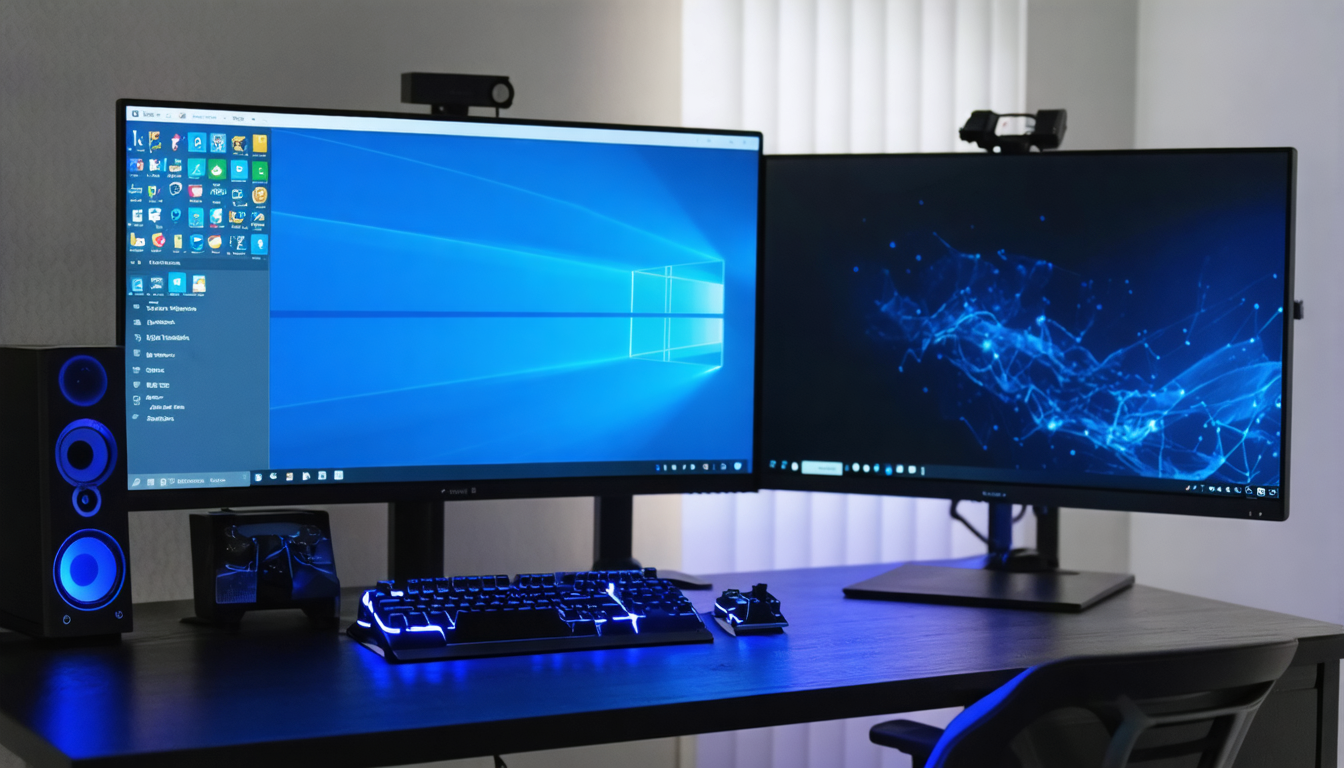
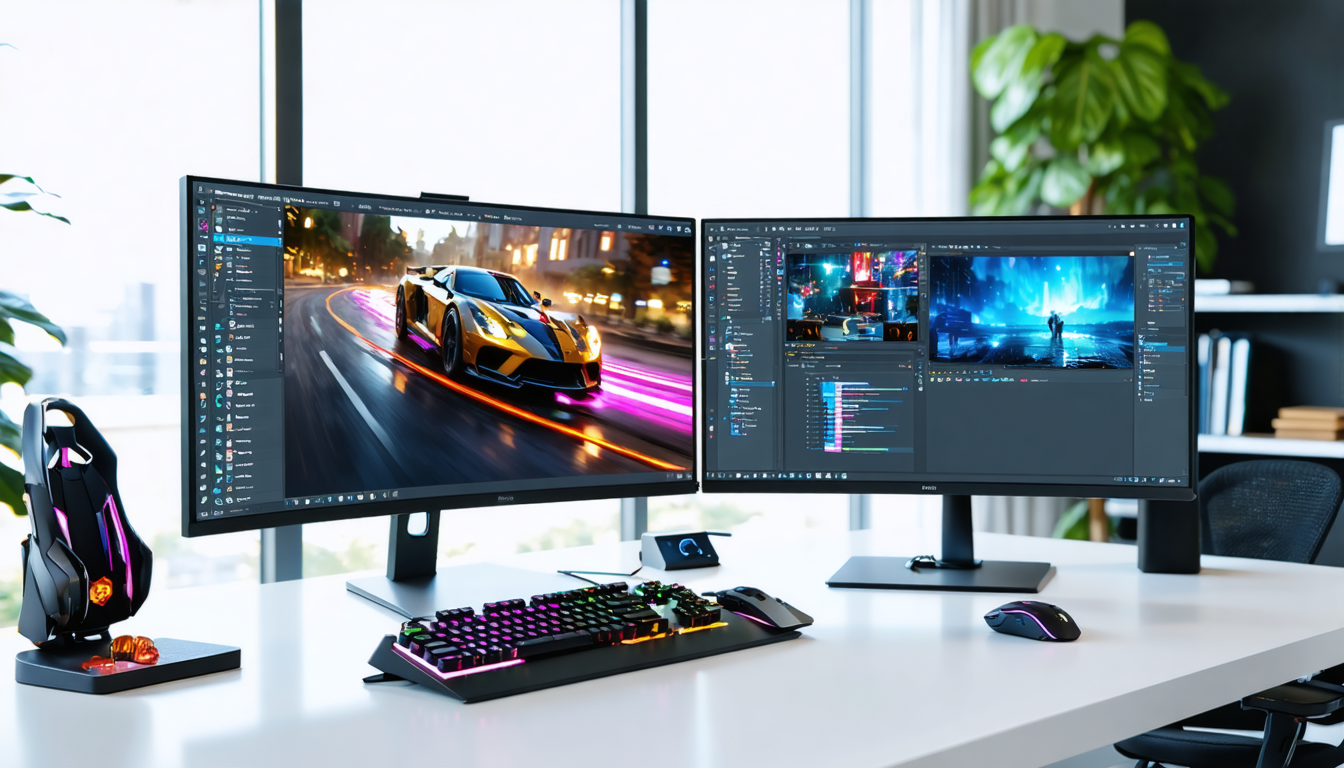
Competitive gamers favor a configuration maximizing smoothness and low latency, while creatives seek perfect image quality, especially in colorimetry and resolution. To reconcile these needs, some users opt for a dual-screen setup, separating uses to best exploit the advantages of each type of panel.
It is also important to consider predefined profiles offered by modern screens. These modes allow, with one click, to adjust color balance, brightness, and frequencies to your current activity: a gaming mode boosts contrast and reduces latency, an office mode adjusts color temperature to reduce fatigue.
This evolution towards smart and versatile screens reflects today’s necessity to have a workstation that is both powerful and comfortable for different tasks. Knowing where to invest first, whether in better resolution or a high refresh rate, is therefore the key to harmonizing “gaming” and “productivity”.