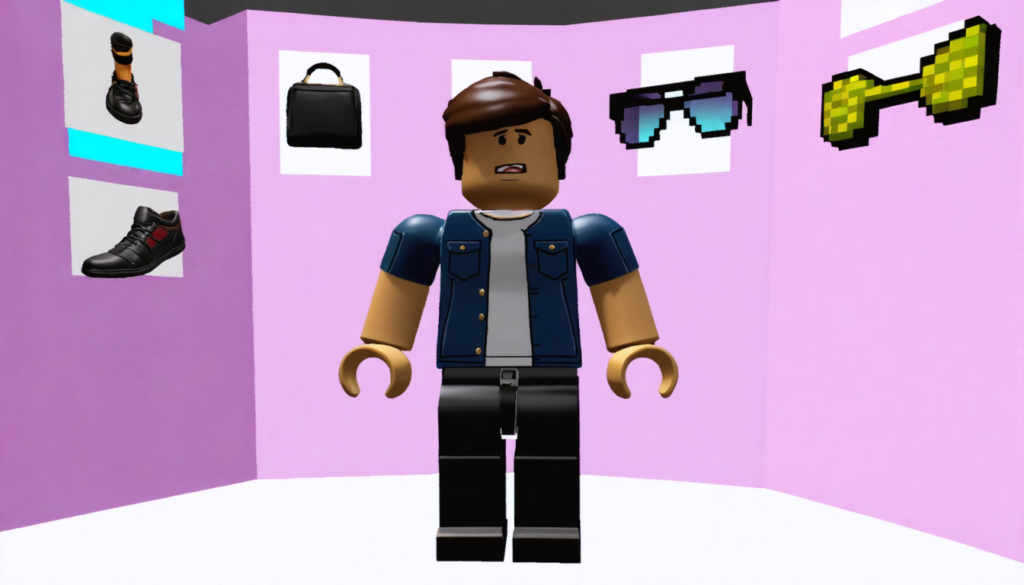
In the vast and dynamic world of Roblox, avatar customization has become a true art in itself. From the creation of the first characters to today’s hyper-detailed styles, wearing multiple accessories simultaneously is an essential way to express your identity and unique style in this very popular online game. However, multiplying accessories is not always simple: between technical limitations, visual conflicts, and the specificities of the devices used, players can quickly feel lost. This complete guide is therefore aimed at those who want to master the art of avatar customization in Roblox by pushing their capabilities to the extreme, without sacrificing aesthetics or fluidity.
We will explore together how to use the advanced mode accessible on a browser to enrich your style, what strategies to adopt to avoid common mistakes in the multiple wearing of accessories, as well as practical advice to optimize your experience according to your gaming platform. A thorough exploration of accessories categories, their limits, and the best tactics to balance your choices will also be on the agenda. All of this taking into account technological evolutions and recent updates that influence how your favorite items are displayed.
Whether it concerns facial accessories, hats, necklaces or backpacks, this richly illustrated file will allow you to refine every detail of your avatar so that it perfectly matches your personality and creative desires. By combining proven Roblox tips and concrete examples, become an expert in Roblox mode and let your avatar shine in the platform’s infinite universes.
- 1 Using the advanced mode on browser to multiply your Roblox accessories
- 2 Limits and possibilities: understanding maximum restrictions by accessory category
- 3 Strategies for intelligently combining multiple accessories without visual conflicts
- 4 Device compatibility and impact on Roblox avatar customization
- 5 Saving and organizing your customized outfits with the Costume section
- 6 Regular checks after Roblox updates: avoiding disappointments
- 7 Advanced tips for wearing multiple accessories and innovating in Roblox
- 8 The influence of avatar customization on the social experience in Roblox
Using the advanced mode on browser to multiply your Roblox accessories
The most powerful method to wear multiple accessories simultaneously in Roblox is through the use of the advanced mode available exclusively on the browser version of the game. In 2026, while customization possibilities have become more sophisticated, this feature often remains unknown but proves essential to access advanced customization.
To access it, go to Roblox.com via a web browser on PC or Mac. Open your Avatar menu and choose the Accessories tab. Here, you will see a button named “Advanced” or “Avancé” at the bottom right of the screen, which opens an interface allowing you to manually enter the identifiers (ID) of the accessories you wish to stack.
Each item in the Roblox catalog has a unique ID visible in the URL of its product page. For example, in an address like https://www.roblox.com/catalog/123456789/My-Accessory, “123456789” is the corresponding ID. Simply copy this code to insert it into one of the fields in the advanced mode.
This method allows you to exceed the standard equipment limits by combining up to 10 accessories in the same category, a particularly useful option for players who love to create complex and original looks. However, it is important to respect technical and visual constraints to avoid your avatar looking like a disorderly cluster of floating objects.
Thanks to this mode, you can combine several hats, glasses, or necklaces for an impressive result. For example, wearing a cap, a bandana, and headphones simultaneously is now possible, whereas the classic client often prevents this kind of stacking. This feature is a real gain in freedom in avatar customization as well as an excellent lever to stand out during events or in Roblox communities.
Finally, once the IDs are entered, don’t forget to save using the “Save” button, then refresh the avatar to see the final rendering. This process, sometimes tricky, is easily learned with practice and curiosity, thus opening you up to an infinite range of combinations.
Limits and possibilities: understanding maximum restrictions by accessory category
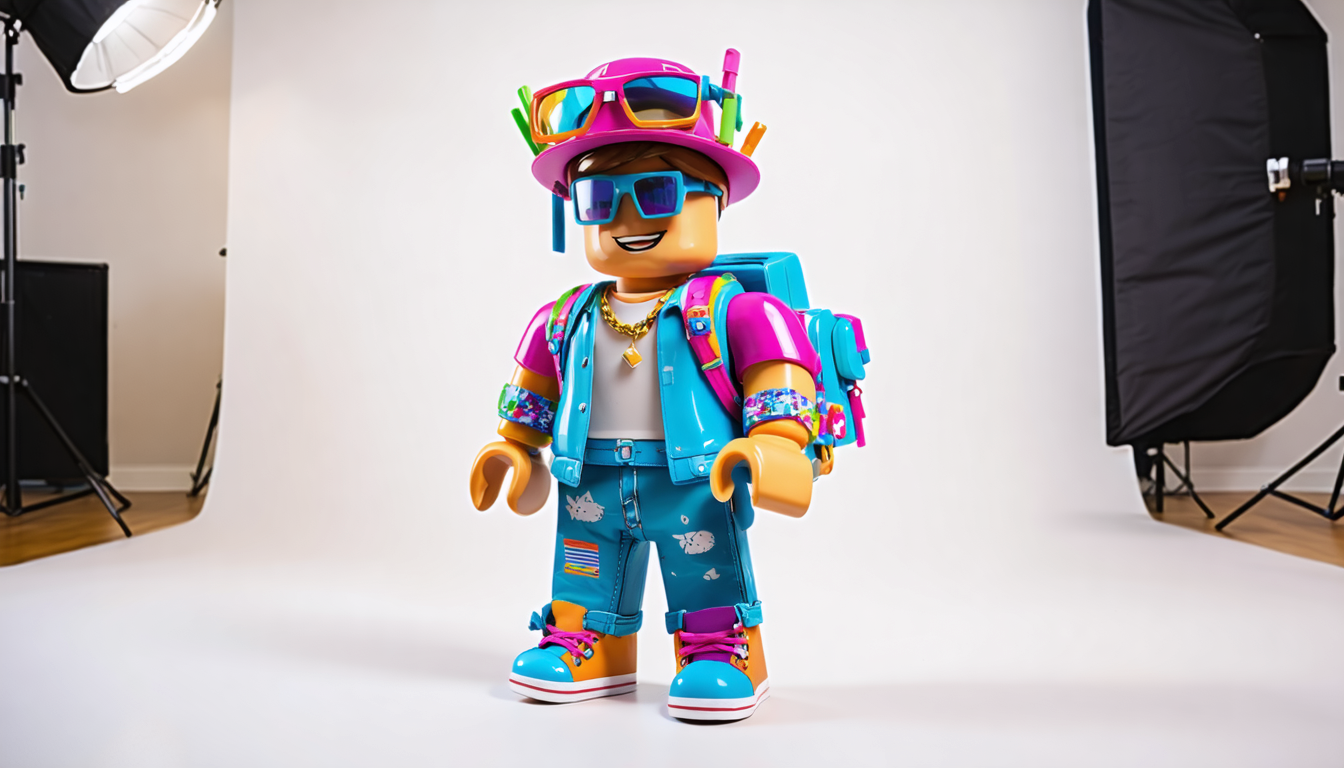
Wearing multiple accessories on Roblox does not mean you can endlessly stack your favorite items. In reality, each category has restrictions on the maximum number of elements that can be equipped simultaneously. These limits are set to ensure good visual and technical stability of the game, avoiding performance or display issues.
Here is a summary table of the current limits, which will help you organize your combination strategies:
| Accessory Category | Maximum Number of Items | Examples of Combination |
|---|---|---|
| Hats | 3 | Cap + bandana + headphones |
| Facial Accessories | 3 | Glasses + mask + piercing |
| Necklaces | 2 | Gold chain + medallion |
| Backpacks | 1 | Travel bag or wings |
Beyond these limits, Roblox automatically blocks adding more accessories in the same category, preventing any overload. This constraint thus encourages diversifying item types for a more harmonious and balanced look. For example, preferring to combine a nice hat with glasses and a necklace is often more effective than stacking several large hats which risk overlapping awkwardly.
Respecting these ceilings is also necessary to avoid visual bugs, such as floating, misaligned, or even invisible accessories. In 2026, 3D models of accessories have become more detailed and resource-intensive, making managing multiple accessories even more delicate but also more impressive.
For aesthetics challenge enthusiasts, it is better to know the archives of items created by renowned designers, as they often design their pieces to optimize compatibility with other accessories. Conversely, items that are too old may display poorly adjusted dimensions due to the constant evolution of the Roblox 3D engine.
Therefore, mastering these limits helps you better plan your accessory deployment by considering not only the game rules but also the general harmony of the look.
Strategies for intelligently combining multiple accessories without visual conflicts
Multiply accessories, but do it with sense and method. Through my practice and experiments, it is clear that anarchic stacking quickly leads to a disappointing result. Conflicts between objects, clumsy overlaps, and loss of character identity are frequent risks when certain simple rules are not followed.
My technique is based on a balance between diversification and hierarchy of accessories. I always advise varying categories, because wearing a hat, glasses, and a necklace simultaneously highlights each element without unnecessary overload. Here is the checklist I have forged, ideal for any advanced customization:
- First define the silhouette and basic clothing of your character, which form the visual base.
- Then add bulky accessories like backpacks, wings or shoulder pads.
- Integrate medium accessories like hats, hairstyles or helmets, considering their size.
- Complete with discreet elements, notably necklaces, bracelets or badges.
- End with facial details: glasses, piercings, masks, makeup.
- Test coherence from different visual angles before validating the assembly.
This hierarchy ensures that each accessory finds its place and that the whole remains readable and aesthetic. Poor overlapping can give the impression that accessories float strangely or overlap chaotically, breaking immersion in Roblox mode.
Note that different designers have varied ways of creating their items, some favoring realism while others opt for a more cartoon style. Testing your combinations is therefore essential, especially when mixing creations from several designers to avoid any incompatibility.
If you follow these principles, the result will be as harmonious as it is striking, ideal for impressing in multiplayer sessions or during special events.
Device compatibility and impact on Roblox avatar customization
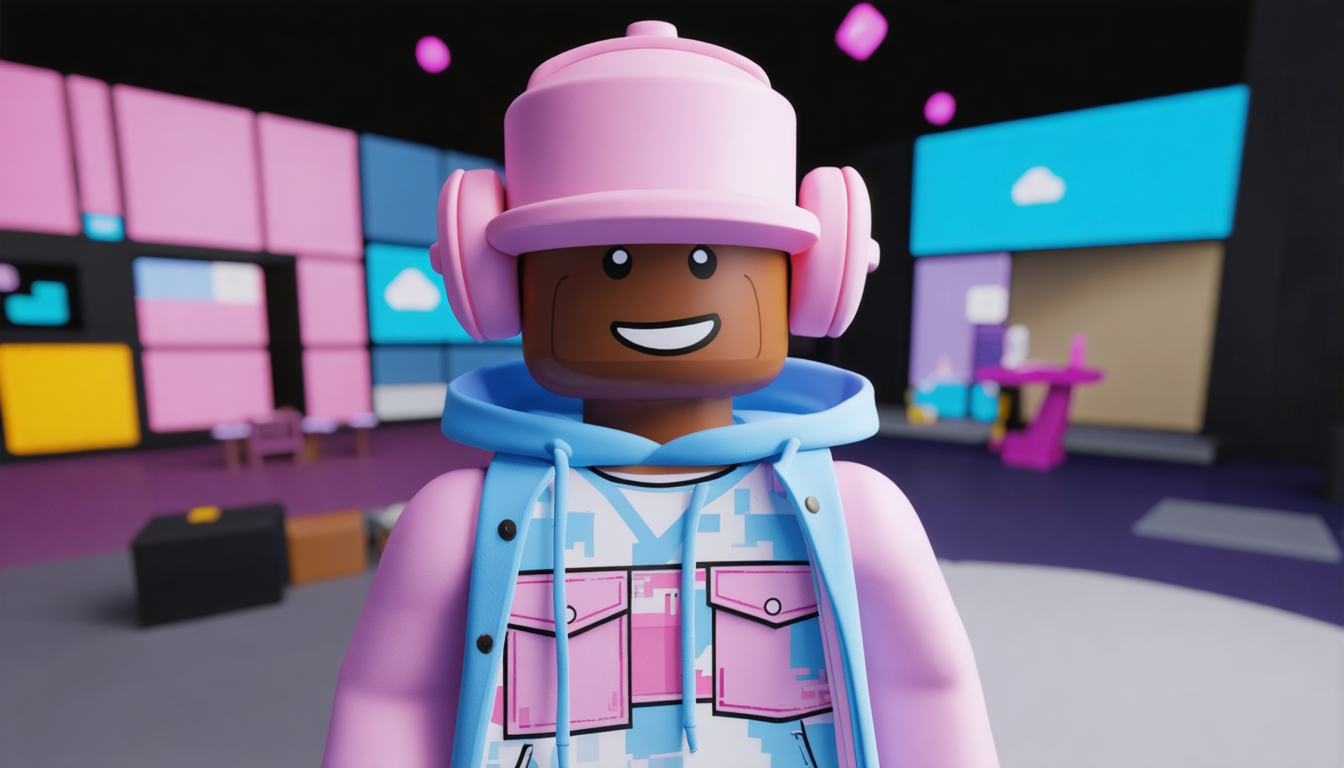
The richness of features in Roblox varies depending on the device used to play, a determining factor in the ability to multiply accessories or benefit from the Roblox advanced mode. Differences between PC, mobile, tablet, and console strongly condition your avatar customization experience.
On PC, notably via web browser, you have full access to advanced settings that allow entering multiple accessory IDs and observing their rendering in real time. This version is the most stable and best suited for demanding avatar creators.
On the other hand, players on mobile (smartphone and tablet) encounter some limitations. The interface remains simplified to avoid overloading the app, which reduces your options to standard equipment. This can be frustrating for users who, in 2026, want to easily modify their style between sessions.
However, a lesser-known trick on iPad consists of using the “More” tab at the very bottom of the screen, offering quick access to the inventory. This facilitates quick outfit changes without going through the full menu, a real time saver between games.
For Xbox players, direct customization can sometimes pose problems due to a limited interface and imperfect synchronization with Roblox servers. The solution in this case is to make changes on PC or via browser, then wait for them to sync automatically with the console. This method requires some patience but ensures that your avatar remains up to date across all your devices.
Finally, it is important to also consider technical performance. Heavy 3D models can slow down avatar loading, especially on mobile devices or less powerful consoles. Favoring well-designed accessories with moderate 3D complexity ensures a smooth and enjoyable experience.
Saving and organizing your customized outfits with the Costume section
An essential tool in the Roblox customization arsenal is the style saving function, available via the Costumes section in the avatar editor. This option allows you to create multiple themed outfits that you can call up and modify at any time according to your wishes or the game context.
For example, you could have a futuristic costume for role-playing games, a casual style for playing with friends, or a festive outfit for special events. By saving your accessory, clothing, and color configurations, you save precious time and avoid having to redo all your selections manually each time.
Managing costumes also encourages creativity: you can test complex accessory combinations in advanced mode, then save each version in a distinct costume. Your favorite style is thus always a click away, greatly simplifying navigation between different looks.
To access this function, go to the avatar editor, create the desired outfit, then click on the icon representing a small costume or folder, usually located near the “Wear” animation. Name your combination and save it.
This organization is especially useful for regular players who participate in the different game modes or who want to adapt to the atmosphere of various Roblox universes. Over time, you will thus be able to build a rich and diverse virtual wardrobe, enhancing your investment in avatar creation.
Regular checks after Roblox updates: avoiding disappointments
An often overlooked aspect by players is the impact of major Roblox client updates on accessory management and avatar display. Indeed, each update can modify how certain items are rendered or compatible, potentially causing partial or total disappearance of some worn elements.
To avoid these disappointments, it is recommended to regularly check your avatar after each major update. Review your saved costumes and test combinations in preview mode to spot any visual bugs or disappearances.
In some cases, a problematic accessory requires either reinstallation or replacement by a more recent version, better adapted to game engine evolutions. This approach is part of an essential digital maintenance routine for advanced customization enthusiasts.
This attention also applies to accessories acquired from the video catalog, as some items created in Roblox’s early years have an obsolete structure that causes compatibility issues with recent designs. Failing to verify could harm your in-game image, especially during meetings or competitions within communities.
In short, integrating this check into your customization routine ensures a stable and elegant experience throughout your Roblox adventure.
Advanced tips for wearing multiple accessories and innovating in Roblox
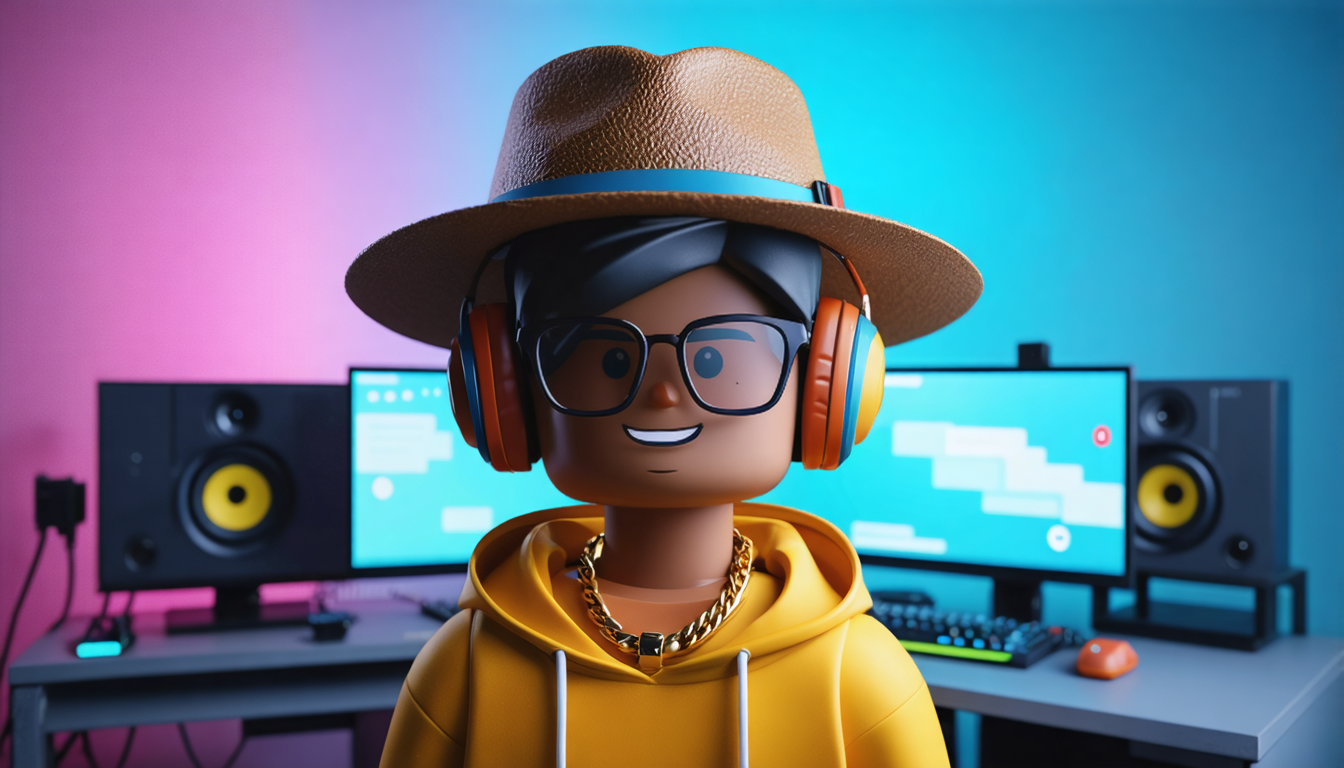
Beyond classic methods, specific tips allow you to go further in multiple wearing of accessories on Roblox. Here are some that have proven themselves:
- Use of custom scripts: some advanced users exploit graphical scripts to manually adjust accessory position and scale, generating unique combinations.
- Creation of composite accessories: some creators assemble several accessories themselves into a single object, thus circumventing Roblox internal limits.
- Mix between textures and accessories: combining custom textures on clothes with lightweight accessories to create visually coherent styles without overload.
- Choice of optimized accessories: focusing on well-thought-out and performance-friendly models to avoid any lag or crash.
- Capitalizing on seasonal updates: Roblox often offers packs of accessories already optimized for multiple combinations.
These alternative tips require a bit more know-how and sometimes a time investment, but they greatly multiply your customization possibilities. By adopting them, players can truly create unique and innovative avatars, perfect for getting noticed in the Roblox community.
Customization is not just a simple aesthetic aspect in Roblox; it is a powerful social engine. By wearing multiple accessories, you assert your gamer identity and send implicit messages to your peers: tastes, affinities, belonging to a clan or community, or simply your originality.
An avatar rich in well-chosen accessories is often perceived as a sign of engagement and creativity. In player groups, having a unique look enhances recognition and can facilitate integration during community events or competitions. Exchanges around the best accessory combinations are common, and some styles quickly become shared references.
Roblox developers have even integrated tools to promote this dynamic, regularly organizing customization contests and events highlighting the most beautiful creations. This creative stimulation plays a key role in the game’s longevity and pushes players to constantly renew their style.
Beyond aesthetics, investing in avatar customization is also a way to strengthen social ties and fully immerse oneself in Roblox’s open universe. By multiplying accessories, you not only optimize your appearance but also participate in a collaborative and lively culture that characterizes this platform.