Every day, millions of users rely on their smartwatch to manage their health, notifications, and even professional appointments. Yet, nothing is more frustrating than a smartwatch that stubbornly refuses to charge, leaving its users helpless in front of a frozen loading screen and a battery that no longer fills up. In 2026, despite technological advances, this problem remains one of the major concerns related to these sophisticated gadgets. Between the multiple and varied causes of this malfunction and the adapted smartwatch troubleshooting solutions, it is essential to understand the mechanisms at play to quickly regain a functional watch. So, how can we identify the origins of these charging problems, and above all, how can we intervene effectively to extend the life of your precious digital assistant?
Whether you are a technology enthusiast or an occasional user, no one escapes the disappointment linked to a watch that no longer charges. This phenomenon, far from being trivial, can occur for different reasons: a worn battery, a damaged charging cable, a faulty USB port, or even sometimes unsuspected environmental factors. By examining these causes, we realize that smartwatch charging solutions often depend on simple gestures, regular maintenance, or sometimes more technical interventions. Understanding the nature of these obstacles will not only allow you to react quickly but also avoid costly repairs or premature replacement.
- 1 How to Identify a Faulty Charger: First Steps to Solve a Smartwatch Charging Problem
- 2 The Smartwatch Battery: Understanding Its Wear and Time Limits
- 3 Environmental Conditions Influence on Charging a Smartwatch
- 4 Smartwatch Troubleshooting: Advanced Solutions for a Watch That No Longer Charges
- 5 When to Consider Repair or Replacement: Making the Right Choice for Your Smartwatch
- 6 Practical Tips to Prevent Your Smartwatch from No Longer Charging in the Future
How to Identify a Faulty Charger: First Steps to Solve a Smartwatch Charging Problem
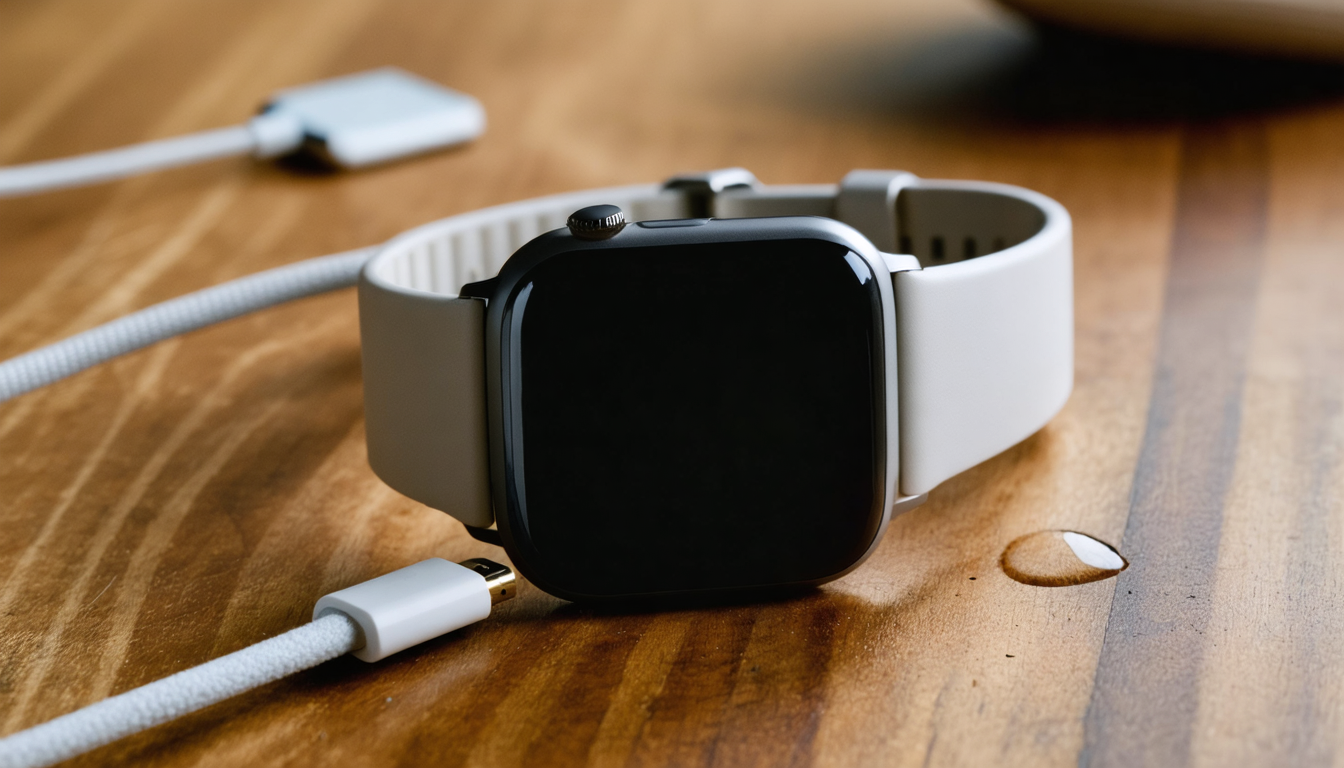
The first suspect to check when a smartwatch no longer charges is, unsurprisingly, the charger. This small accessory, often underestimated, nevertheless plays a crucial role in the proper functioning of the charging system. In many cases in 2026, a faulty charger causes charging problems, triggering frustration and misunderstanding.
To start, carefully inspect the charging cable and power adapter. Are there visible signs of wear? Cracks, deformations, or frayed sections are all indications that the cable has suffered too much mechanical or thermal stress. For example, imagine Julie, a dynamic executive, whose cable was poorly stored in her handbag, causing repeated folds and, ultimately, undetectable losses of contact to the naked eye but fatal to charging.
Next, observe the charging contacts on the dock and the watch itself. These surfaces must remain clean and free of dust or corrosion. A simple dust deposit or a grease stain can prevent the electric current from passing properly. To illustrate, during a check-up with a specialized technician, a client discovered that the faulty charging of their watch actually came from micro particles trapped in the charger’s magnets, compromising the ideal alignment necessary for effective charging.
The correct alignment between the watch and its charger is also a determining factor. The integrated magnets generally ensure precise positioning. If the clip is not properly positioned or if the watch is poorly placed, the charge may never really start, giving the impression of a major problem when it is only a matter of adjustment. The fixing “click” must be clearly felt.
It is recommended to use only an official charger or a certified compatible accessory. Cheap chargers, besides being unreliable, can damage the battery in the long term. In 2026, this guideline is more valid than ever as lithium-ion battery technology remains sensitive to fluctuating power supply.
- Inspect the charging cable for visible damage
- Carefully clean the contacts of the watch and the dock
- Check magnetic alignment when placing the charger
- Use only an official or certified compatible charger
- Avoid charging with a faulty USB port
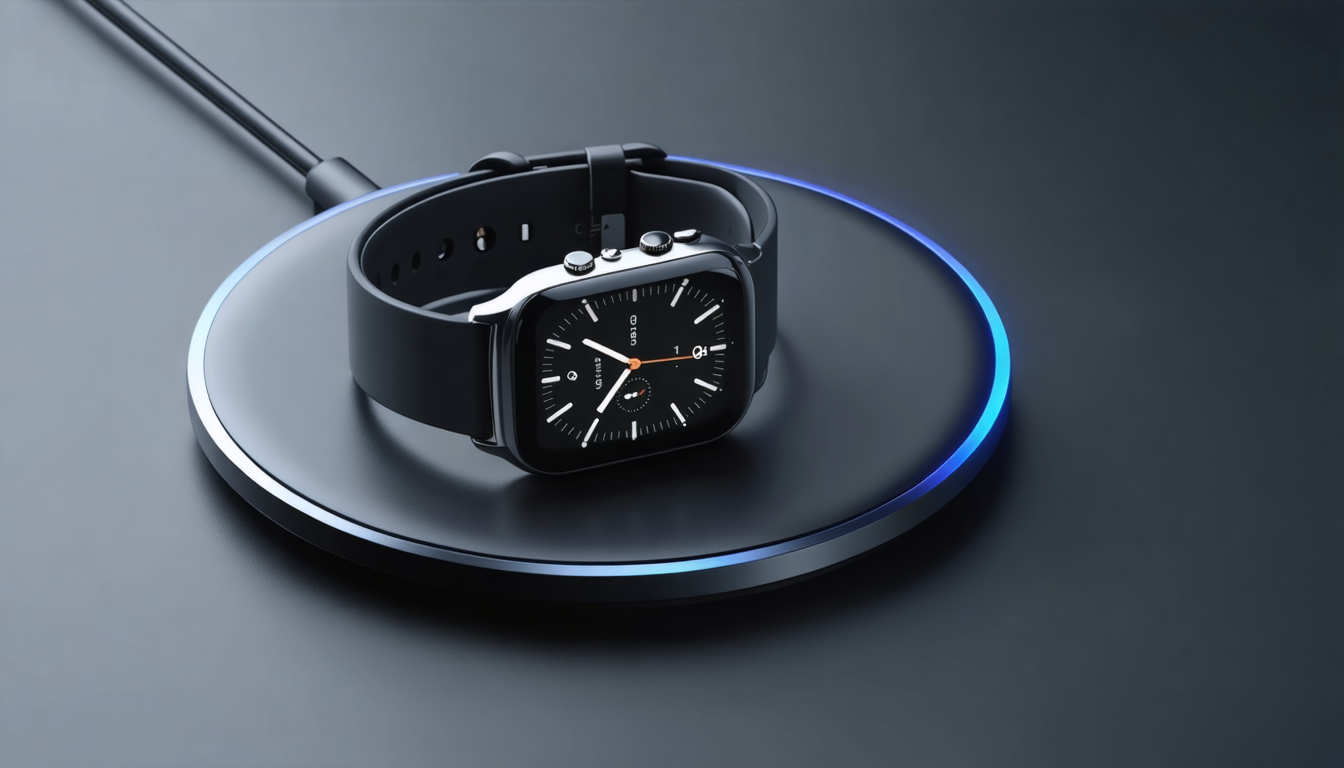
The Smartwatch Battery: Understanding Its Wear and Time Limits
Often underestimated, the battery of a smartwatch is a delicate component that suffers from progressive and irreversible wear. In 2026, although manufacturers have improved the technology of these batteries, their average lifespan generally ranges between 2 to 5 years depending on usage and care.
The chemical self-degradation phenomenon of the battery begins from the first charge, which means that a watch older than 5 years is very likely to have a weakened, if not faulty, battery. To better understand the situation, here is a summary table of the likely battery states depending on the age of the watch:
| Age of the watch | Likely battery state | Recommended action |
|---|---|---|
| 0-2 years | Good health, low degradation | Look for other causes of failure |
| 2-5 years | Progressive degradation, reduced autonomy | Consider battery replacement or repair |
| 5 years and older | End-of-life battery, risk of total blockage | Mandatory replacement recommended |
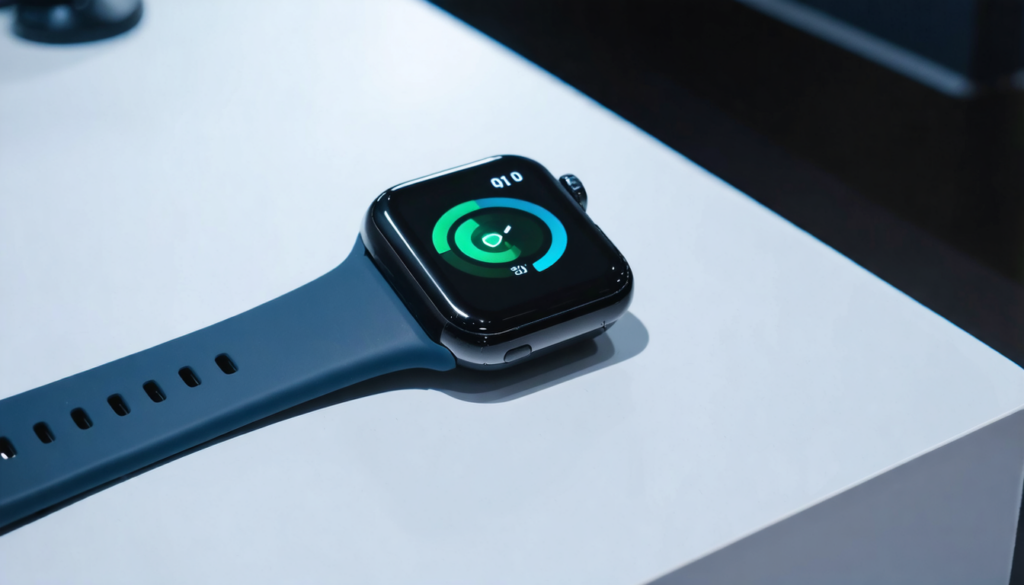
A classic symptom of a worn battery is the total refusal to charge, even when the connector seems well adjusted. Sometimes, the watch remains stuck on its loading screen without a significant increase in percentage. This is the typical sign of a component that can no longer hold or accept the charge normally.
However, it is important not to panic immediately: if the watch is completely discharged, it may require several minutes on the charger before showing a visible reaction. This is an expected behavior, especially with lithium-ion batteries. This patience is often neglected, which may wrongly lead to believe there is a fault.
Also note that some smartwatches have built-in tools to diagnose battery health via their settings or dedicated applications. This feature is valuable for anticipating replacement before charging difficulties become critical.
Environmental Conditions Influence on Charging a Smartwatch
The environment in which you charge your smartwatch plays a much more important role than it seems. The battery and electronic circuits of these devices are sensitive to extreme environments, especially regarding temperature and humidity. In 2026, with increasingly sophisticated but also more sensitive models, attention to these conditions is crucial.
The optimal temperature range for effective charging is between 15°C and 25°C. When below or above this range, the battery reacts poorly. For example, trying to charge the watch in a car on a hot summer day (where temperature can easily exceed 40°C) can quickly damage the battery and disrupt charging.
Furthermore, excessive humidity must be avoided at all costs as it can cause corrosion on the charger contacts and the watch’s contacts. This not only deteriorates the quality of the electrical contact but also poses a long-term risk to internal components.
Another often overlooked factor is dust accumulation, which can silently infiltrate USB ports or charging docks, creating a physical barrier to charging. The build-up of impurities can also disrupt the magnetic alignment necessary to ensure stable wireless charging.
Finally, in 2026, the multiplication of connected devices in homes sometimes generates electromagnetic interference. These disruptions can alter the function of the charging port or inductive charging system. It is therefore recommended to charge the watch away from devices like microwaves, powerful electric motors, or internet boxes emitting strong waves.
- Charge the watch within a temperature range between 15°C and 25°C
- Avoid humid and dusty environments
- Keep charging contacts clean
- Keep the watch away from sources of electromagnetic interference
- Remove any protective plastic film on the charger or watch
Smartwatch Troubleshooting: Advanced Solutions for a Watch That No Longer Charges
When basic solutions have failed, it is time to consider slightly more advanced smartwatch troubleshooting methods. These techniques aim to solve certain software or minor problems that may block charging without requiring a battery or hardware replacement.
Firstly, a forced restart is often the best reflex. Each model has a specific button combination to reboot the operating system by temporarily clearing any blocked activity. For example, on some models in 2026, holding down the side buttons simultaneously for 15 seconds is enough to reset the charge.
Next, updating the internal software can fix bugs related to power management. Manufacturers regularly release patches to optimize consumption and charging; not installing them can lead to anomalies in charger recognition or display on the loading screen.
If these operations do not succeed, a factory reset is often the last step to consider. This procedure erases all data and applications but restores the device to its initial functioning state, eliminating in particular software glitches that might block charging.
These troubleshooting actions must be carried out carefully, verifying each step and ensuring the watch is sufficiently charged to avoid interruptions during handling.
Key Steps List for Effective Troubleshooting
- Force a restart according to the method specific to your model
- Check and install the latest software updates
- Perform a factory reset as a last resort
- Consult customer service or a certified repair center if the problem persists
When to Consider Repair or Replacement: Making the Right Choice for Your Smartwatch
Some cases cannot be easily fixed. Faced with a watch that no longer charges and a loading screen stuck for a long time, the choice between repairing or replacing mainly depends on the age of your device, the nature of the defect, and your expectations regarding features.
For a watch under 5 years old, a repair can be more economical, especially if the problem is located at the battery level or the charging module. Manufacturers and authorized workshops often offer the possibility to change the battery or check the condition of a faulty USB port. This option preserves your initial investment while keeping the familiar use of the device.
However, from 5 years onwards and beyond, it is often wiser to consider a complete replacement. Technological advances in 2026 allow not only benefiting from better autonomy but also enjoying new features such as advanced health detection, brighter screens, or improved waterproofing. This renewal can thus turn frustration into opportunity.
To help you decide, weigh the following criteria:
- Estimated repair cost vs price of a new watch
- Compatibility of software update possibilities
- Your current needs in terms of features
- Potential device downtime during repair
Practical Tips to Prevent Your Smartwatch from No Longer Charging in the Future
Preventing failure is always better than having to manage it. In the case of smartwatches, a few simple habits can significantly reduce the risk of frequent charging problems.
For example, avoid exposing the watch to extreme temperatures, both when wearing it and during charging. Always remember to unplug the cable or remove the watch from the dock once charging is complete to avoid unnecessarily stressing the battery. Regularly clean the contacts and store the cable flat, without folds or excessive tension.
Use only recognized charging accessories, as a non-compliant charger can damage the USB port or the integrated charging circuit over time. At the same time, know that software updates are not only synonymous with new functions but often major improvements in power management.
In conclusion, do not hesitate to periodically check the health of your battery via integrated options or specialized apps, which will protect you against any unpleasant surprises.
- Respect the recommended temperature range both during charging and use
- Regularly clean the USB port and charger contacts
- Prefer official or certified chargers
- Regularly perform software updates
- Monitor battery health through integrated diagnostics