Choosing and assembling the ideal gaming PC is a challenge that combines technical skill, passion, and anticipation of future needs. In 2026, the PC component market offers a multitude of solutions tailored to all types of players, from newcomers to experts seeking the most powerful machine. The quest for the “perfect PC” begins well before assembly; it is the result of thoughtful reflection on usage, chosen games, and available budgets. Indeed, each component plays a fundamental role, not only to achieve exemplary smoothness and powerful graphics but also to guarantee longevity and upgrade potential in the coming years.
With the variety of current options, it is crucial to understand the specifics of each computer part, their impact on the gaming experience, and their interactions. The graphics card, the nerve center of visual performance, cannot be separated from a fast processor nor from RAM optimized for the latest generation of games. Added to this are often underestimated elements such as liquid cooling, which ensures stability during extended sessions, or the wise choice of a gaming case designed to promote airflow and personalized aesthetics.
Today’s gamers no longer settle for a PC capable of running games at standard definition; they want high refresh rate screens for optimal smoothness, gamer peripherals at the forefront of comfort, and technologies that support advanced visual effects such as Ray Tracing. In this rich and competitive context, we will dissect each essential component to help every player build a tailor-made configuration that meets their 2026 requirements, from motherboard choice to power supply, up to complete integration of peripherals.
- 1 The graphics card: central pillar of gaming performance in 2026
- 2 Processor: the multitasking brain for open and demanding worlds
- 3 The motherboard: the nerve center to connect and optimize all components
- 4 Optimizing RAM for uninterrupted gaming performance
- 5 The SSD drive: speeding up loading and system performance
- 6 Power supply and liquid cooling: guaranteeing stability and silence during gaming
- 7 Gaming case and gamer peripherals: comfort, design, and practicality
The graphics card: central pillar of gaming performance in 2026
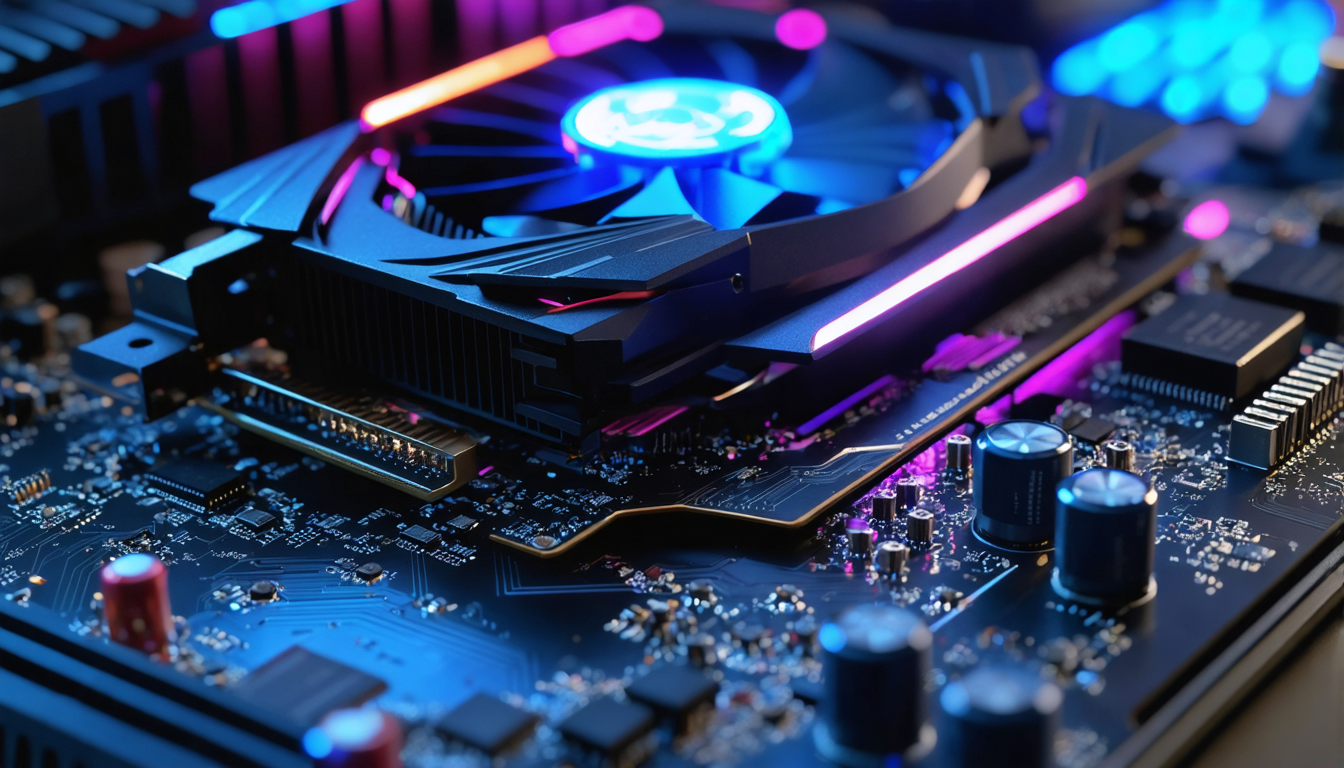
The graphics card, commonly called GPU, occupies a prime place in assembling a modern gaming PC. In 2026, this component is not only responsible for image display but also for rendering visual effects that bring video games to life. Facing the rise in power of resolutions such as 2K or 4K, and the growth of graphic technologies like Ray Tracing, choosing an appropriate GPU is crucial.
Manufacturers like NVIDIA and AMD have perfected their ranges to offer a spectrum of cards aimed at all player profiles. For a gamer wanting to enjoy smooth display at 144 Hz on a high-frequency screen, a mid to high-end card will be necessary, integrating at least 8 GB of GDDR6 video memory or more. For example, recent models equipped with artificial intelligence technologies allow dynamic management of power consumption while maximizing performance under load.
Beyond memory capacity, compatibility with advanced features such as Ray Tracing, NVIDIA’s DLSS technology, or AMD’s FSR plays a key role in enhancing the immersive experience. These technologies simulate realistic lighting and shadow effects while maintaining smoothness, an essential requirement in modern and competitive titles.
The choice must also take into account the available connections on the graphics card, compatible with high-frequency screens or multi-display setups, often favored by streamers and gaming professionals. Finally, in an evolutive mindset, it is advisable to anticipate support for PCIe 5.0, which is gaining popularity, ensuring faster communication bridges with the motherboard.
- Recommended video memory capacity: a minimum of 8 GB GDDR6 for smooth gameplay
- Advanced rendering support: Ray Tracing, DLSS, FSR
- Compatibility with minimum 144 Hz high-frequency screens
- Connections allowing multi-screen and VR setups
- PCIe 5.0 compatibility for future-proofing
Processor: the multitasking brain for open and demanding worlds
The processor, or CPU, is the element that orchestrates the calculations necessary for the overall proper functioning of the gaming PC. In 2026, more than ever, developers optimize their games to utilize multi-core CPUs capable of efficiently processing several simultaneous tasks, especially in open worlds where loadings are numerous and complex.
When you consider playing titles like the latest AAA open-world RPGs or demanding simulations, it is crucial to choose a processor with a significant number of cores (at least 8 physical cores, or even 12 or 16 for better headroom). These configurations help maintain a good frame rate without latency, even during complex scenes.
Clock frequency, expressed in GHz, remains an important criterion. Modern CPUs often oscillate between 3.5 GHz and 5.0 GHz, with adaptive boost capabilities that adjust frequency according to load. For example, a base frequency of 4 GHz and a turbo mode beyond 5 GHz are indicators of very good gaming performance.
The choice of brand, whether Intel or AMD, will depend on several factors, notably the processor generation, compatibility with the motherboard, and budget. For example, AMD’s recent Ryzen 7000+ are highly sought after for their excellent gaming performance combined with optimized thermal management, while Intel’s 14th generation Core promises advanced AI integration to further improve game smoothness.
It is essential to verify compatibility between the processor and motherboard, ensuring that sockets, supported RAM types, and communication interfaces are coherent. This avoids any disappointment during assembly and ensures the best possible performance.
| Criterion | Importance | Recommendation in 2026 |
|---|---|---|
| Number of physical cores | High | 8 to 16 cores depending on usage |
| Clock frequency | High | 3.5 GHz to 5 GHz with Boost |
| Socket compatibility | Essential | LGA1700 (Intel) / AM5 (AMD) |
| Power consumption (TDP) | Medium | 65 to 125 watts |
The combination of these criteria is essential to guarantee a smooth experience, without slowdowns or freezes, whatever the game played. Investing in a powerful processor today also means preparing your machine for future generations of games that will increase in complexity.
The motherboard: the nerve center to connect and optimize all components
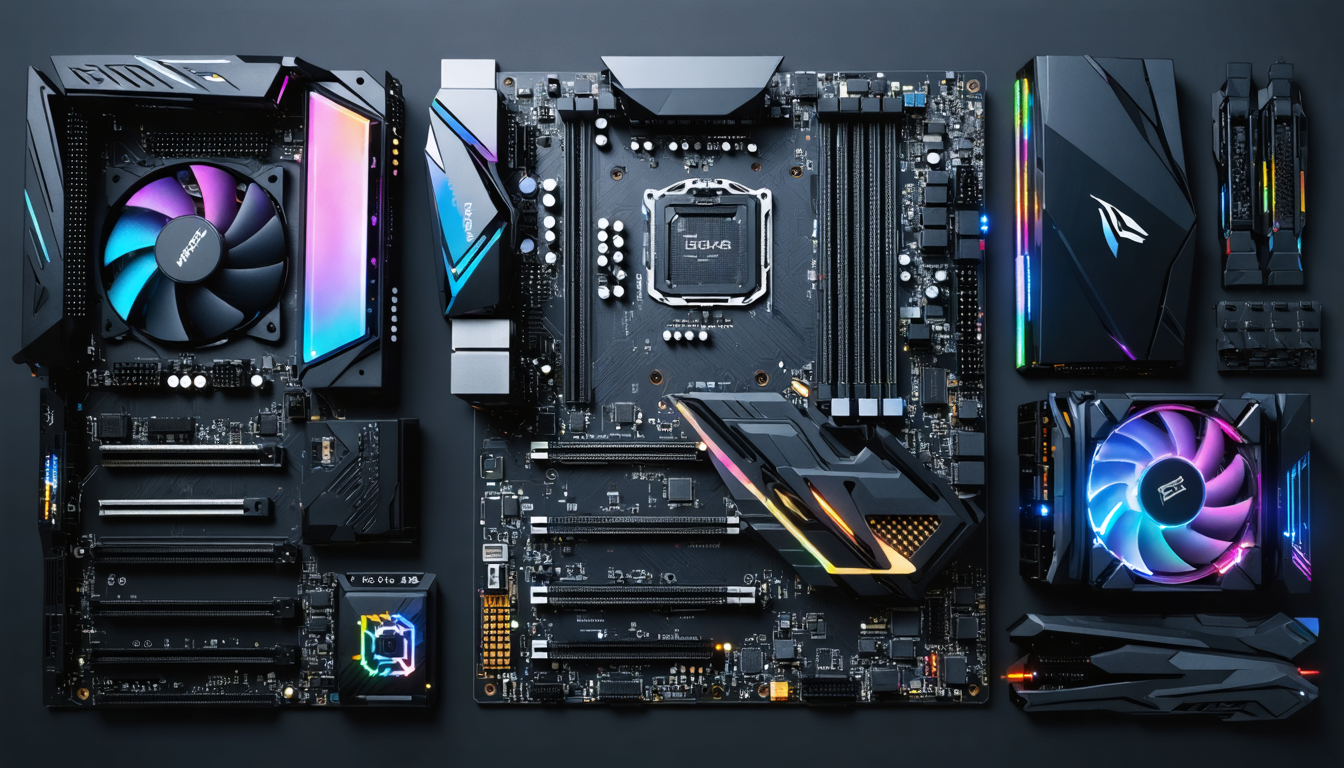
The motherboard is the platform that connects all the elements making up a gaming PC. Its selection, often less glamorous, is nevertheless decisive in the success of your assembly. In 2026, choosing an appropriate motherboard means not only ensuring compatibility with the processor and RAM but also interfaces that will optimize performance and future upgrades.
Among the major criteria, support for the latest connectivity standards is essential: PCIe 5.0 to accommodate ultra-fast graphic cards and SSDs, USB 4.0 for optimal management of the latest gamer peripherals, and a robust network system including Wi-Fi 6E and 2.5 Gbps Ethernet. These elements guarantee better in-game responsiveness and simplified connectivity.
The motherboard form factor (ATX, Micro ATX, Mini-ITX) will also influence the choice of gaming case. A classic ATX format offers more expansions and memory slots, ideal for high-end configurations, whereas Mini-ITX remains popular for their ability to produce compact machines with a sleek design.
The supported RAM slots must be verified according to your chosen RAM, so as not to restrict its frequency or capacity. Furthermore, the quality of the power delivery system on the motherboard is crucial to stabilize the whole, particularly during prolonged sessions where the processor is heavily stressed.
Choosing a quality motherboard also means anticipating the gamer peripherals you will connect, having sufficient USB ports, dedicated audio outputs, and possibly RGB lighting controllable via software. In sum, this component is both functionality and aesthetics for a successful and ergonomic gaming PC.
- Check compatibility with the chosen CPU socket
- Prioritize formats according to space and upgrade potential
- Verify presence of the latest PCIe, USB, network standards
- Choose a motherboard with a good power stage for stability
- Consider management of gamer peripherals and RGB
Optimizing RAM for uninterrupted gaming performance
In 2026, RAM is an indispensable pillar for the proper functioning of video games, particularly those with intensive graphics and open worlds requiring rapid loading of many elements. RAM acts as a temporary storage area for active data, allowing the processor to quickly access information essential to game execution.
Insufficient RAM leads to slowdowns, stuttering, and even crashes when a gaming session is too demanding. For this reason, the current standard for a gaming PC is between 16 GB and 32 GB, or even more for multitasking use mixing gaming, streaming, and video editing. One must not neglect the RAM frequency, expressed in MHz, which directly influences the speed of data transfers between RAM and processor.
DDR5 modules, increasingly common, offer significant gains in speed and energy consumption compared to DDR4. A DDR5 6000 MHz kit, for example, will favor the smoothness of your gaming experience, especially on very resource-demanding titles. Additionally, dual channel or quad channel configurations can double or quadruple bandwidth, contributing to better data management.
In summary, choosing RAM in 2026 involves combining capacity, frequency, and compatibility with the motherboard and processor. Upgrading to DDR5 becomes essential to maximize your investment and prepare your gaming PC for the technical challenges of the coming years.
| Capacity | Recommended Frequency | Type | Suggested Use |
|---|---|---|---|
| 16 GB | 3200-3600 MHz (DDR4) | DDR4 | Standard gaming and light multitasking |
| 32 GB | 4800-6000 MHz (DDR5) | DDR5 | Intensive gaming, streaming, video editing |
| 64 GB and above | 6000 MHz and higher | DDR5 | Extreme use and future technologies |
Moreover, although capacity is paramount, one should not forget CAS latency, a technical factor that can slightly influence overall performance. For gamers seeking every optimization, a CAS latency below 40 is ideal.
The SSD drive: speeding up loading and system performance
In 2026, the SSD drive has become a key piece for any high-performance gaming setup. Unlike classic hard drives, it offers ultra-fast loading times that multiply the responsiveness of the operating system as well as games. This speed concretely translates into less waiting, whether at PC startup or when switching from one scene to another in a video game.
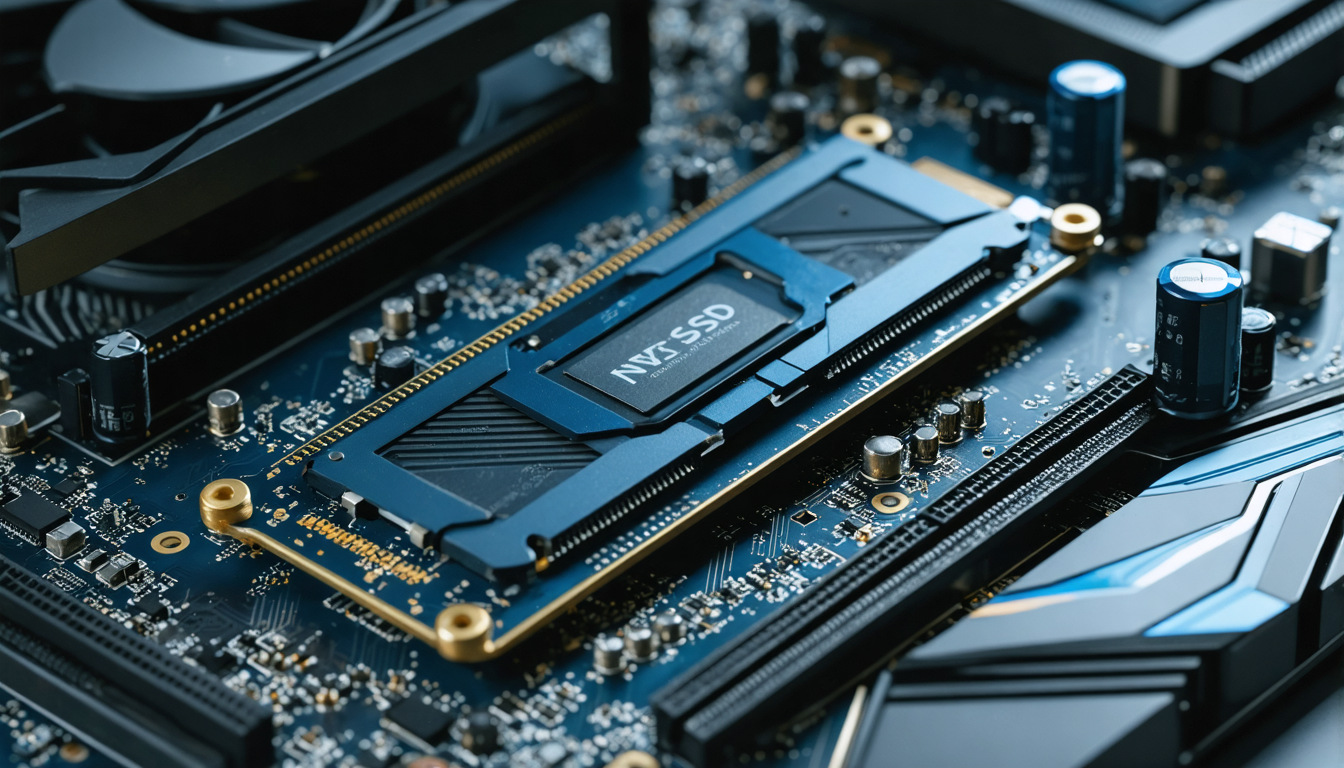
NVMe SSDs, based on PCIe 4.0 or PCIe 5.0 interface, guarantee speeds exceeding 7000 MB/s, much appreciated in modern games where open worlds require rapid data streaming. Besides choosing an SSD with sufficient capacity (minimum 1 TB recommended for gaming), it is important to check the number of write cycles and techniques like SLC Caching, which improve durability and speed.
Installing your applications and games on a dedicated SSD also helps to free the load on the main drive, thus optimizing overall system smoothness. Configurations with multiple SSDs in RAID can further improve access times for the most demanding setups.
- Favor NVMe SSD PCIe 4.0 or 5.0
- Recommended capacity: at least 1 TB for large games
- Optimization technologies: SLC Caching, high endurance
- Use multiple SSDs to distribute load
- Install system and games on dedicated SSDs
Power supply and liquid cooling: guaranteeing stability and silence during gaming
Power supply is often overlooked, yet it is vital for the stability of your gaming PC. A certified power supply, with power adjusted to the components, not only avoids overheating but also guarantees long-term operation. In 2026, 80 Plus Gold or Platinum modular power supplies dominate the market for their energy efficiency and quietness, essential qualities for a pleasant gaming experience.
The choice of power supply must therefore be made according to the overall consumption of all components, not forgetting a safety margin of about 20% to limit wear and allow for future upgrades. For example, a PC equipped with a high-end graphics card and a powerful processor will require at least a 750W power supply.
Moreover, liquid cooling is established as a premium solution to keep your temperatures low even during long gaming sessions. Quieter than conventional fans, it allows effective overclocking while preserving processor longevity. Today, many AIO (All-In-One) kits are easy to install and perform well, adapting to a variety of gaming case sizes.
Good thermal management is also indispensable to avoid performance drops related to overheating, often called throttling. Airflow inside the case must therefore be anticipated by integrating quality fans complementing liquid cooling.
| Component | Power/Capacity Recommendation | Advantages |
|---|---|---|
| Power supply | 650W to 850W, 80 Plus Gold/Platinum modular | Efficiency, silence, upgrade margin |
| AIO liquid cooling | 240 mm or 360 mm radiators depending on case | Silence, low temperature, optimized overclocking |
| Supplementary fans | 120 mm to 140 mm PWM | Improved airflow, targeted cooling |
Gaming case and gamer peripherals: comfort, design, and practicality
Beyond internal performance, choosing an adapted gaming case also means thinking ergonomics, aesthetics, and modularity. In 2026, cases integrate more and more features, such as a tempered glass side panel to admire RGB components, optimized placements for efficient cooling, or dust-filtering solutions to preserve the machine’s cleanliness.
The chosen format (ATX, Micro ATX, Mini-ITX) must correspond to your motherboard and your upgrade ambitions. Some cases are specially designed to accommodate liquid cooling, with integrated mounts for large-sized radiators, maximizing heat dissipation.
To complete the gaming experience, gamer peripherals play an equally important role. RGB mechanical keyboards, high-precision ergonomic mice, surround audio headsets, and wireless charging mousepads are now the norm. These tools are not only about aesthetics but improve players’ performance through reduced reaction times and prolonged comfort.
Finally, pairing a high refresh rate monitor (at least 144 Hz, or even 240 Hz for competitive players) with the configuration maximizes the graphics card’s power and allows for perfectly smooth gameplay. Monitors with FreeSync or G-Sync technologies ensure synchronization between the graphics card and screen to eliminate image tearing.
- Case with tempered glass panel and optimized ventilation
- Format adapted to motherboard and liquid cooling
- RGB mechanical keyboard with programmable keys
- Gaming mouse with high-precision sensor
- High refresh rate monitor with FreeSync/G-Sync